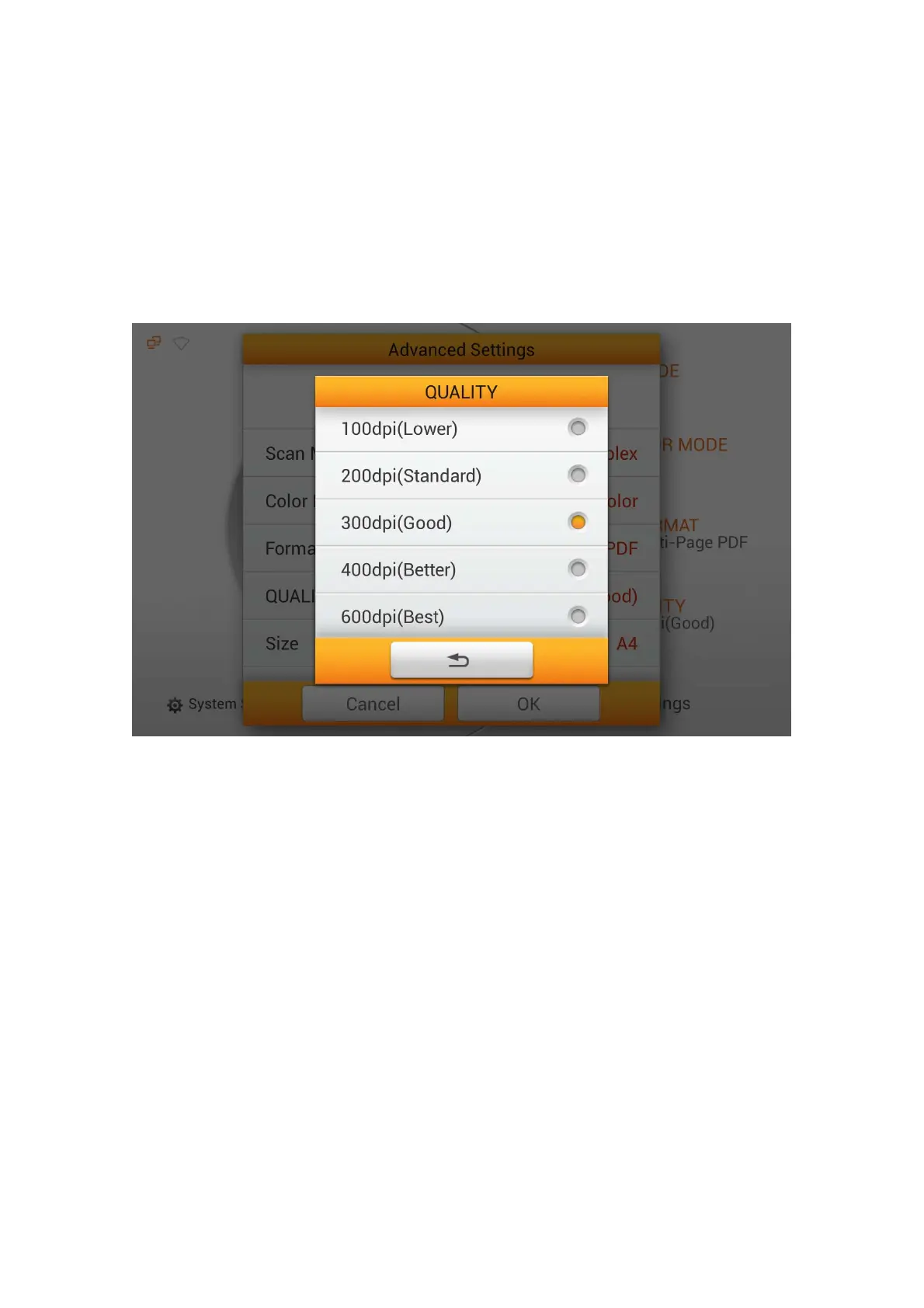
QUALITY
Select the desired QUALITY in the popup dialog. Available dpi values: 100dpi
(Lower), 200dpi (Standard), 300dpi (Good), 400dpi (Better), and 600dpi (Best).
Note: The higher the resolution, the slower the scanning speed, resulting to high
quality scan, but larger file size and vice versa.
You may want to change Initial Settings, under System Settings -->Scan
Settings --> Initial Settings if this is a regularly used scanning feature.
Size
Select the desired paper Size in the popup dialog. Available paper sizes: Auto, A4,
A5, B5, Letter (8.5” x 11”), Legal (8.5” x 14”), Invoice (5.5” x 8.5”), Oficio (8.5” x
13”) and Long Paper (21cm x 41cm).
69















 To Next Page