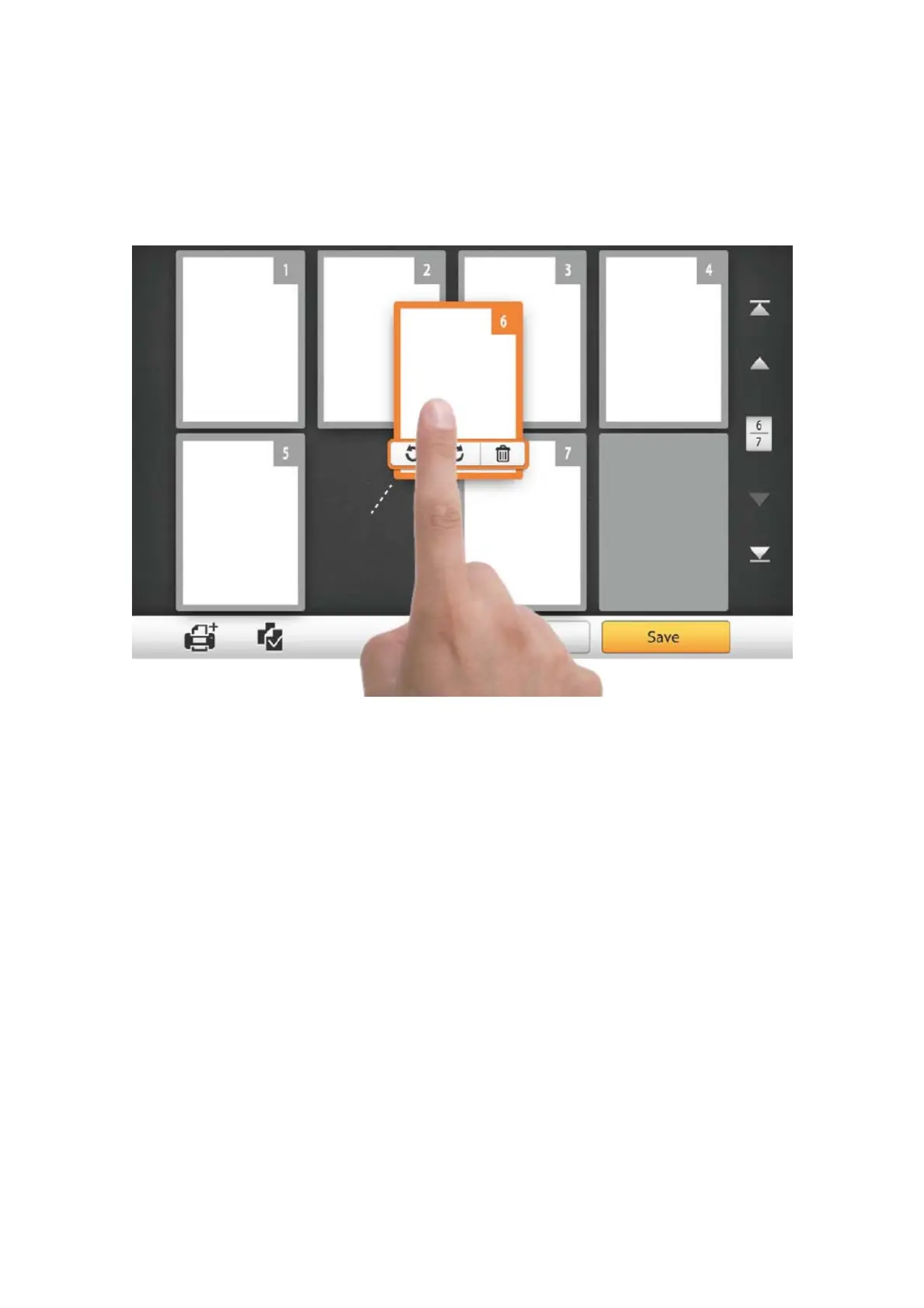
In this display mode, you can select the desired scanned image from the miniatures
to re-arrange the image order. You can manually transpose the selected image within
the same scan task by drag-and-drop operation. Select a single image on the screen
by pointing on that thumbnail. Drag the selected image to the desired place. The
selected image is moved to the new place and automatically renumbered.
74















 To Next Page