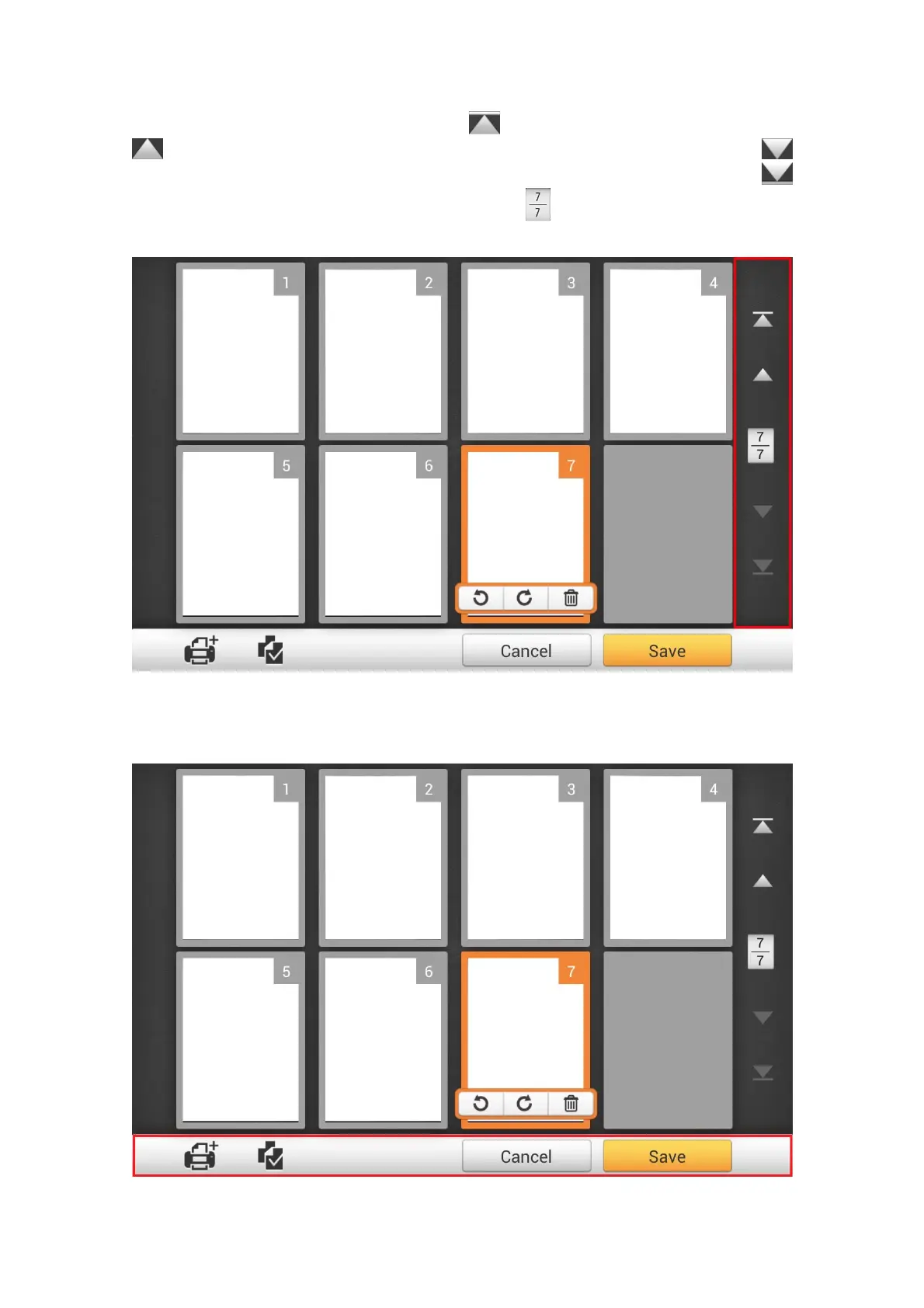
On the right side of the screen, tap the button to go to the first page, tap the
button to go to the upper page (For example: from page 7 to page 3), tap the
button to go to the lower page (For example: from page 2 to page 6) and tap the
button to go to the last page. The upper number of
indicates the current page, and
the lower number indicates the total number of pages.
On the bottom of the screen, there are 4 buttons for you to perform the specific
functions. Tap Save to save the scanned image, tap Cancel to cancel the scanned
images.
75















 To Next Page