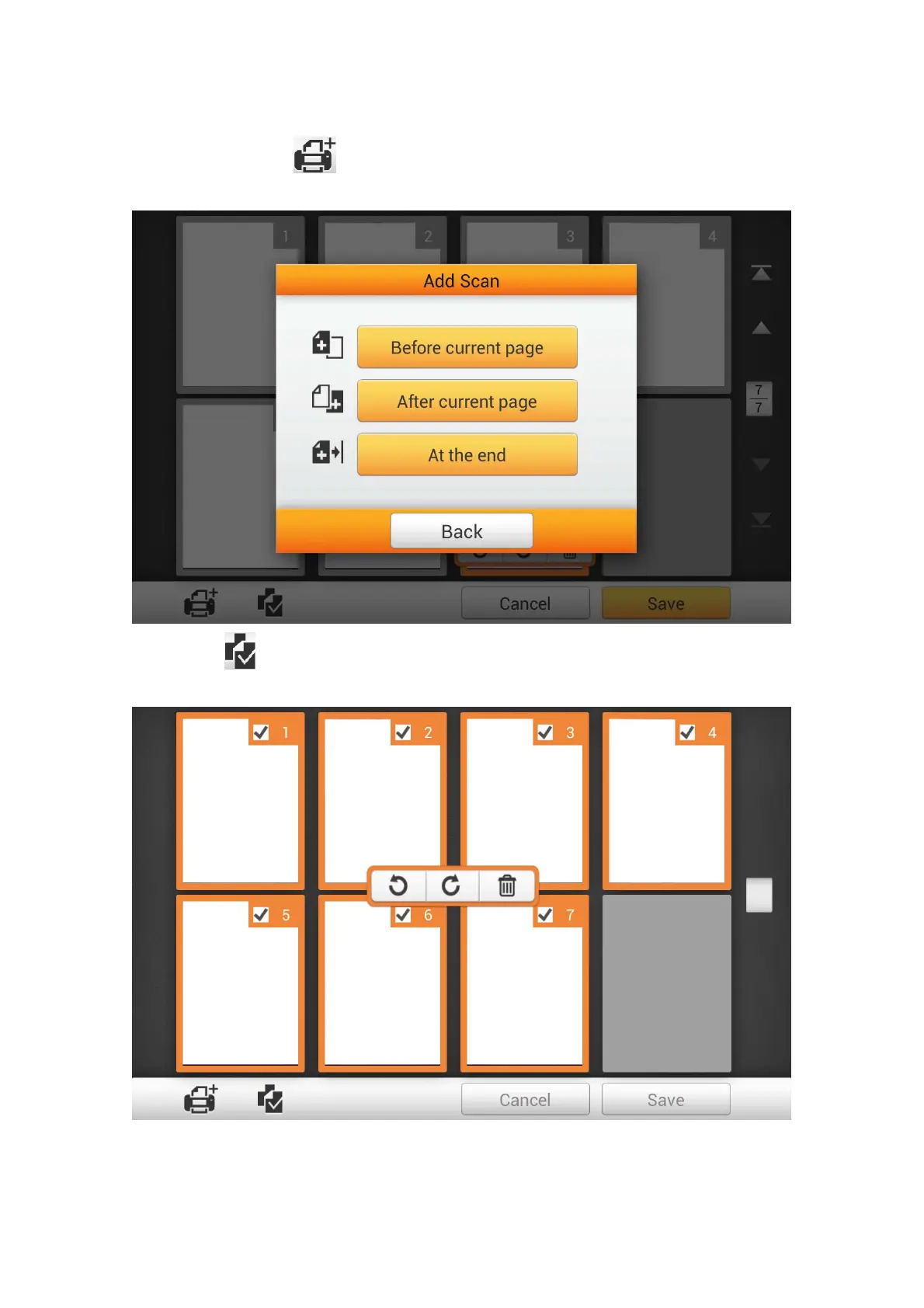
If you want to scan additional documents, first select a desired scanned image on
the screen. Tap the
button, and the following dialog will prompt you to select
where to insert the new scanned image.
Tap the
button to select all the scanned images, shortcuts allow you to delete
or rotate all files at the same time.
76















 To Next Page