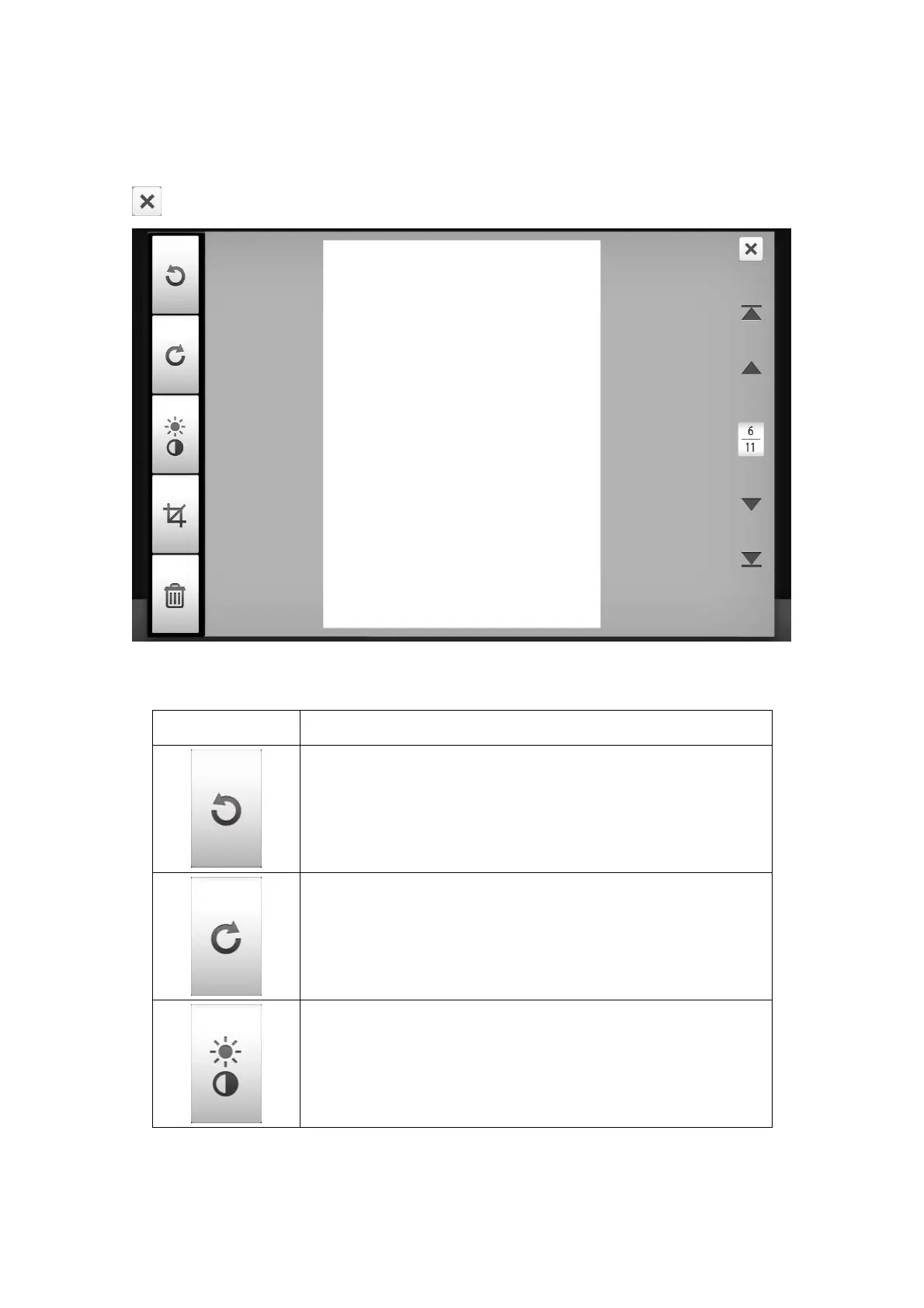
Double-tap on a desired scanned image to enter the image-editing window. You
can zoom in on the scanned image by pinching two fingers away from each other, or
zoom out on the scanned image by pinching two fingers towards each other. Tap the
button on the upper-right corner to exit the image-editing window.
If necessary, you may adjust the scanned image by tapping the buttons on the left
side of the screen.
Button Function
Turn the image counterclockwise by 90º.
Turn the image clockwise by 90º.
Adjust the brightness and contrast levels of the image.
77















 To Next Page