Reading Books 42
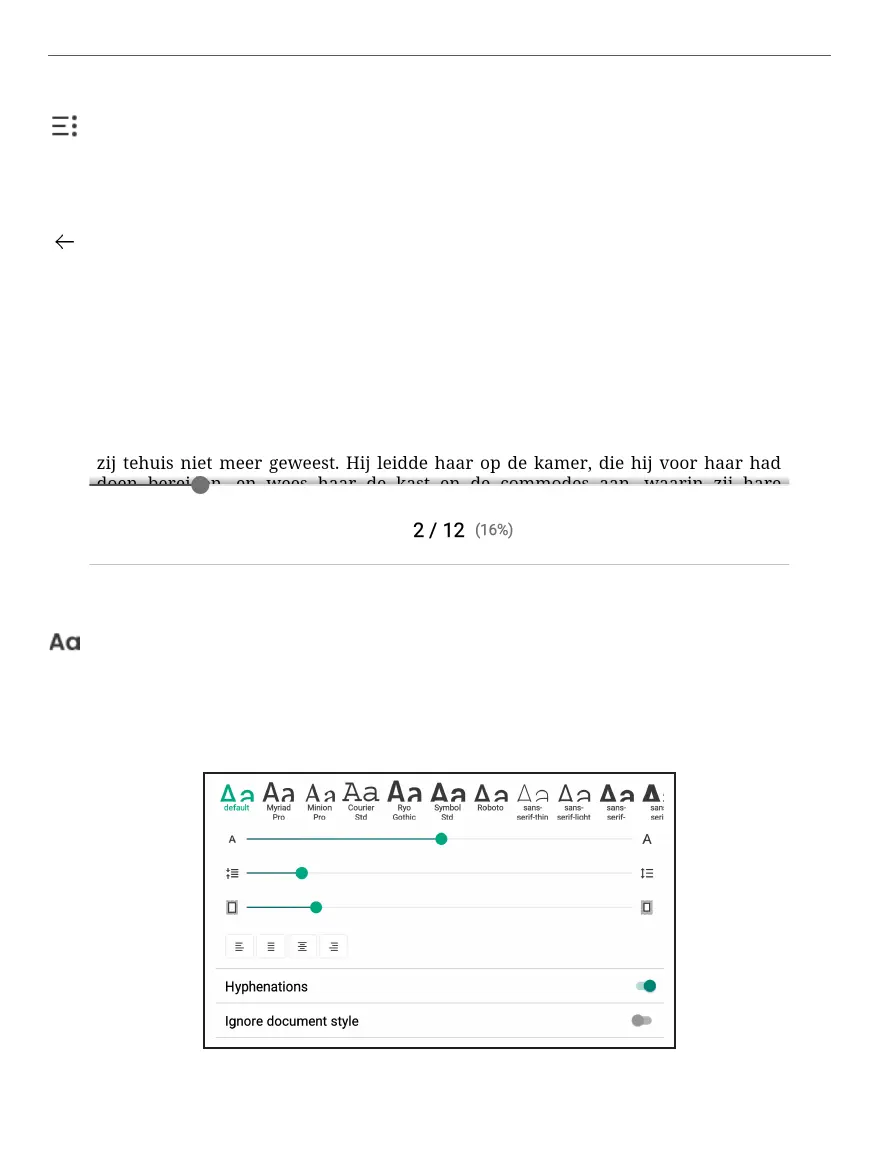
Text settings. In this menu you can choose settings for opened
eBook file. Amount of settings and their type is different for differ-
ent eBook formats:
Content. Reveals content of the eBook as well as Bookmarks,
Highlights&Notes and Handwritten notes.
Return allows you to exit the book.
Bottom Panel consist of following icons and elements:
Paging slider. Allows you to quickly move to certain page of the
book.















 To Next Page