Reading Books 43
• For AZW, AZW3, DOC, DOCX, EPUB, FB2, FB2.ZIP, HTM, HTML,
MOBI, PRC, RTF, TXT formats you can choose Font Family, Font
Size, Leading, Alignment, on/off Hyphenations, on/off Ignor-
ing document style.
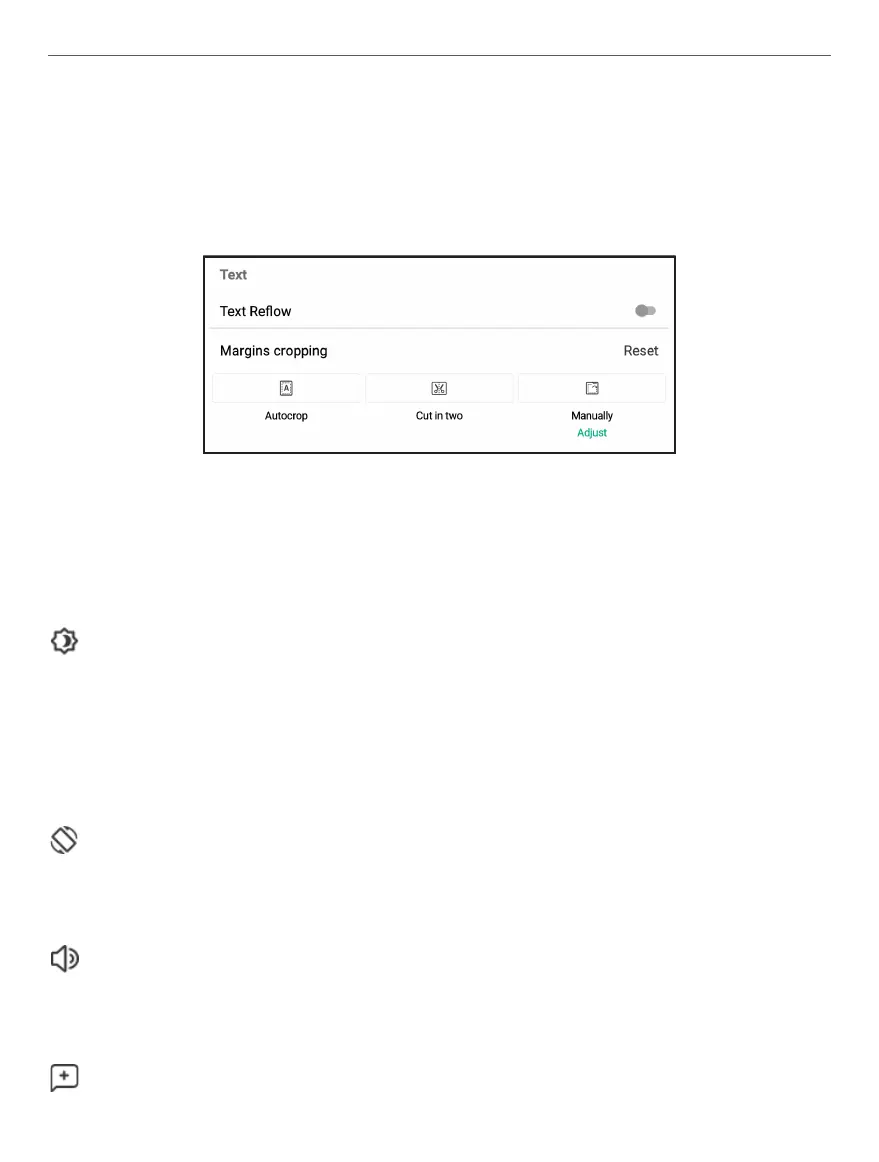
• For PDF format in Show tab you can find Text Reflow, Mar-
gins cropping.
View. In this menu you can choose view options such as Read-
ing mode (Single page mode, Book mode - displays 2 pages in
album orientation), Zoom, enabling or disabling Night Light and
Showing reading progress.
Rotation. You can lock or unlock the chosen screen orienation
for reading.
Text-to-Speech. Enabling Text-to-Speech function (not sup-
ported in PDF format).
Add note. Allows you to add a note. You can also use the long
tap gesture on a word.















 To Next Page