32
5. When all signals are found, tap the display to start training recording.
See During Training for more information on what you can do with your watch during training.
START A PLANNED TRAINING SESSION
You can plan your training and create detailed training targets in the Polar Flow app or the Polar Flow web service and
sync them to your watch.
To start a planned training session scheduled for the current day:
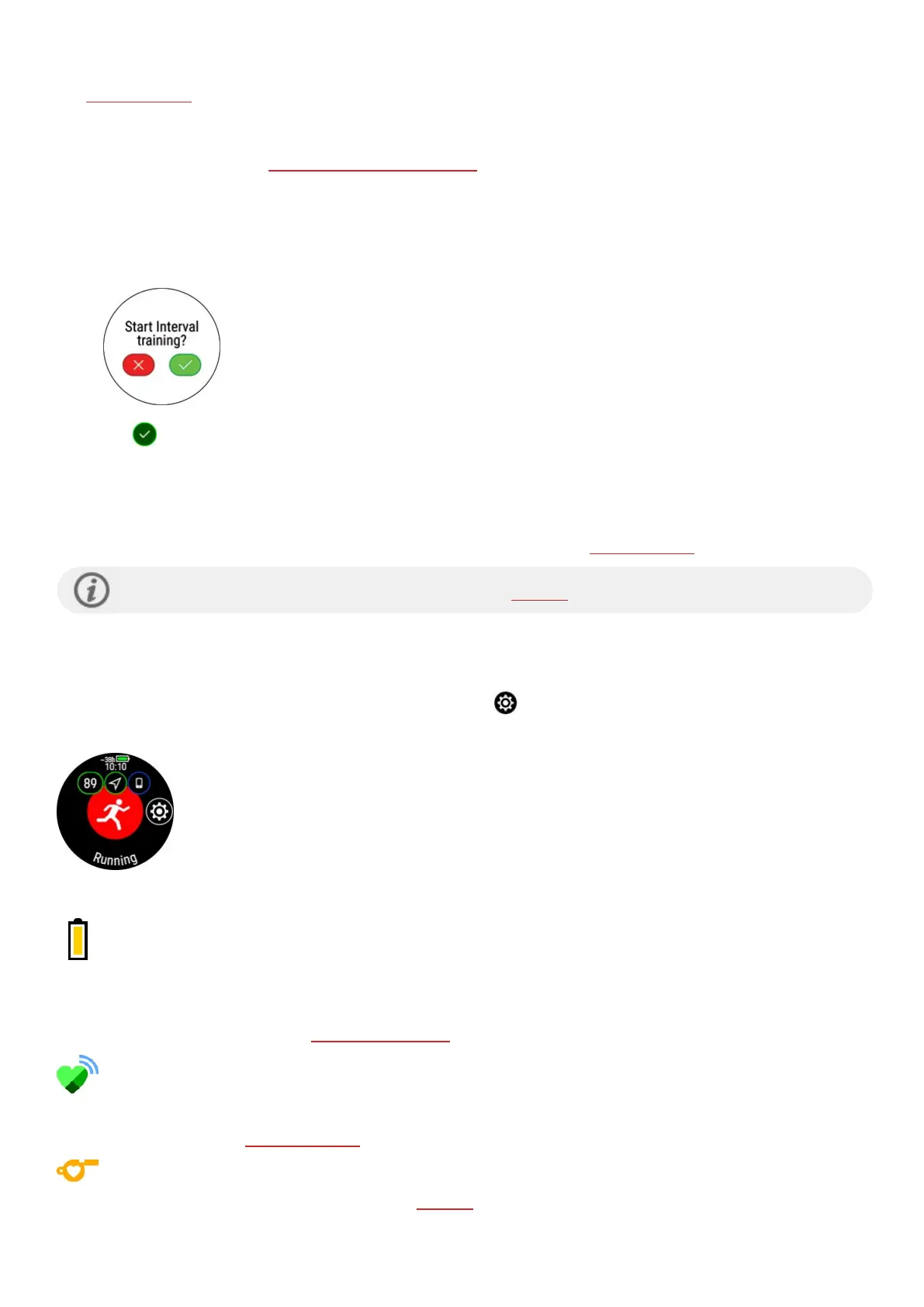
1. Enter the pre-training mode by first pressing the button and then tappping on Start training.
2. You'll be prompted to start a training target you've scheduled for the day.
3. Tap to view the target information.
4. Tap Start to return to pre-training mode, and choose the sport profile you want to use.
5. When the watch has found all the signals, tap the display. Recording started is displayed and you can start
training.
Your watch will guide you towards completing your target during training. See During Training for more information.
Your planned training targets will also be included in the FitSpark training suggestions.
QUICK MENU
You can access the quick menu by tapping the quick menu icon from pre-training mode and during a session when
paused.
The options displayed in the quick menu depend on the sport you have chosen and whether you are using GPS.
Power save settings:
The power save settings allow you to extend your training time by changing the GPSrecording
rate and setting Wrist-based heart rate off. These settings let you optimize battery usage and get
more training time for extra long sessions or when the battery is running low.
For more information, see Power save settings
Share HR with other devices:
In heart rate sensor mode you can turn your watch into a heart rate sensor and share your heart
rate with other Bluetooth devices like training apps, gym equipment or cycling computers. For more
information, see HR sensor mode.
Training suggestions:
Training suggestions shows you the daily FitSpark training suggestions.



 To Next Page