72
1. In the main menu choose Fueling > Manual carbs reminder.
2. Set the interval (5-60 minutes) of the reminder.
After setting the reminder you'll see an overview of your selection. At this point you can still remove the reminder you
just set or add a drink reminder. When you're ready to start your session choose Use now to go to pre-training mode.
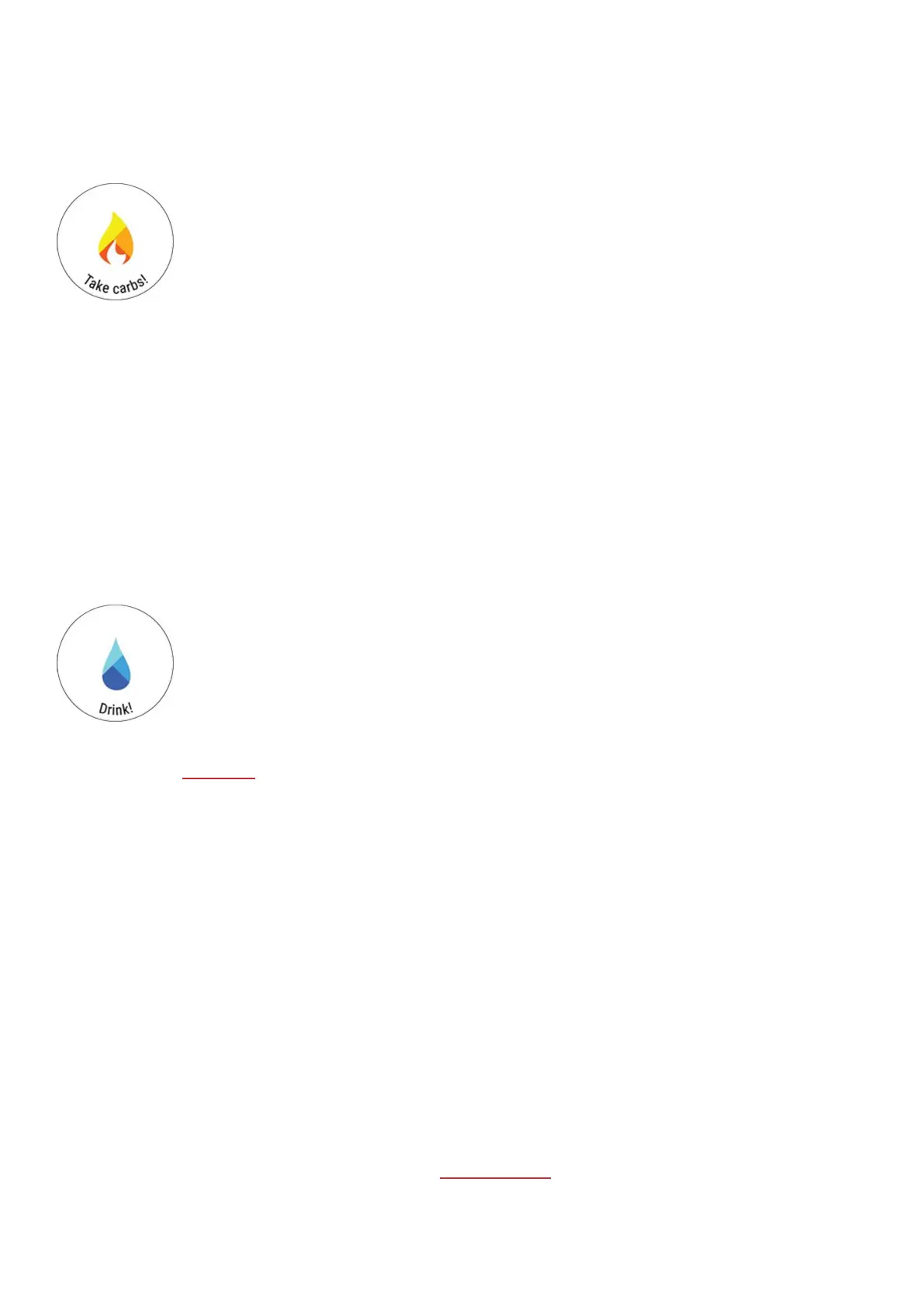
Take carbs! is shown on the display and the watch notifies you by vibrating when it's time to
take some carbs.
Drink reminder
A time-based reminder that helps you stay hydrated by reminding you to drink. Can be set to remind you in 5 to 60-
minute intervals.
Set drink reminder
1. In the main menu choose Fueling > Drink reminder.
2. Set the interval (5-60 minutes) of the reminder.
After setting the reminder you'll see an overview of your selection. At this point you can still remove the reminder you
just set or add a carbs reminder. When you're ready to start your session choose Use now to go to pre-training mode.
Drink! is shown on the display and the watch notifies you by vibrating when it's time to drink.
Learn more about FuelWise™
SMART CALORIES
The most accurate calorie counter on the market calculates the number of calories burned based on your individual
data:
l Body weight, height, age, gender
l Individual maximum heart rate (HR
max
)
l The intensity of your training or activity
l Individual maximal oxygen uptake (VO2
max
)
The calorie calculation is based on an intelligent combination of acceleration and heart rate data. The calorie
calculation measures your training calories accurately.
You can see your cumulative energy expenditure (in kilocalories, kcal) during training sessions, and your total
kilocalories of the session afterwards. You can also follow your total daily calories.
TRAINING BENEFIT
Training Benefit gives you textual feedback on the effect of each training session helping you to better understand the
effectiveness of your training. You can see the feedback in Flow app and Flow web service. To get the feedback, you
need to have trained at least a total of 10 minutes in the heart rate zones.



 To Next Page