98
CREATE A TRAINING TARGET IN THE POLAR FLOW WEB SERVICE
Note that the training targets need to be synced to your watch with FlowSync or via Flow app before you can use them.
Your watch will guide you towards completing your target during training.
To create a training target in the Polar Flow web service:
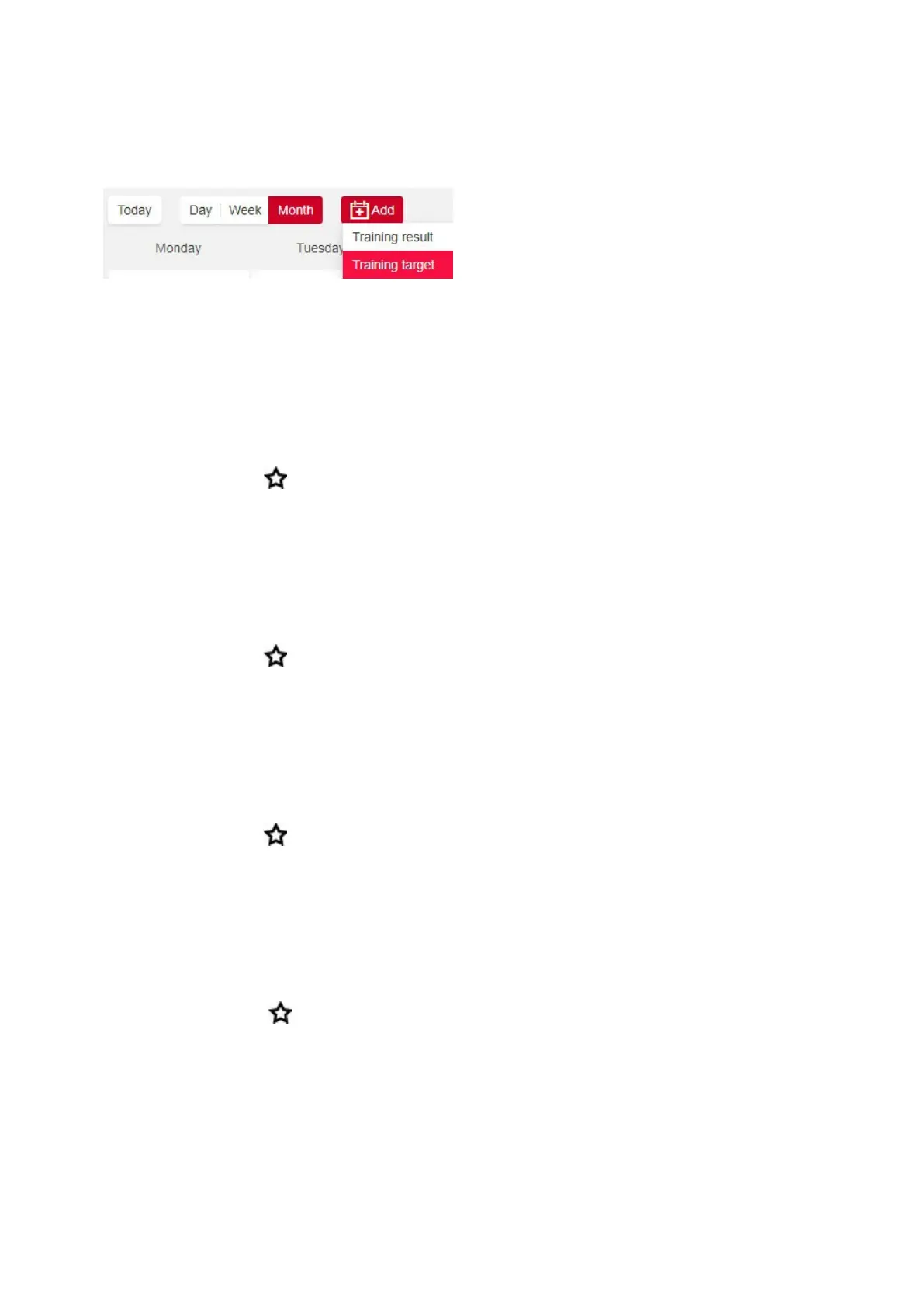
1. Go to Diary, and click Add > Training target.
2. In the Add training target, choose Sport, enter Target name (maximum 45 digits), Date and Start time and any
Notes (optional) you want to add.
Then choose the type of your training target from the following:
Duration target
1. Choose Duration.
2. Enter the duration.
3.
Click Add to favorites to add the target to your list of favorites, if you want.
4. Click Add to Diary to add the target to your Diary.
Distance target
1. Choose Distance.
2. Enter the distance.
3.
Click Add to favorites to add the target to your list of favorites, if you want.
4. Click Add to Diary to add the target to your Diary.
Calories target
1. Choose Calorie.
2. Enter the amount of calories.
3.
Click Add to favorites to add the target to your list of favorites, if you want.
4. Click Add to Diary to add the target to your Diary.
Race Pace target
1. Choose Race Pace.
2. Fill in two of the following values: Duration, Distance or Race Pace. You get the third one automatically.
3.
Click Add to favorites to add the target to your list of favorites, if you want.
4. Click Add to Diary to add the target to your Diary.
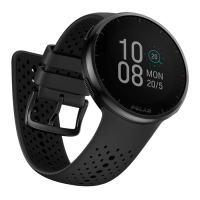
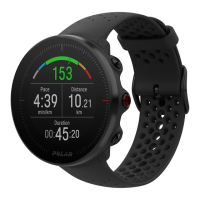
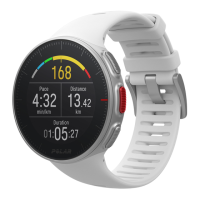
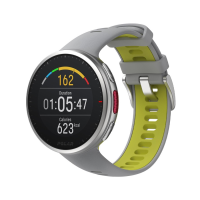
Please note that Race Pace can only be synced with Grit X, Grit X Pro, Ignite 3, Pacer, Pacer Pro, V800, Vantage M,
Vantage M2, Vantage V and Vantage V2.
Phased target



 To Next Page