Page 7
12) Turn off the power and disconnect
the touchpad.
13) Positionthetouchpadattheright
place.Ideally,itspositionshould
beapproximately1.6metresoff
theooronthewall.Fitthedata
cableandthecontrolcablethrough
thewallcavityandconnectto
thetouchpadagain.Mountthe
touchpad onto the bracket in the
wallcavity.
Please note that the touchpad should not be
exposedtodirectsunlightandotherheat
sources.
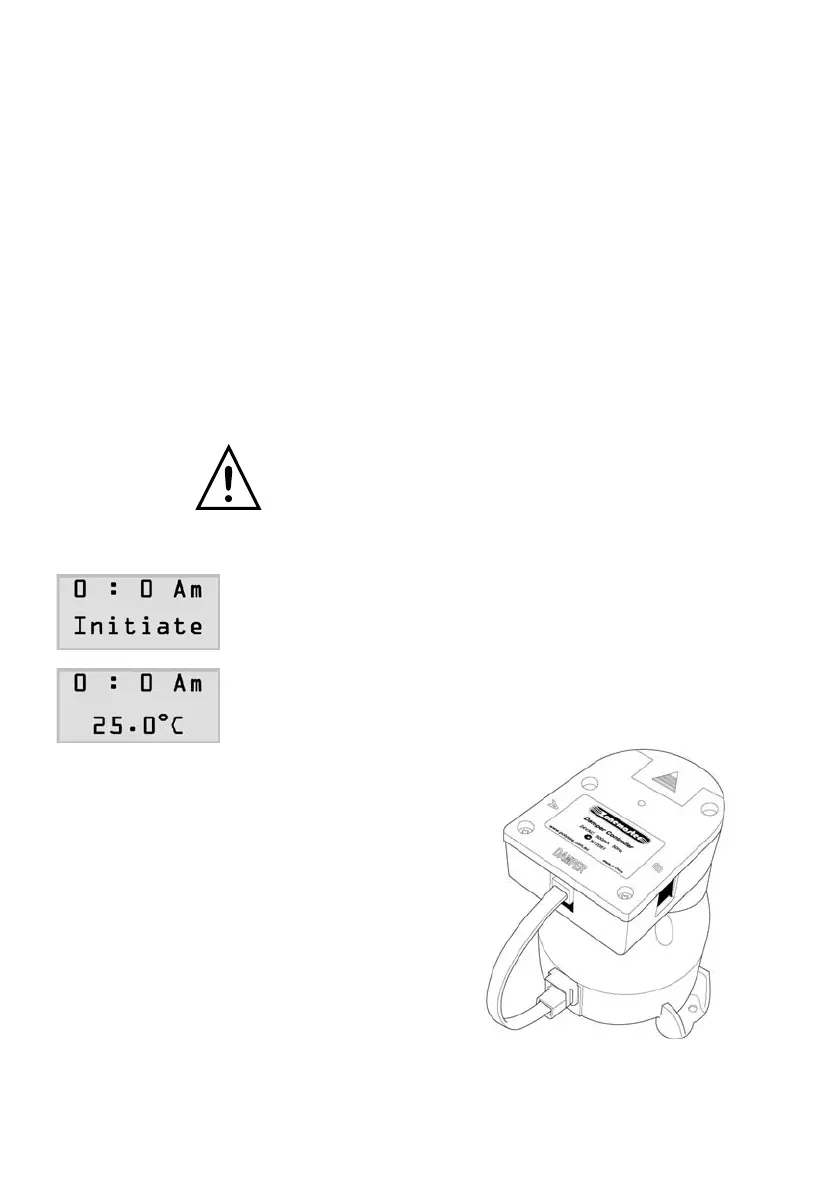
13) Applythepoweragaintothetransformer.The
LCD should show clock time and temperature
wherethetouchpadislocatedaftershowing
‘initiate’onthesecondlineforabout15
seconds.
BYPASS CONTROL
1) Ifbypasscontrolischosenforthe
system,mountthegreendamper
controlleronthetopofagreen
motoriseddamperandplugthe
bridgecablein.



 To Next Page