18) If the user wants more than one set of
programsfordifferentzonespress
buttontoselectthenextprogram.
19) Repeat step 2) to 17) to set all the time and
settingfortheprogram2,3and4.
20) Pressingbuttoncanexitthe
programmingmode.Alternatively,itwillreturn
to the normal operation mode itself in 20
secondswithnokeybeingpressed.
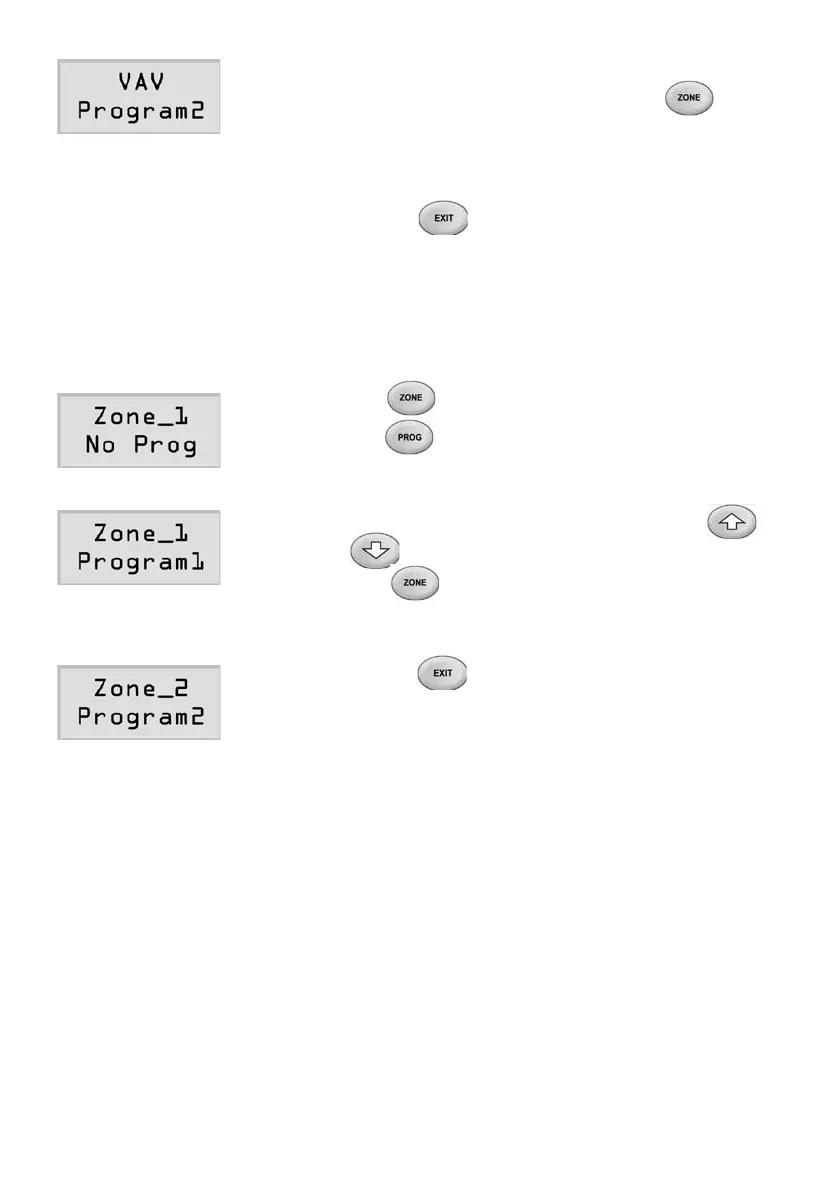
SelectaProgramforaZone
1) Press button to select a zone and then
press button once. The LCD will show
theprogramstatusofthezone.Noprogramis
selectedasfactorydefaultforeachzone.
2) Aprogramcanbeselectedbypressing
or button.
3) Pressbuttontoselectnextzone,repeat
step2)tochooseprogramsfortheother
zones.
4) Pressingbuttoncanexitthe
programmingmode.Alternatively,itwillreturn
to the normal operation mode itself in 20
secondswithnokeybeingpressed.
Page 22



 To Next Page