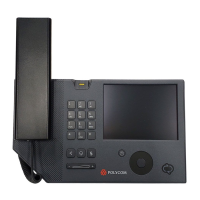
User Guide for the Polycom CX700 IP Phone
1 - 10
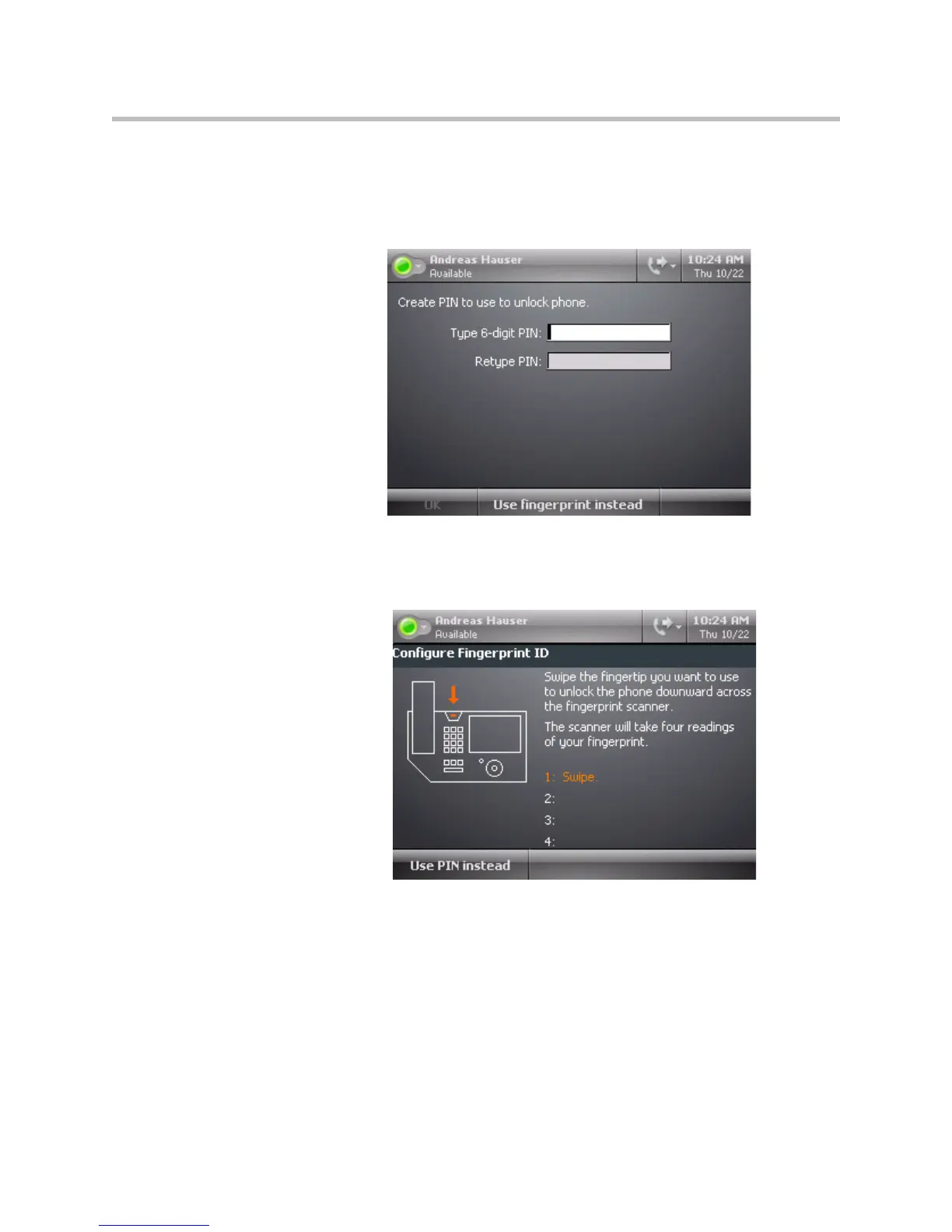
4 Do one of the following steps:
— Enter a six digit personal identification number (PIN) of your choice
using the dial pad, re-enter the same PIN, and then press the OK soft
key.
For example, enter “123456” twice.
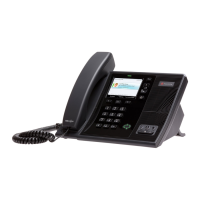
— Press the Use fingerprint instead soft key.
The Create Fingerprint ID screen appears.










 To Next Page