Chapter 4 Advanced Configuration
ViewStation FX/VS 4000 User’s Guide 126 www.polycom.com
These features will be available in a future release of the Global
Management System.
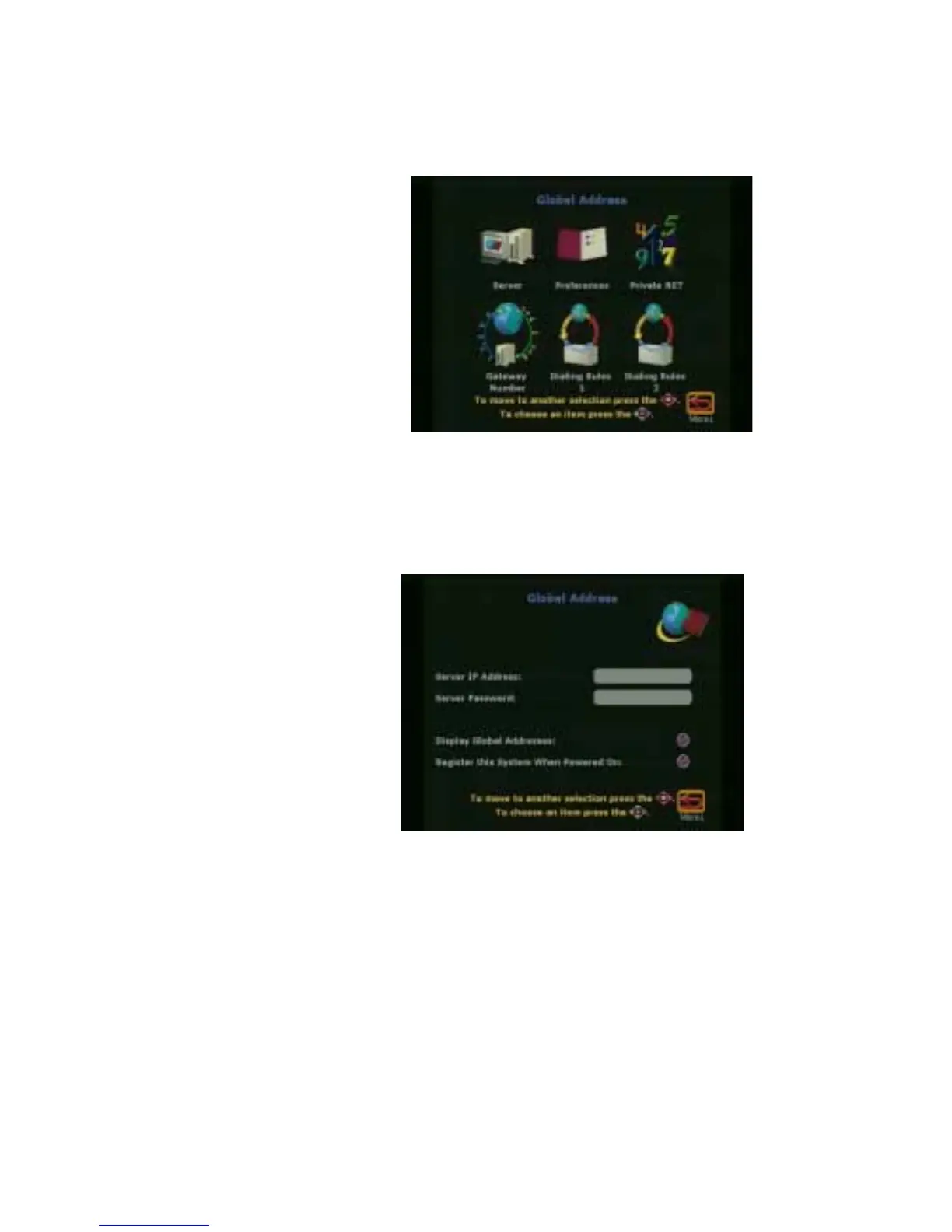
Figure 4-24. Global Address Screen
Server
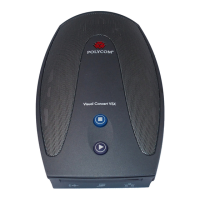
Use this screen to configure your GAB server.
Figure 4-25. Global Address Book (GAB) Server Screen
You can set the following options on this screen.
• Server IP Address—Enter the IP address for the GAB server.
• Server Password—Enter the GAB server password, if there is
one.
• Display Global Addresses—When you enable this option,
global addresses appear in the ViewStation FX or VS4000's
address book.





 To Next Page