47
Storage of the programming 8.4.
It is possible to save existing programming on a PC and/or to load it from
a PC. Program combinations can thus be archived.
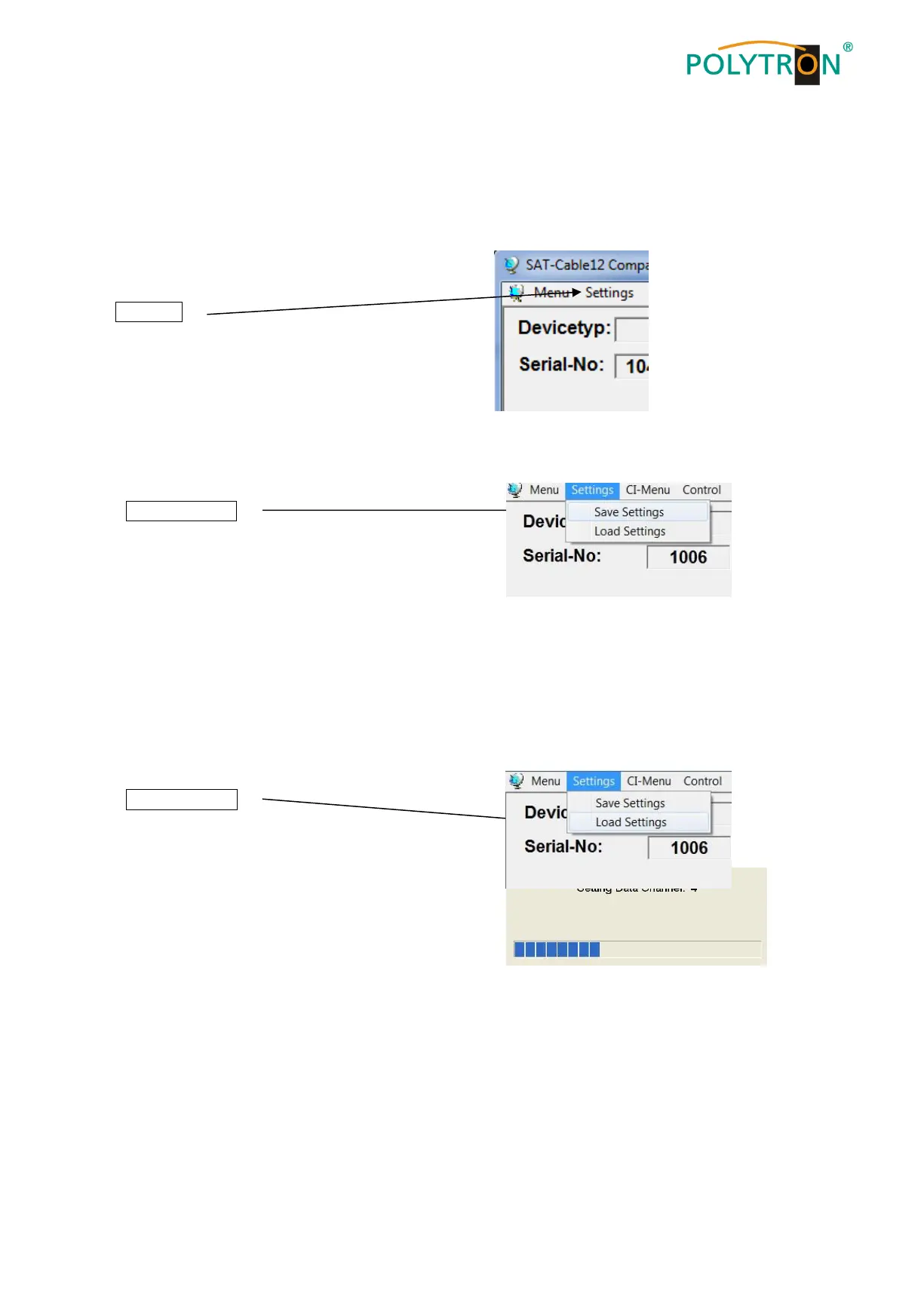
The main program is opened
with the menu point
Settings
8.4.1. Storage of settings
With the menu point
Save Settings
it is possible to save the programming onto the
PC. A directory and file name
(e.g. object) are to be entered for this.
The file name must retain the ending .c12!!
The settings are also saved in an rtf-file. This is located in the same folder as the PCU 4141 software. This
file format can be opened, edited and printed with e.g. Microsoft Word, Open Office or WordPad.
8.4.2. Loading of settings
With the menu point
Load Settings
it is possible to load existing programming
from the PC onto a PCU 4141.
For this, the desired file name is to be
selected and opened in the register.
The date is automatically loaded.



 To Next Page