PORTER Reliant
15
4.2 SELECTING A STERILIZAZION CYCLE
1. Turn on the equipment by means of the rear switch.
display TIME is showing the current time
display TEMP. is showing OFF
display PRESS is showing the current day and month
2. Push the key
Power
and wait for a few seconds the initial auto-test completion; during this time
the parameter set-points and the type of the components currently tested will appear in a sequence
on the display. Over the auto-test, the display TIME will show again the current time, the display
PRESSURE the value of the current pressure, the display TEMPERATURE the value of the current
chamber temperature (if lower than 35 °C the display will show the message “low”). The micro-
processor enables the pre-heating step in order to rise the chamber temperature up to 100 °C.
During this phase the temperature reading on the display is inaccurate, because no steam being
there.
3. Arrange the material to be sterilized on the trays, load the chamber and close the door.
4. Check that Led MIN (main tank indication) is off. If not, fill up the main tank with demineralized wa-
ter without exceeding the maximum level reference marked on the tank opening.
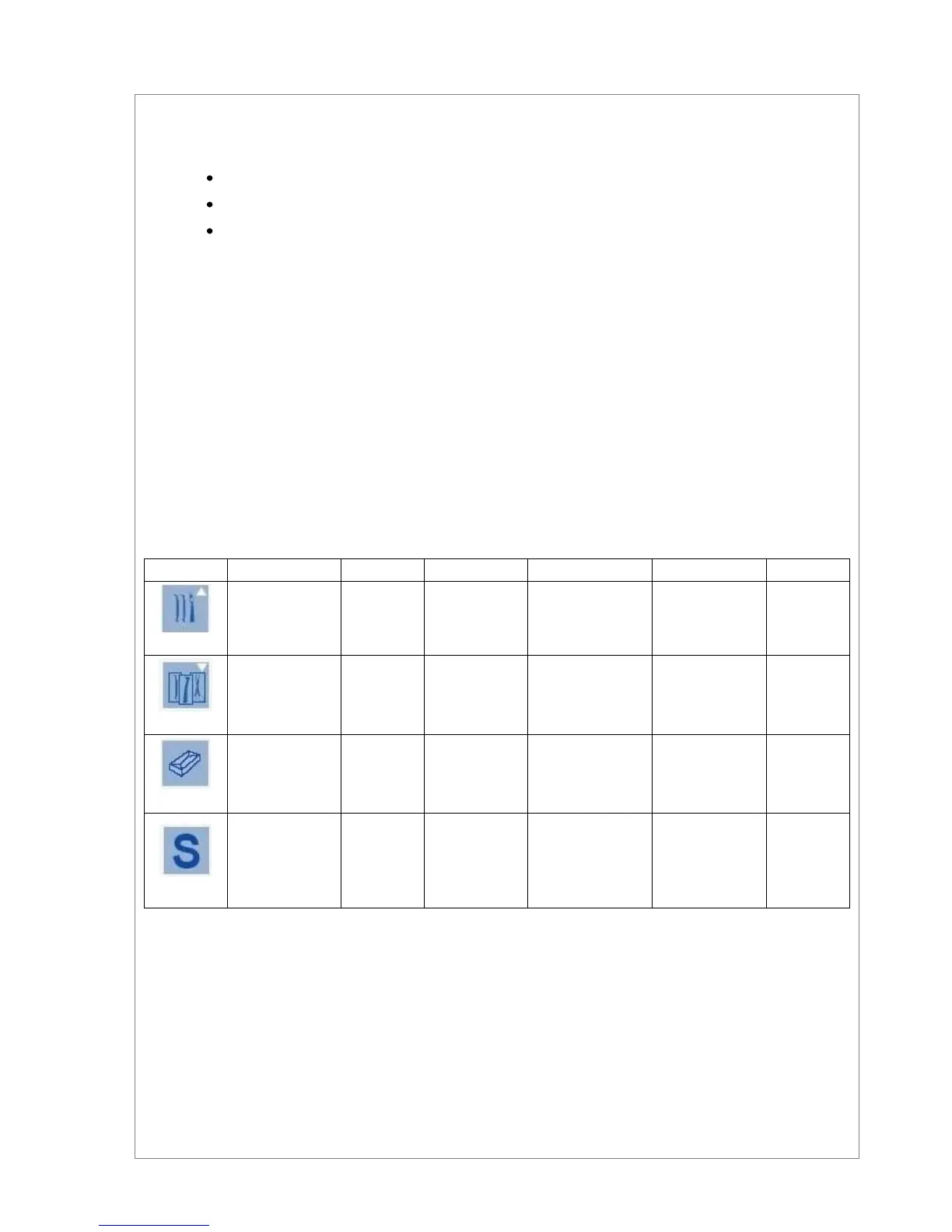
4.2.1 The available sterilization cycles
To select the program push the relating key.
The indication Led of the selected program turns on, and the displays will show for 5 seconds the parameters
of the cycle currently selected.


 To Next Page