PORTER Reliant
23
7. TROUBLESHOOTING
7.1 MANUAL DIAGNOSIS
The operator or technician can perform at whenever time a test to check the correct operation of the
equipment; proceed as follows:
Step 1
Push keys
Set
and
Test
in
a sequence
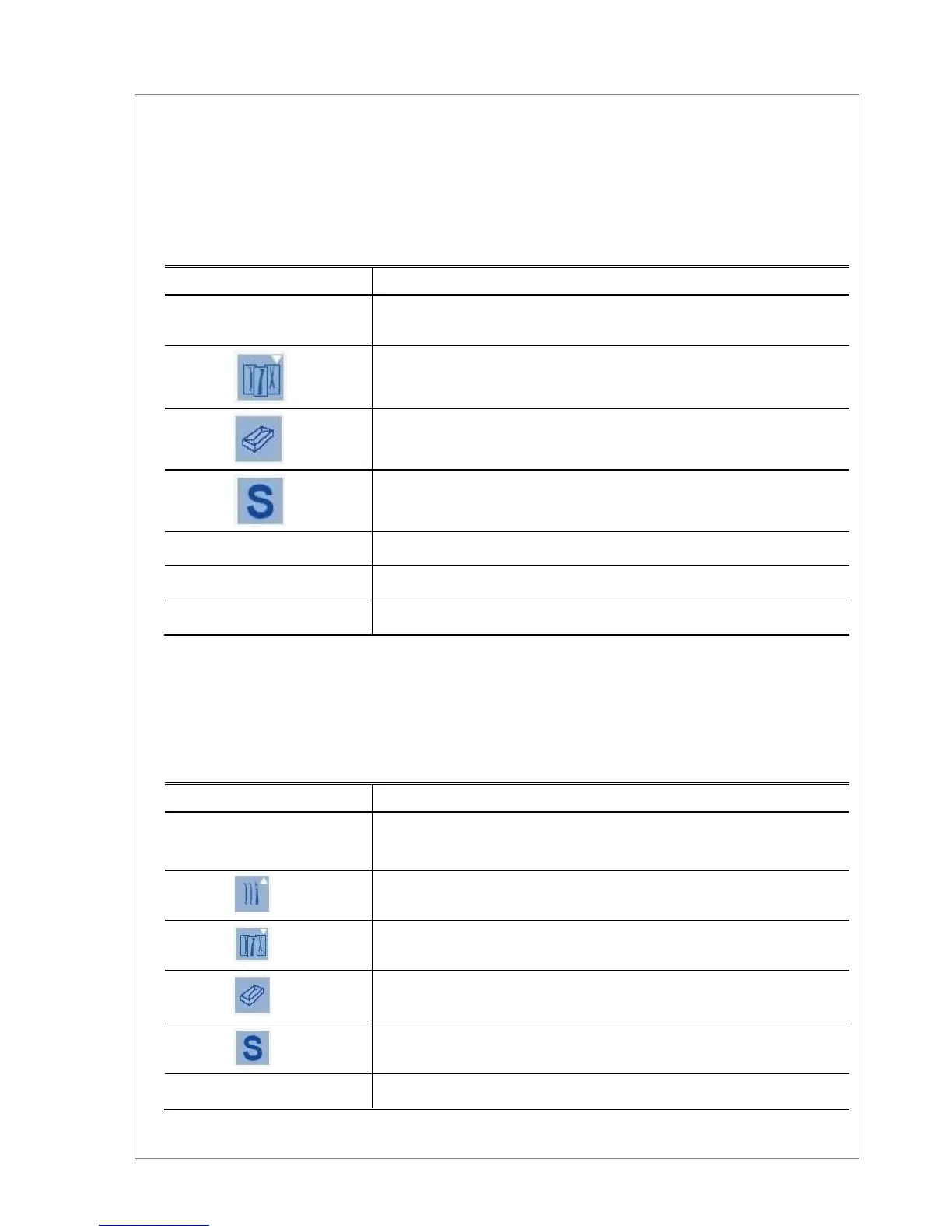
The displays show (respectively from the top one): message TEST, chamber
temperature and pressure values.
Temperature value at the chamber’s wall
Message CICL and number of the performed cycles
Message ABOR and number of the aborted cycles
Number of the automatic cleaning cycles actually performed
Message ALARM and codes of the last three alarms occurred
Exit to normal operating mode
During the manual diagnosis it is impossible to set the unit in stand-by mode with key POWER. It is
necessary to leave first from the diagnosis mode with the key
Set
.
The use of these procedures is reserved for qualified personnel.
Step 2
Message on the display/Result
Push keys
Set
and
Power
in a sequence
Electro-valve 2 energized (closed)
Electro-valve 3 energized (open),
Exit to normal operating mode


 To Next Page