- 13 -
9. Setting of the instrument
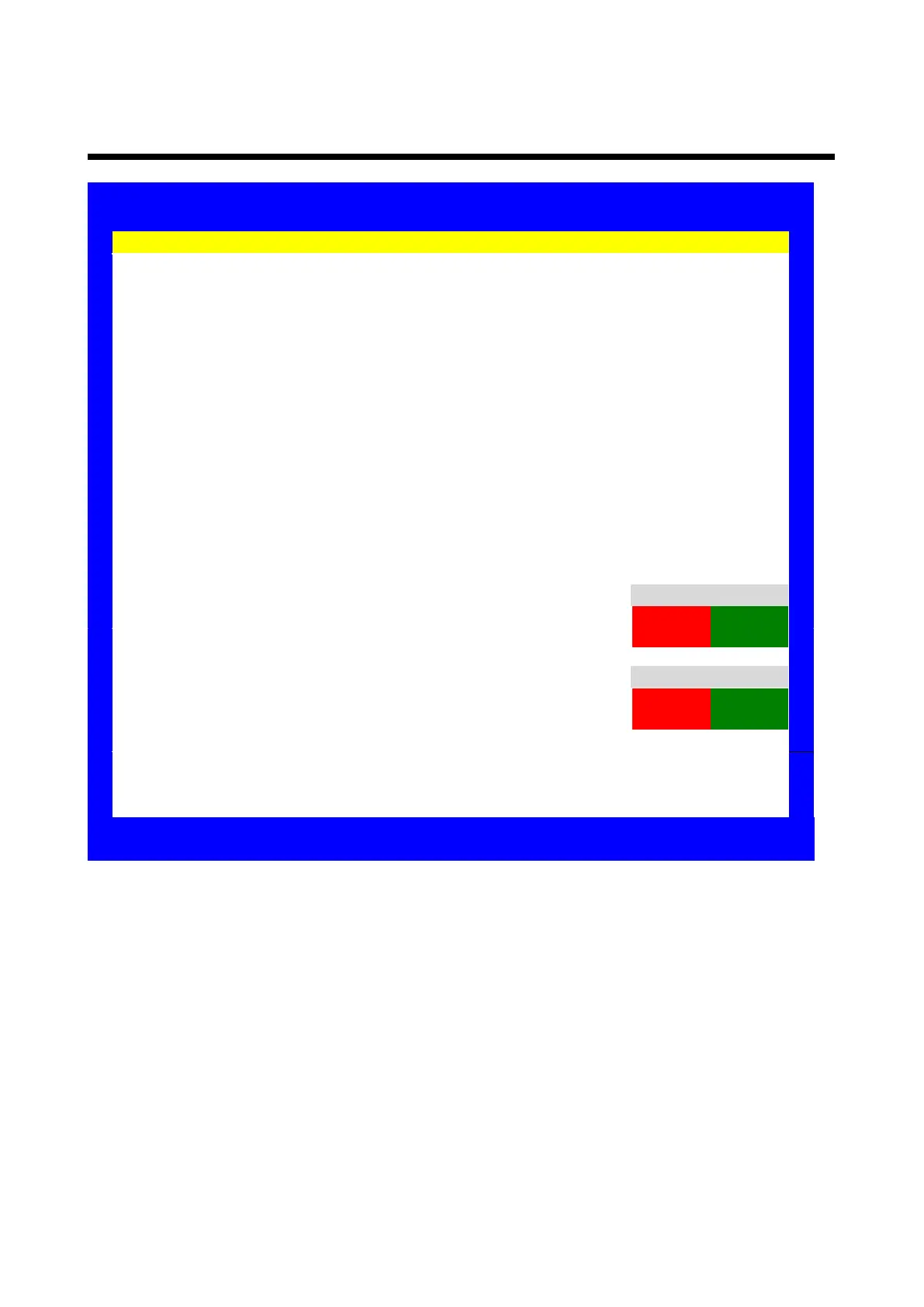
Settings
Chart Type : A
Distance : 5.0m
Beep Sound : High
Mirror : Off
Power Save Time : Off
Slide Show, Sequence : Forward
Slide Show, Delay : 1
LCD Display Brightness : 8
Fixation Target Lamp Brightness : Off
Clock Dial Type : A type
PR(Promotion) video play at Auto Light Off : None
PC Communication : None
Video Progress Bar Display
:
:
None
Off
Bluetooth Communication Setting : Press Mask_Right Key
Auxiliary Chart Type : Red Green
Background Gray Color : Only RG Chart H H
Background Gray : 200
H H
H H
H H
Filter Red
Filter Green
Auxiliary Chart Red
Auxiliary Chart Green
:
:
:
:
225
240
225
240
Image Update : check USB and Files
Reset
Exit without Saving
Save and Execute : press [Menu/Save] button on the Remote-controller
Cancel and Exit : press [BACK] button at Remote-controller
9.1 Parameters Setting Item
Chart type: A, C, D, R
Distance: 1.0m~8.0m(unit 0.1m)
Beep Sound: Off, Low, Mid, High
Mirror: Off, On
Power Save Time: None, 5Min, 10Min, 30Min
Slide Show, Sequence: Forward, Reverse, Random
Slide Show, Delay: 1, 2, 3, 4, 5
LCD Display Brightness: 1, 2, 3, 4, 5, 6, 7, 8, 9, 10
Fixation Target Lamp Brightness: Off, 1, 2, 3, 4, 5, 6, 7, 8, 9, 10
Clock Dial Type: A, B, C, D, E, F, G Type
PR(Promotion) video play at Auto Light Off: None, Yes
PC Communication: None, Yes
Video Progressive Bar Display: None, Yes



 To Next Page