- 34 -
26. Video Play Function
PLC-8000(pola) can play video for announce of Ophthalmology or optician's shop
and concentration of child
26.1 Video Play Specifications
USB Class: Class 2 or more
File Format: AVI, MPEG, MP4, MKV
26.2 Using the Video Play function
Make the “VIDEO” folder in USB flash
Insert to files in “VIDEO” folder of USB flash
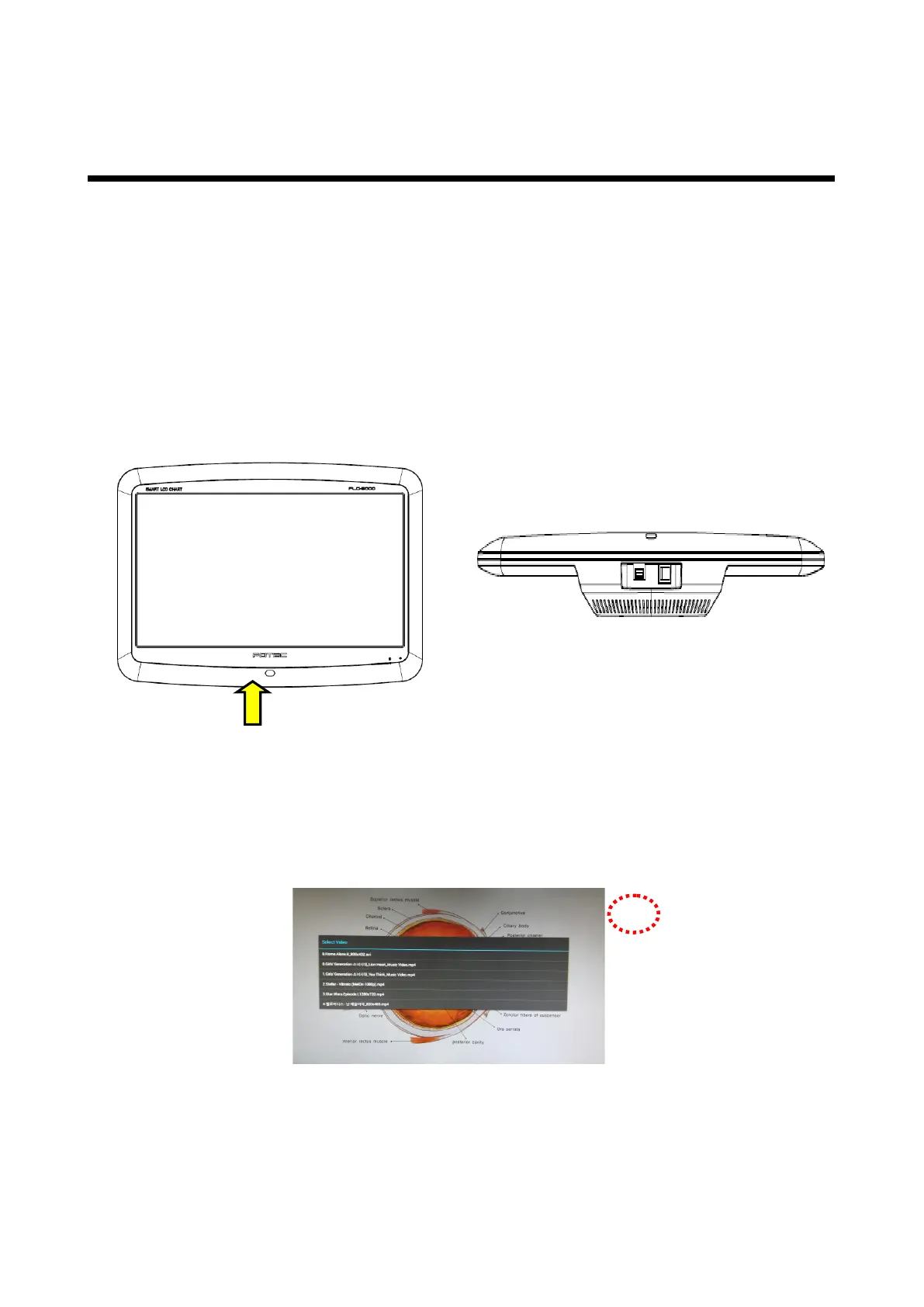
Insert USB into the USB port at PLC-8000(pola) like as figs. 1 and 2.
figure 1
figure 2
After connected to USB port, waiting about 2~4 seconds to be recognized the USB
flash at PLC-8000(pola). If movie size is bigger than 1.3GByte or a number of movie
is many, the USB flash loading time will take 1~2minite.
Press the Chart/Side button two times of remote control. And then you can see the
Video Select Screen (Figure 3).
figure 3
You can select movie for up/down button of remote control, and then press START
button for play.
If you want back to the Chart screen, press Chart/Slide or BACK button.



 To Next Page