- 16 -
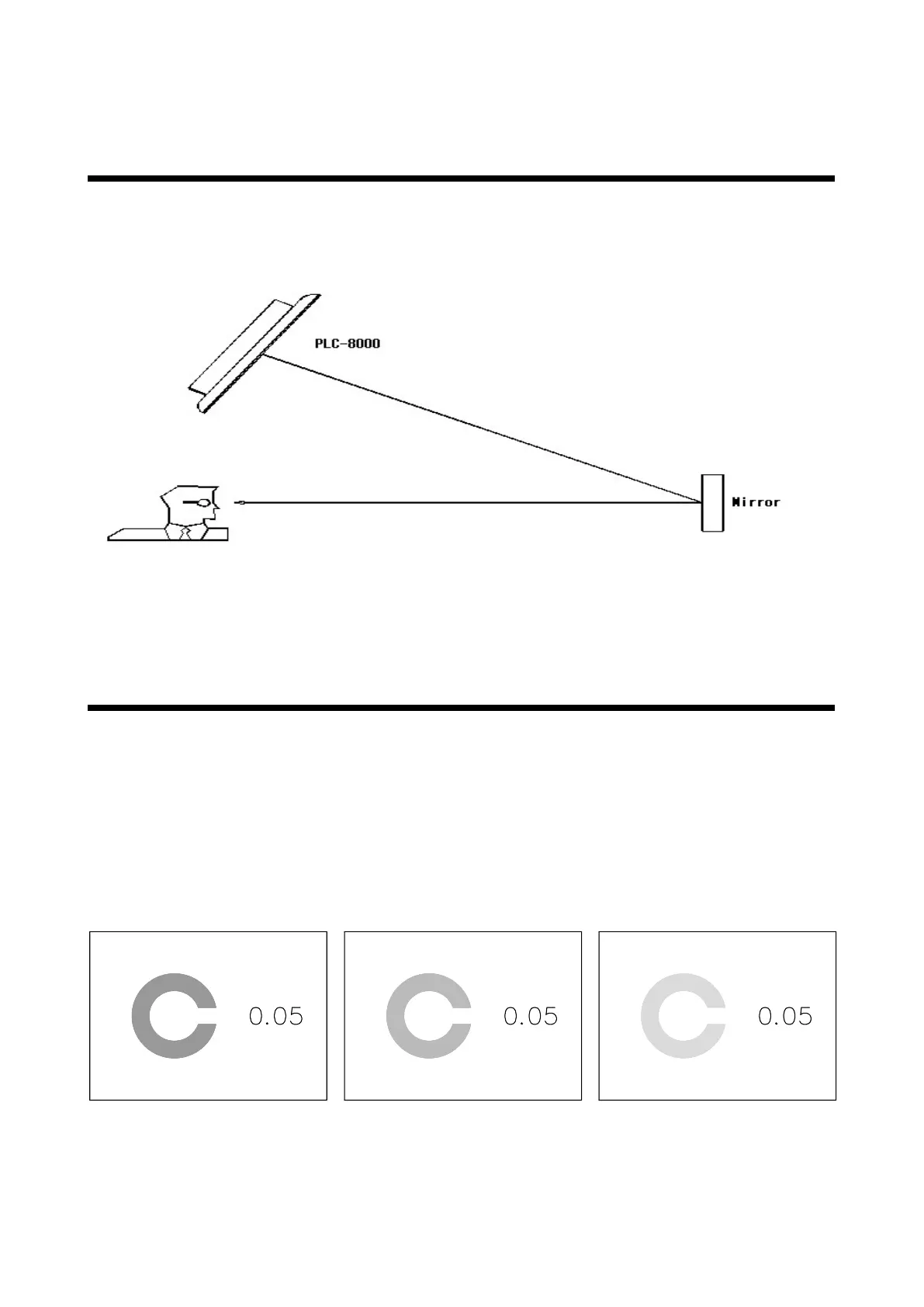
11. Mirror Function
You can select whether the right-and-left mirror reverse of chart should be done. Use
this item when the chart is set by folding with a mirror. Picture and animation are not
reversed.
12. CTRS Chart Function
It is possible to indicate the whole chart in the single contrast ratio. When this
function is in use, the brightness and background of the liquid crystal display are
fixed at the shipment setting even if it is changed.
Press the CTRS button once. The chart is indicated with the contrast reduced to 25%
Press the CTRS button twice. The chart is indicated with the contrast reduced to
12.5%
Press the CTRS button three times. The chart is indicated with the contrast reduced
to 6%
Picture 3 Picture 4 Picture 5



 To Next Page