EasyManua.ls Logo

Potter PFC-6200 - Page 92

Potter PFC-6200
125 pages
Print Icon
To Next Page IconTo Next Page
To Previous Page IconTo Previous Page
Loading...
5-86

To add and congure a DACT module:
1. Dialer function
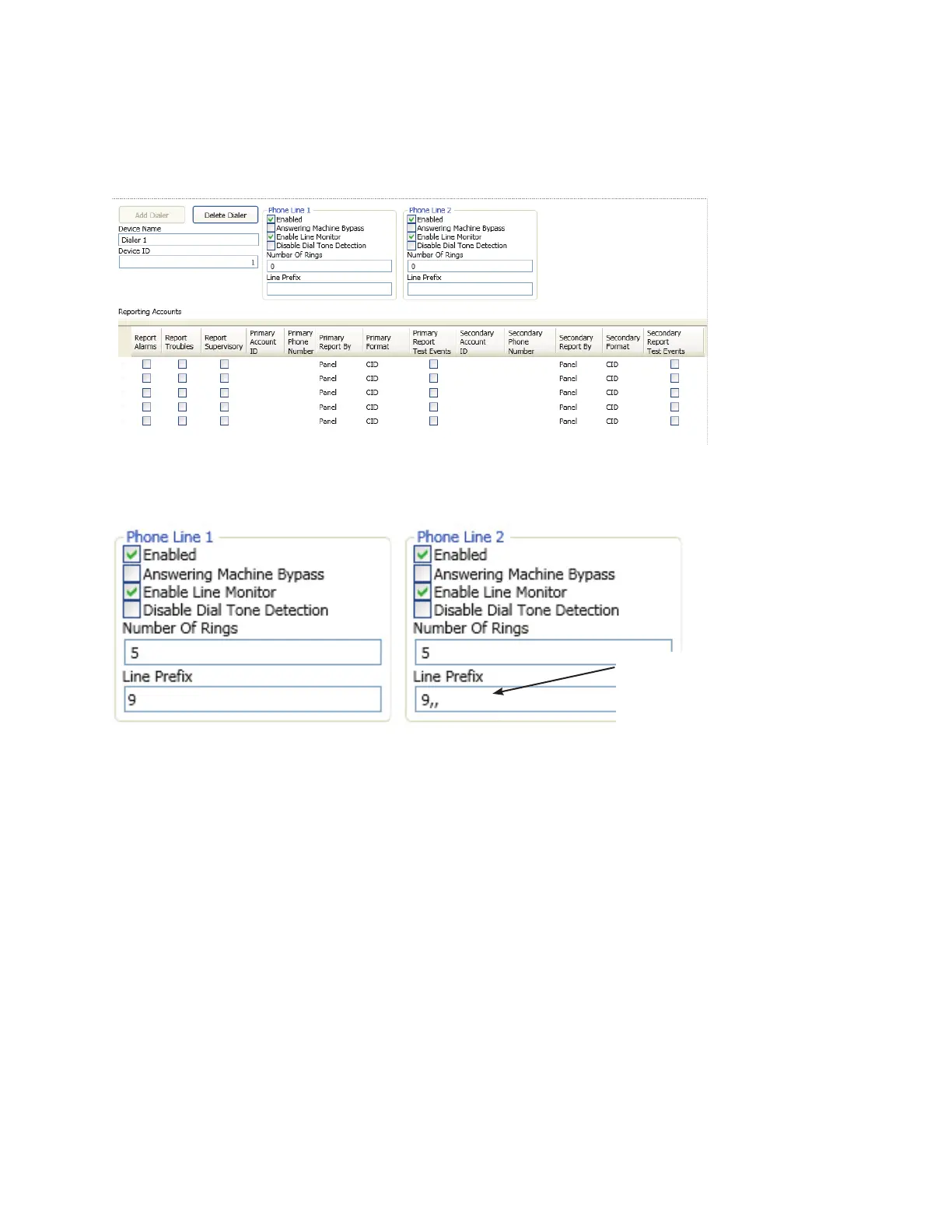
2. Add Device button“Add Dialer” window
Example of Add Dialer WindowFigure 107.
3. “Phone Line 1 and Phone Line 2” elds
Example of Phone Lines OptionsFigure 108.
 number of rings
Notenever

Example"9"
",," (commas
Each "," (comma) creates
a 1-second pause before
the dialer attempts to dial a
reporting account number.


Table of Contents

Related product manuals