4
2 Un-packing
The 3D printer was carefully packaged at the manufacturing facility. Please follow the unpacking steps as noted
below.
!
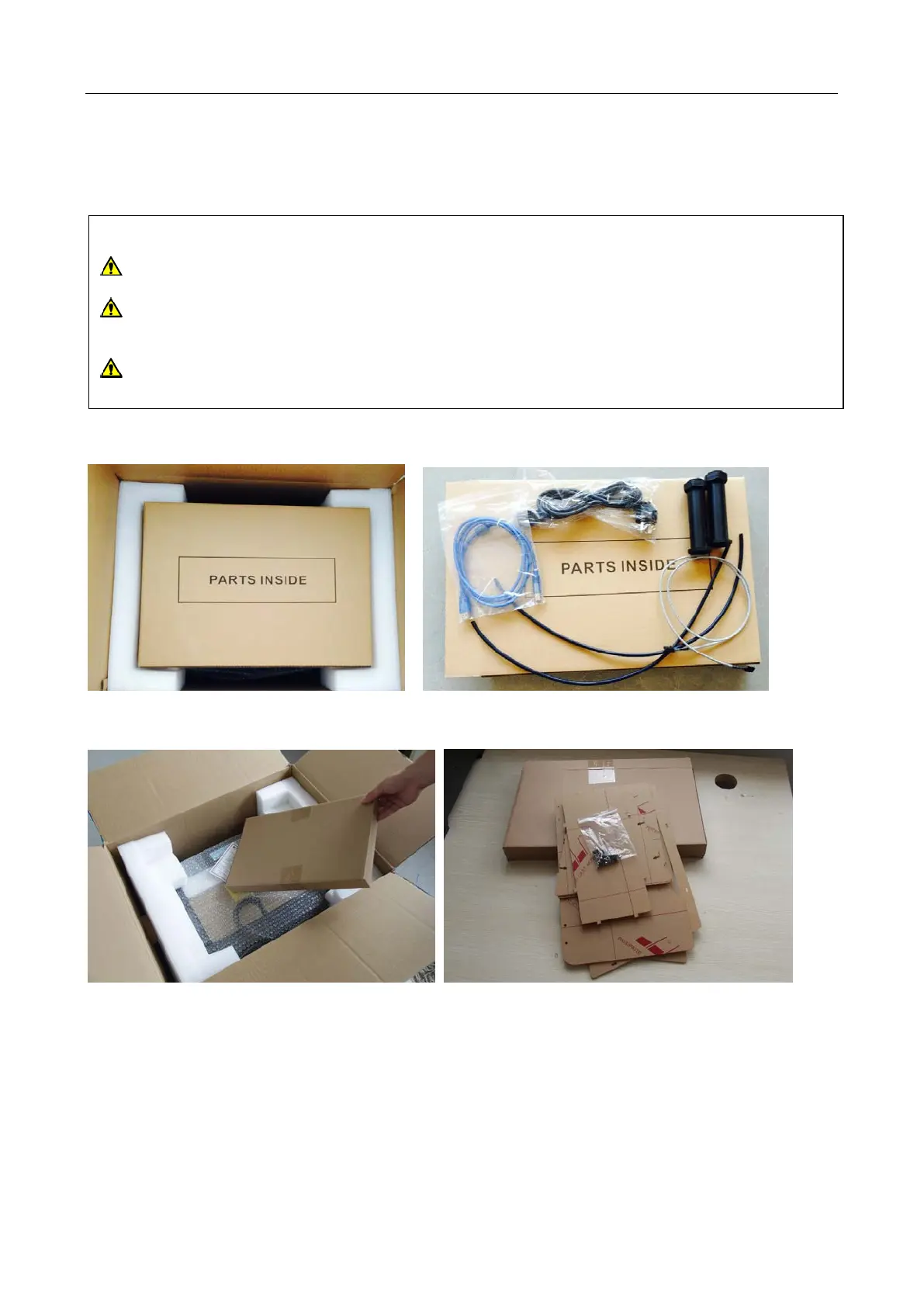
First, put the box on a clean, flat surface. Remove the top long box and inside you will find: 1 power cord, 1 USB
type A to type B cable, 1 sensor line , 2 filament holders, and 2 filament guide tubes.
You will find another box containing the relevant assembly tools under the long box. You should assemble the
Acrylic cover yourself using these tools, but please view the assembly video contained in the SD card.
CAUTION
Handle the package and its contents with extreme care and do not use any unnecessary force.
Do not remove the thin yellow film from the heating plate. It is heat resistant tape that improves the
adhesion of the extruded plastic to the plate.
Do not remove the wrapping around the nozzle. It consists of a ceramic fiber fabric and heat resistant
tape that helps to keep the nozzle at a consistent temperature.


 To Next Page