4-- 1
Powerware 9315 (500 kVA--750 kVA) T1 and T3 Installation Addendum
164201244--001 REV. A 011500
Installing Transformer T1
4.1 Inspecting and Unpacking T1
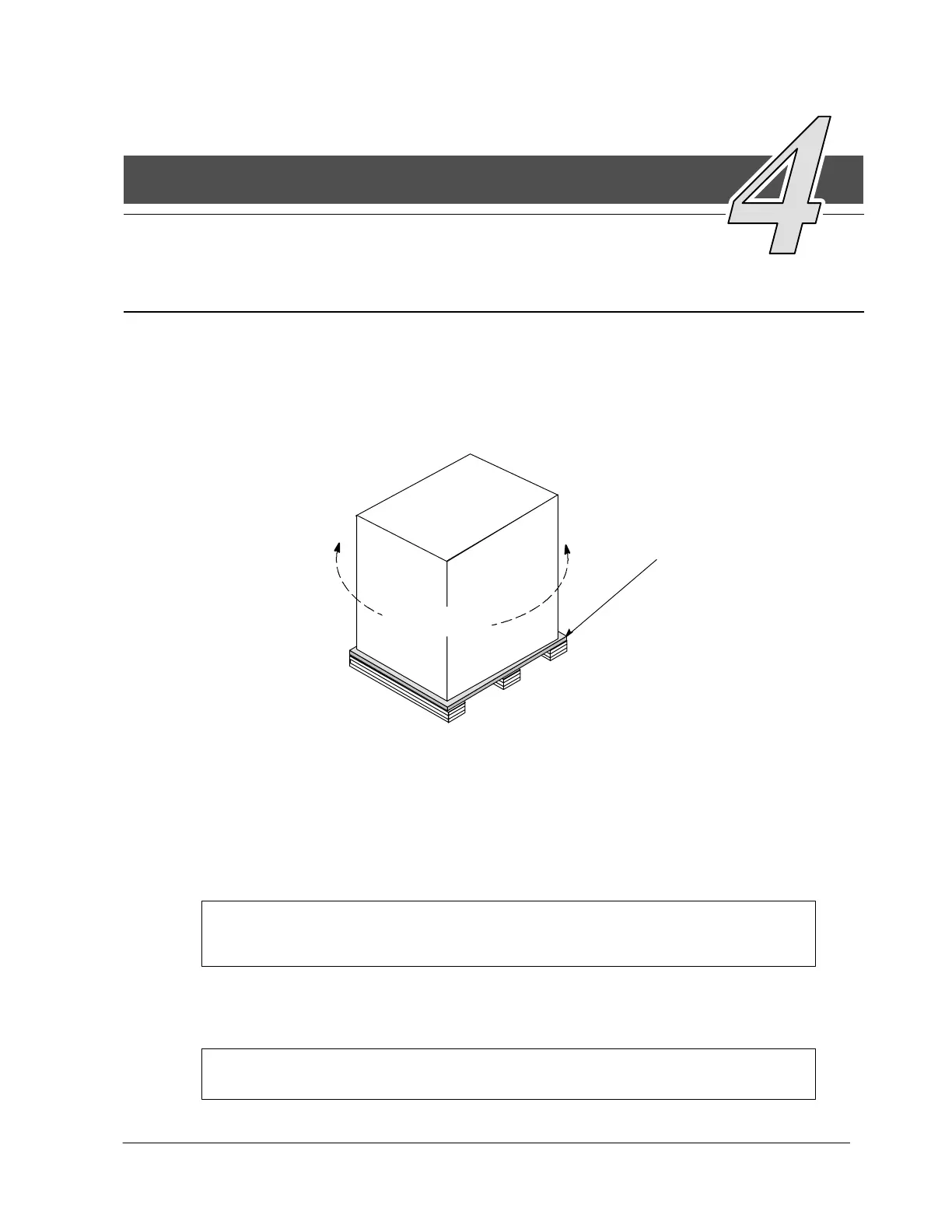
The first task in preparing for installation is inspecting and unpacking Transformer
T1. The transformer is shipped bolted to a wooden pallet and protected with outer
protective packaging material, as shown in Figure 4---1.
OUTER
PACKAGING
WOODEN PALLET
F i g u r e 4 --- 1 . Transformer as Shipped, with Outer Packaging and Pallet
1. Carefully inspect the outer packaging for evidence of damage during transit.
CAUTION:
Do not install a damaged transformer. Report any damage to the carrier and
contact your local sales or service office immediately.
2. Use a forklift or other material handling equipment to move the transformer to a
convenient unpacking area. Insert the forklift between the pallet supports on
the bottom of the unit.
CAUTION:
Do not tilt transformer more than 10 degrees from vertical.
4












 To Next Page