Sabre P ● Model PD603 Process Meter Instruction Manual
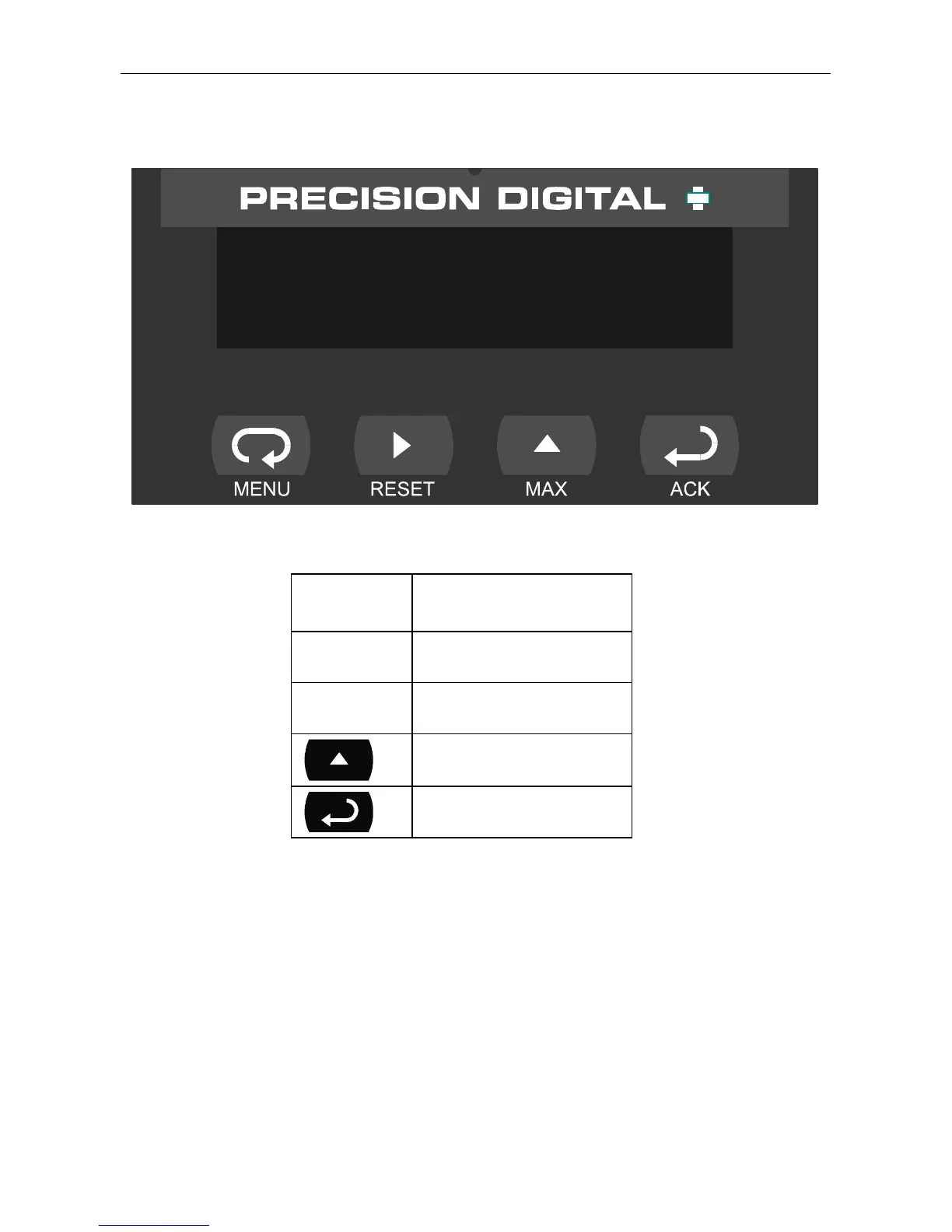
Front Panel Buttons and Status LED Indicators
9.603
Button
Symbol
Description
Menu
Right arrow/Reset
Up arrow/Max
Enter/Ack
• Press the Menu button to enter or exit the Programming Mode at
any time.
• Press the Right arrow button to move to the next digit during digit
programming.
• Press the Up arrow button to scroll through the menus, decimal
point, or to increment the value of a digit.
• Press the Enter/Ack button to access a menu or to accept a setting.
15



 To Next Page