Sabre P ● Model PD603 Process Meter Instruction Manual
Main Menu
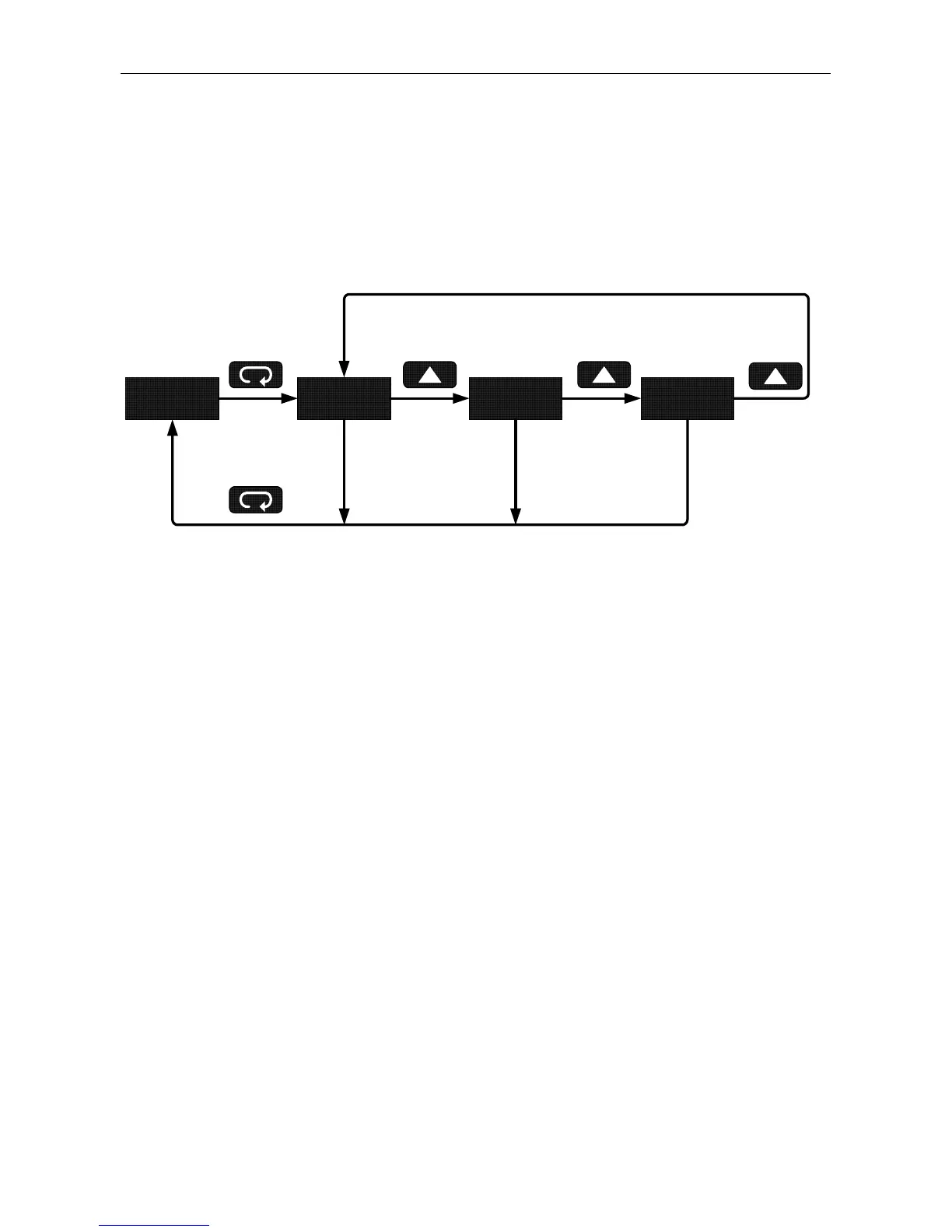
The main menu consists of the following functions: Setup, Program, and
Password.
• Press Menu button to enter Programming Mode then press Up
arrow button to scroll main menu.
9603 setu prog pass
Run
Mode
• Press Menu, at any time, to exit and return to Run Mode. Changes
made to settings prior to pressing Enter/Ack are not saved.
• Changes to the settings are saved to memory only after pressing
Enter/Ack.
• The display moves to the next menu every time a setting is ac-
cepted by pressing Enter/Ack.
17



 To Next Page