Sabre P ● Model PD603 Process Meter Instruction Manual
Setting Up the Meter (setu)
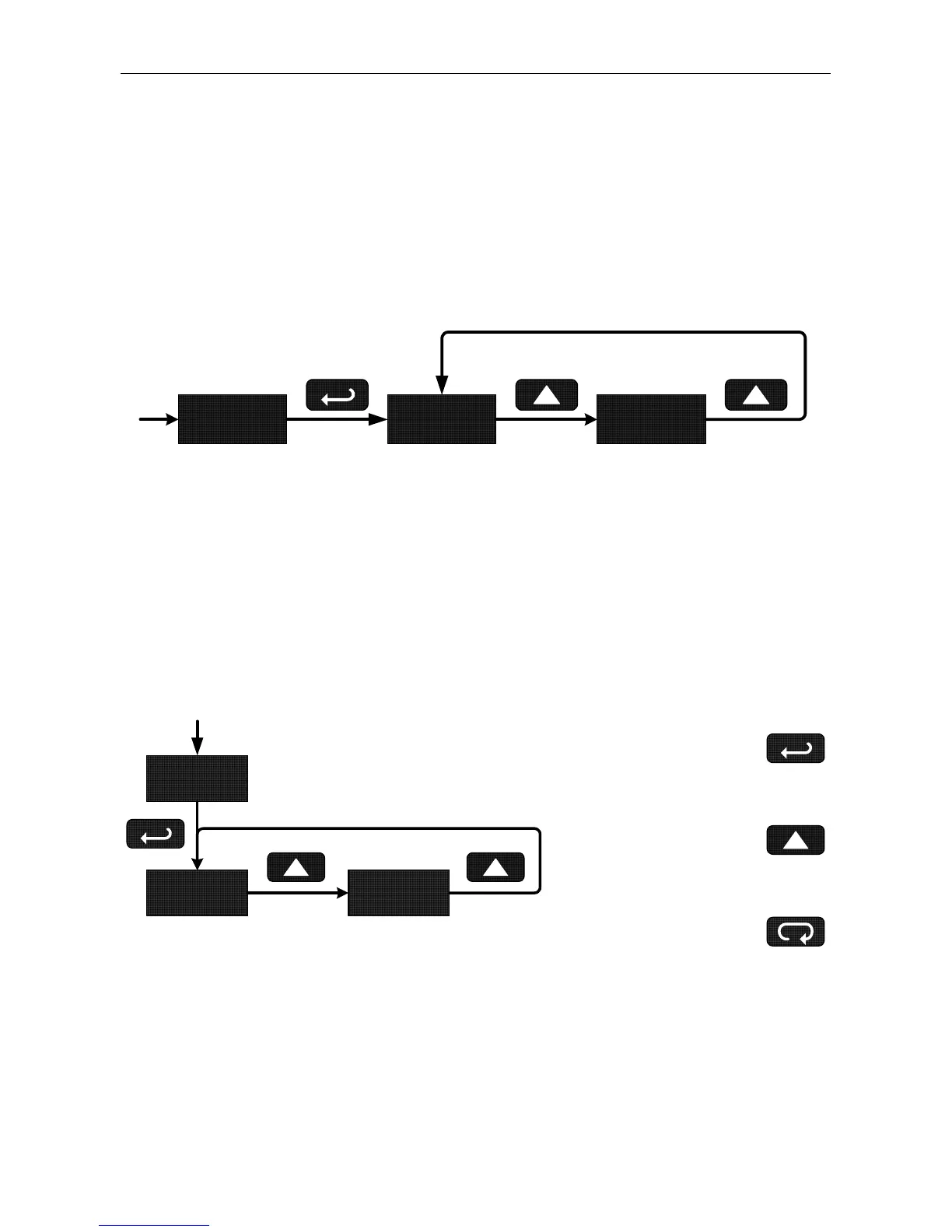
The Setup menu is used to select:
1. Input signal the meter will accept
2. Decimal point position
Press the Enter/Ack button to access any menu or press Up arrow but-
ton to scroll through choices. Press the Menu button to exit at any time.
setu inpt
dec.p
Setting the Input Signal (inpt)
Enter the Input menu to set up the meter to display current (4-20) or
voltage (0-10) inputs.
The voltage input is capable of accepting any signal from -10 to +10
VDC. Select voltage input to accept 0-5, 1-5, 0-10, or ±10 VDC signals.
The current input is capable of accepting any signal from -20 to 20 mA.
Select current input to accept 0-20 or 4-20 mA signals.
inpt
4-20 0-10
Press Enter/Ack to
Make Selections
Press Up Arrow
to Scroll Through
Choices
Press Menu to
Exit at any Time
19



 To Next Page