Sabre P ● Model PD603 Process Meter Instruction Manual
Setting Up the Password (pass)
The Password menu is used to program a four-digit password to pre-
vent unauthorized changes to the programmed parameter settings.
Locking the Meter
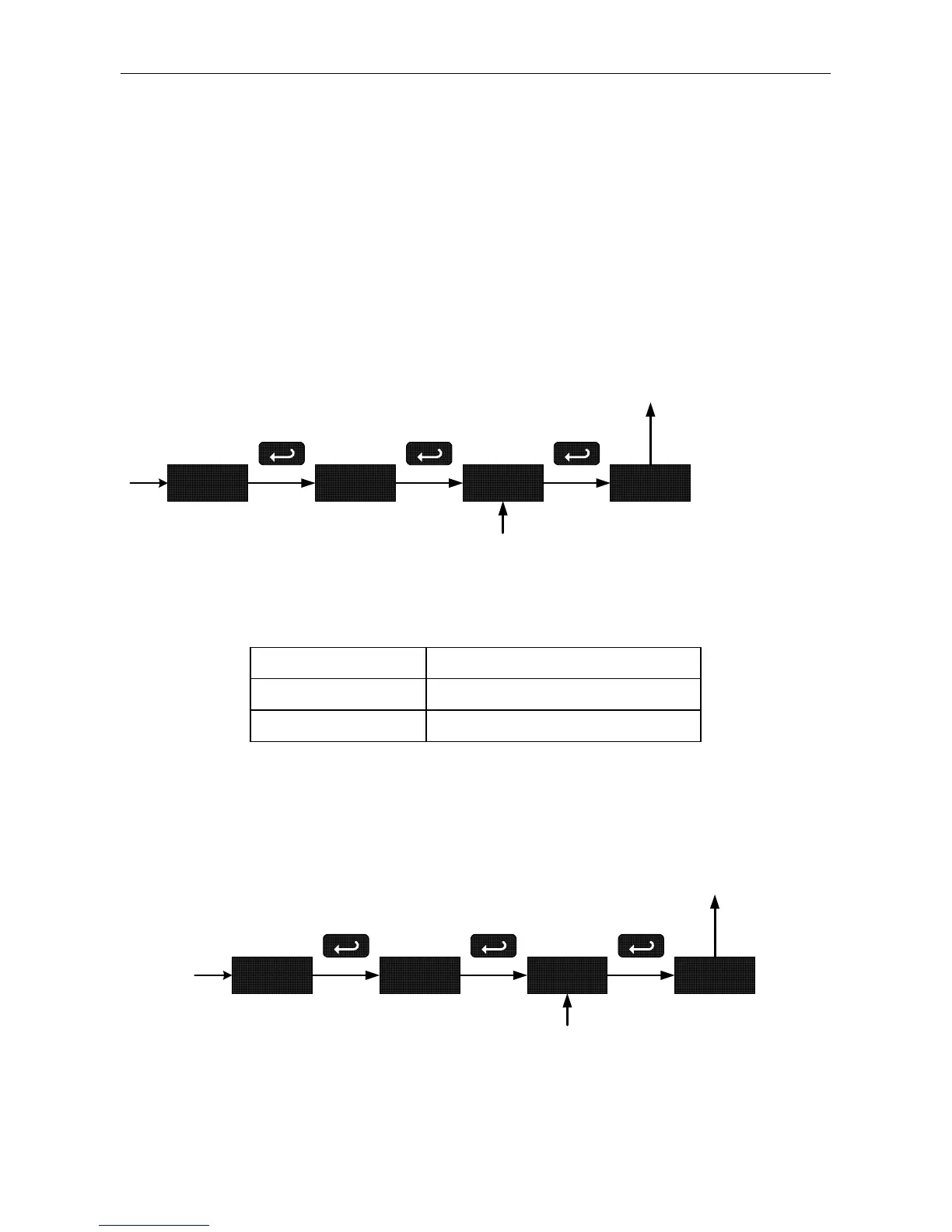
Enter the Password menu and program a four-digit password.
For instructions on how to program numeric values see Setting Numeric
Values, page 18.
pass unlC 0000
Program
Password
loCd
Run Mode
Record the password for future reference. If appropriate, it may be re-
corded in the space provided.
Model:
Serial Number:
Password: __ __ __ __
Unlocking the Meter
If the meter is password protected, the correct password must be en-
tered in order to make changes to the parameter settings.
pass loCd 0000
Enter
Password
unlC
Run Mode
25



 To Next Page