Sabre P ● Model PD603 Process Meter Instruction Manual
OPERATION
For process inputs, the meter is capable of accepting positive and nega-
tive signals and displaying these signals in engineering units from -1999
to 9999 (e.g. a signal from -10 to +10 VDC could be displayed as -5000
to 5000).
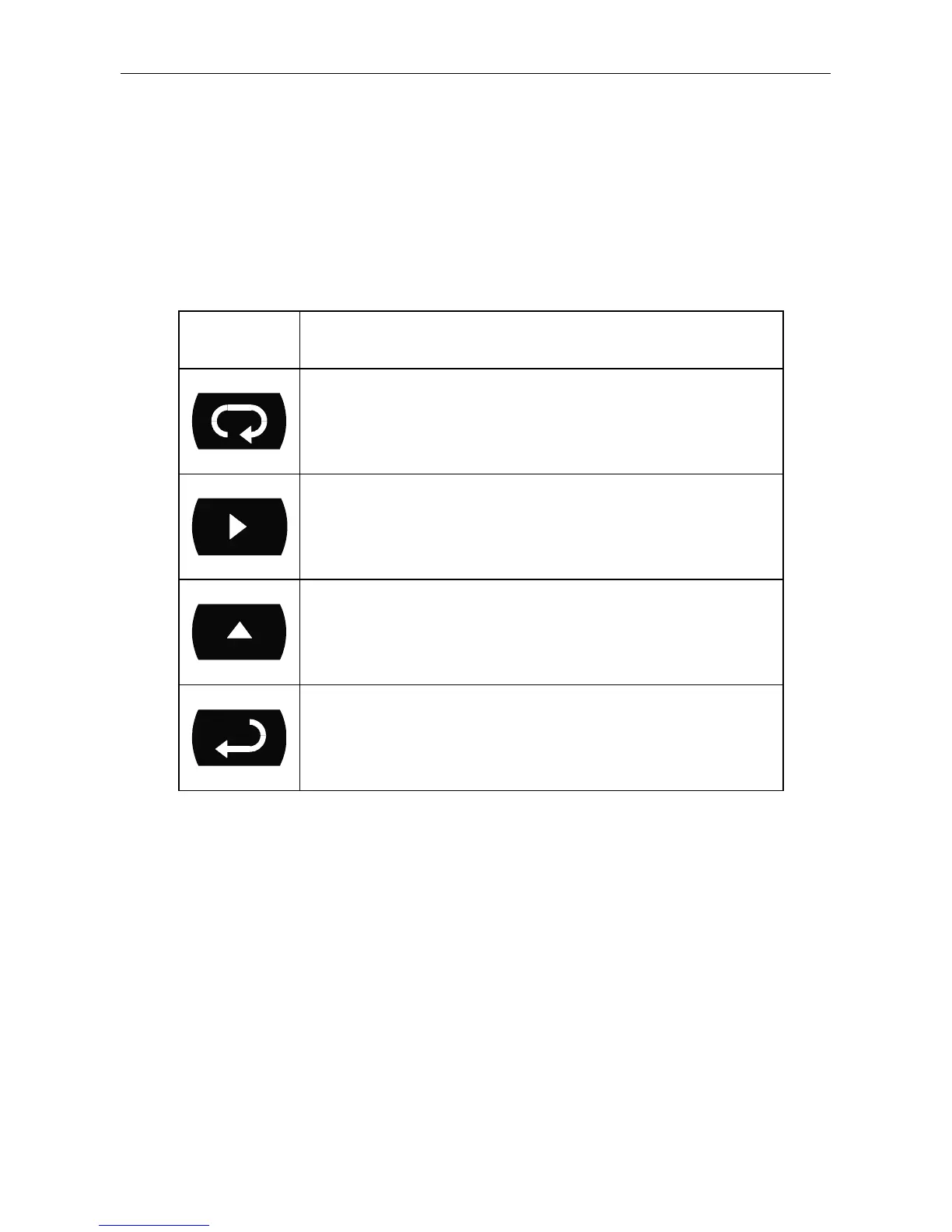
Front Panel Buttons Operation
Button
Symbol
Description
Press to enter or exit Programming Mode,
view settings, or exit Max/Min readings
Press to reset Max/Min readings
Press to display Max/Min readings
alternately
Press to display Max/Min reading
indefinitely while displaying Max/Min
27



 To Next Page