Tempo
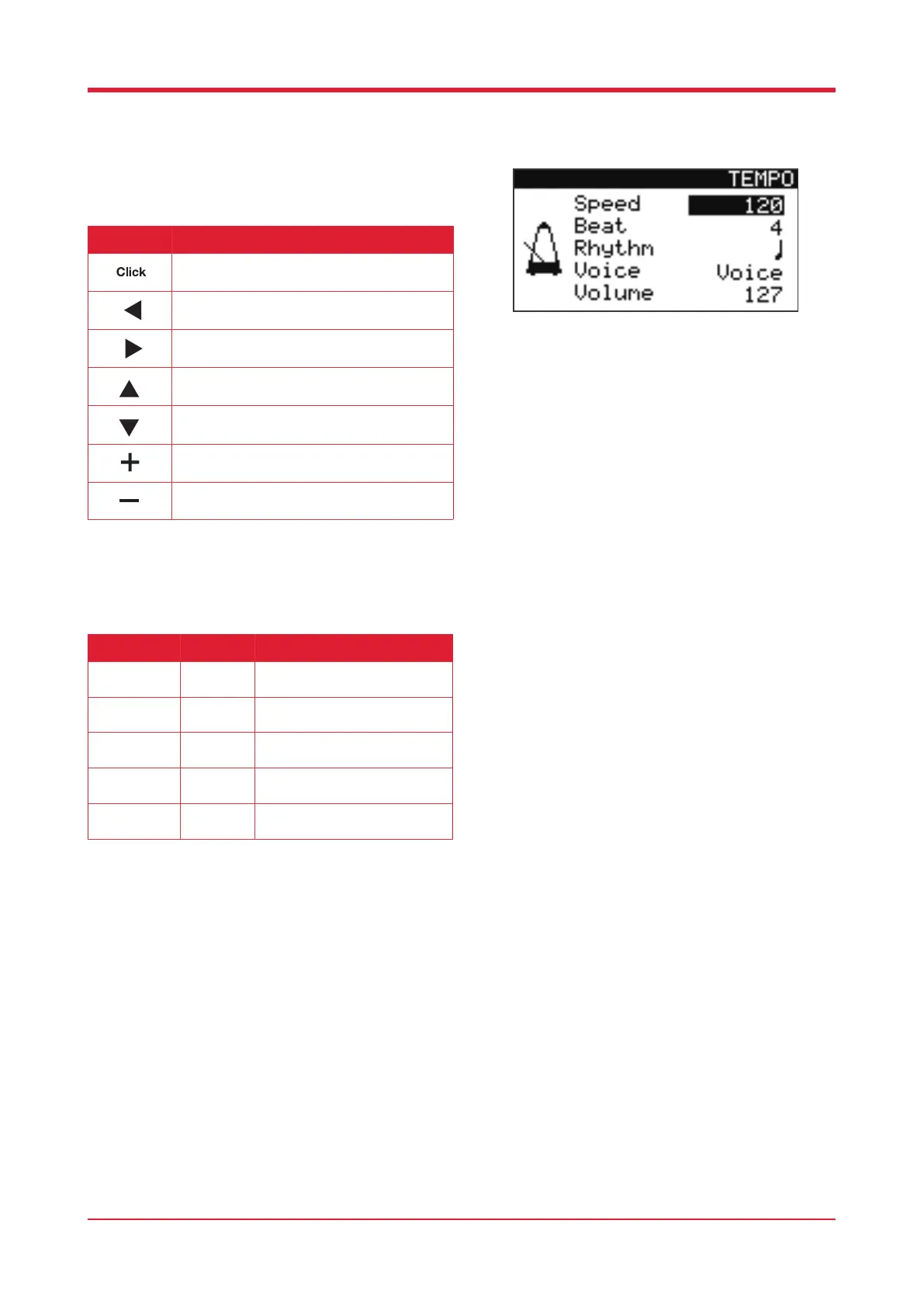
Press [TEMPO] to open the settings page.
Tempo Parameters
15
Button Function
Press this button to open/close the tempo
menu.
Press this button to alter the parameter of the
selected option.
Press this button to alter the parameter of the
selected option.
Press this button to scroll upwards through the
parameters.
Press this button to scroll downwards through
the parameters.
Press this button to edit the parameter of the
selected option.
Press this button to edit the parameter of the
selected option.
Parameter Value Description
Speed
20 - 260 This allows you to adjust the
BPM.
Beat
1 - 9 This allows you to adjust the
beats per measure.
Rhythm
4 Types This allows you to adjust the
rhythm of each beat.
Voice
6 Types This allows you to adjust the
sound of the metronome.
Volume
0 - 127 This allows you to adjust the
volume of the metronome.



 To Next Page