Mix Settings
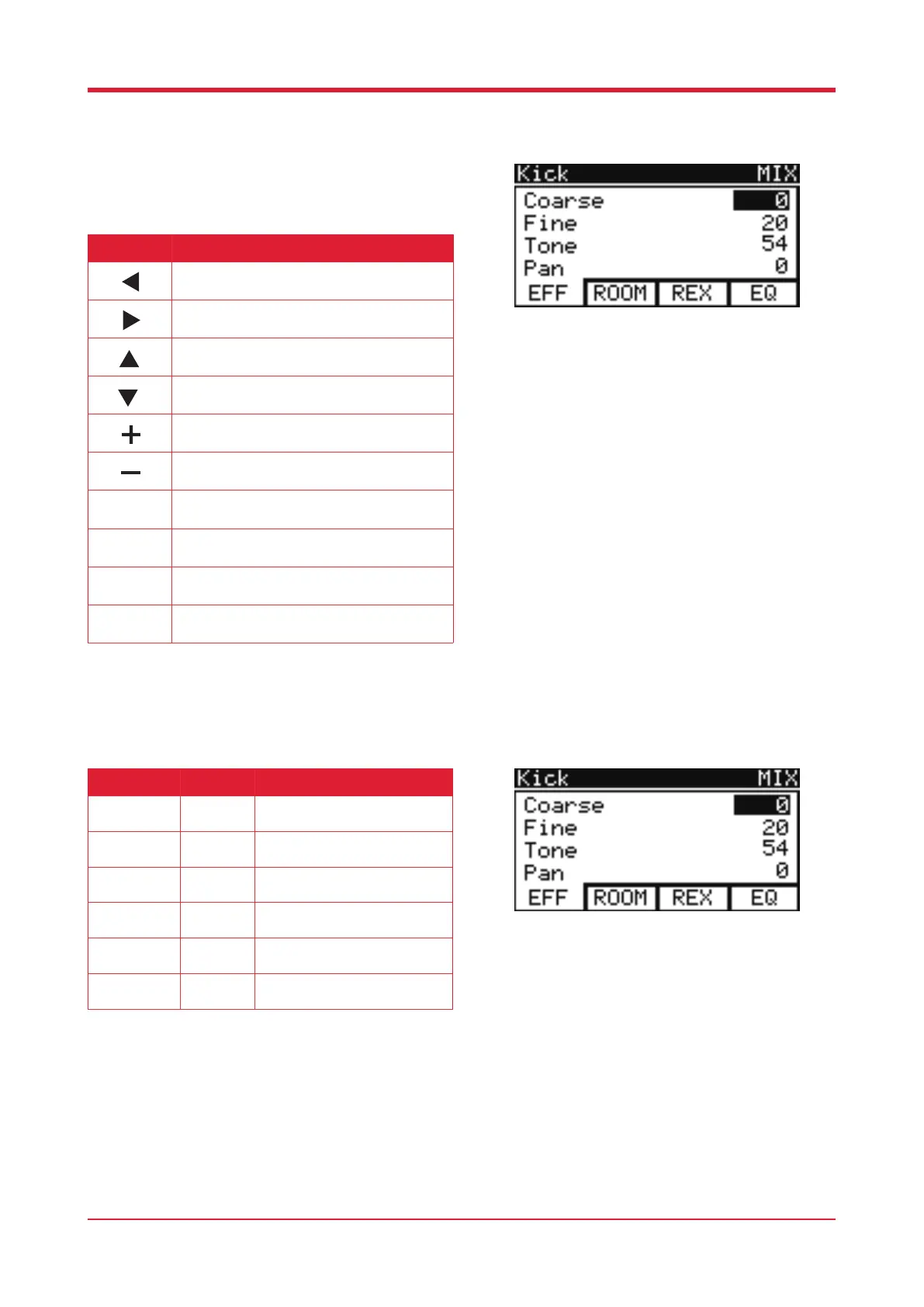
When in settings, press [F3] to enter mix settings.
EectInterface
19
Button Function
Press this button to select the previous pad.
Press this button to select the following pad.
Press this button to select the previous
parameter.
Press this button to select the following
parameter.
Press this button to increase the value of the
selected parameter.
Press this button to decrease the value of the
selected parameter.
Press this button for the eect page.
Press this button for the room parameter page.
Press this button for the reverb page.
Press this button for the EQ page.
F1
F2
F3
F4
Parameter Value Description
Coarse
-24 – +24 Coarse tuning the selected
hitting pad.
Fine
0 - 127 Fine tuning the selected hitting
pad.
Tone
0 - 127 Set the tone of the selected
hitting pad.
Pan
-64 – +63 Set the pan of the selected
hitting pad.
Decay
0 - 127 Set the decay of the selected
hitting pad.
Reverb
0 - 127 Set the reverb volume of the
selected hitting pad.



 To Next Page