Coach Mode
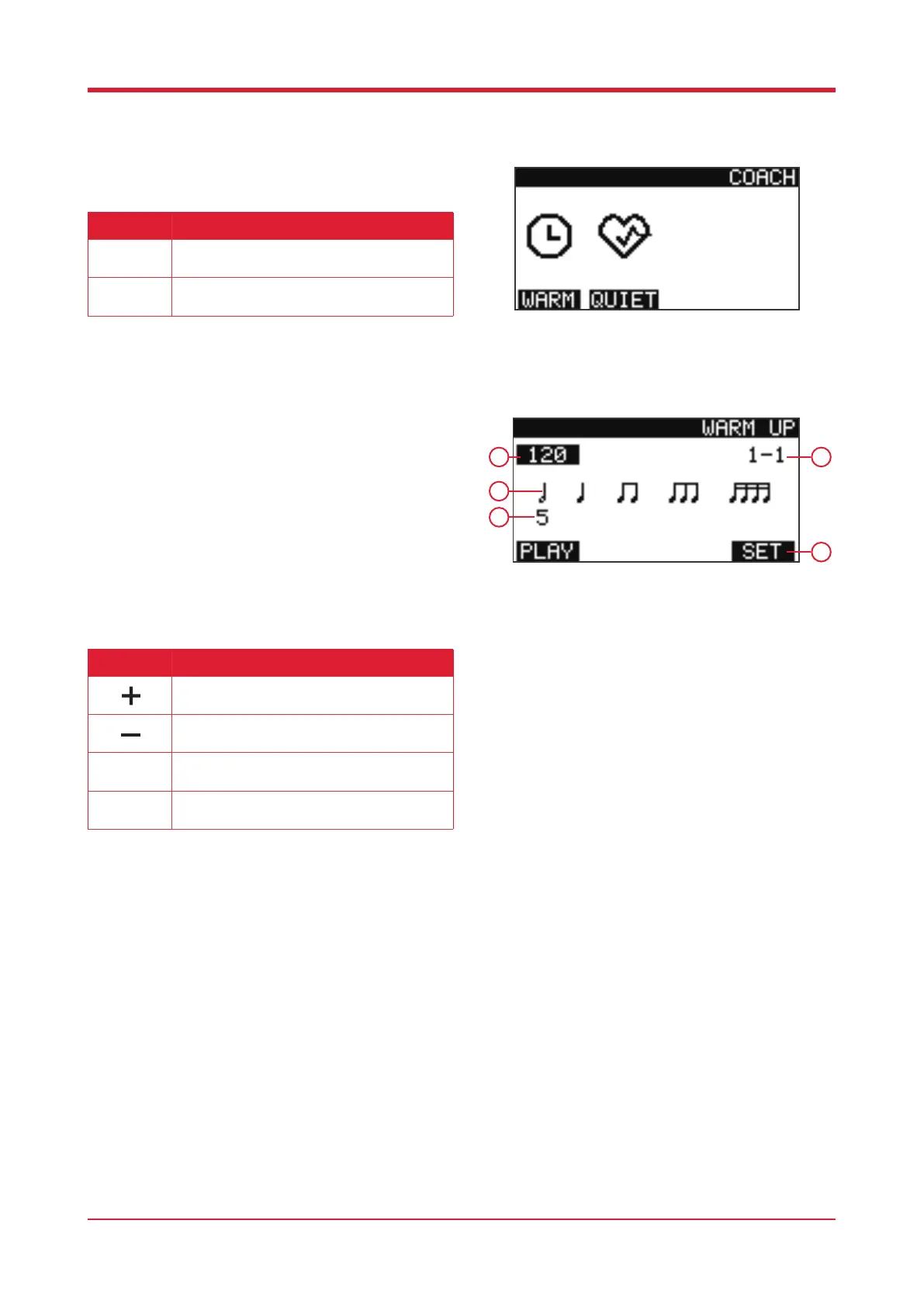
Press [COACH] to enter coach mode.
Warm Up Mode
When in coach mode, press [F1] to enter warm up
mode.
1. Current BPM
2. Beat display
3. Practice rhythm change template
4. Remaining exercises
5. Function
23
1
3
4
Button Function
Press this button to enter warm up practice
mode.
Press this button to enter quiet practice mode.
F1
F2
2
5
Button Function
Press this button to increase the BPM.
Press this button to decrease the BPM.
Press this button to start/stop practice.
Press this button to enter the warm up settings.
F1
F4



 To Next Page