Sound Editing Mode
Press [SET UP] to enter the settings page.
Trigger Settings
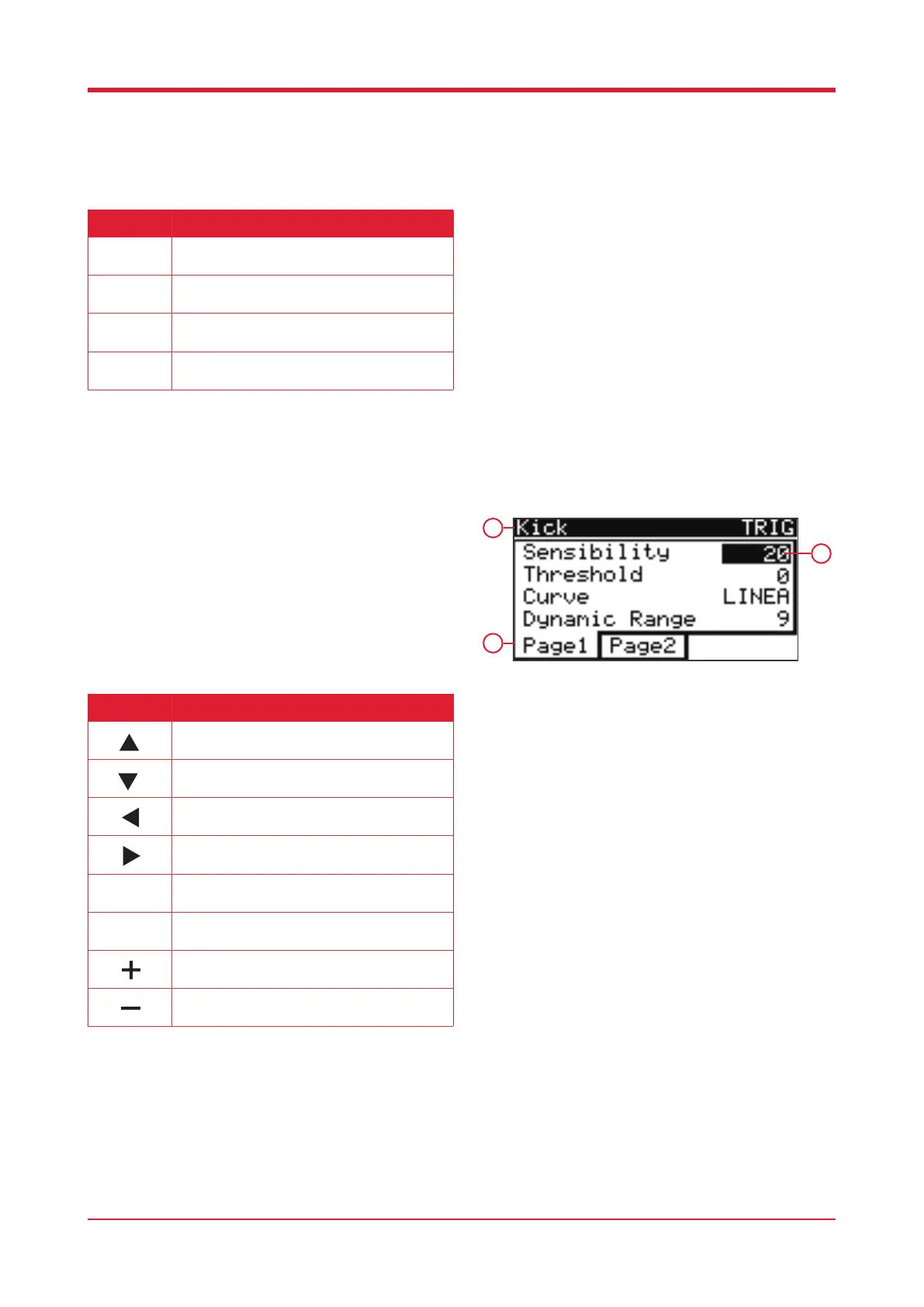
When in settings, press [F1] to enter trigger settings.
1. Current pad
2. Values
3. Functions page
16
Button Function
Press this button to enter the Trigger Settings
interface.
Press this button to enter the MIDI Settings
interface.
Press this button to enter the Mix Settings
interface.
Press this button to enter the Utility interface.
F1
1
3
2
Button Function
Press this button to select the previous pad.
Press this button to select the following pad.
Press this button to select the previous
parameter.
Press this button to select the following
parameter.
Press this button to select page 1.
Press this button to select page 2.
Press this button to adjust the selected
parameter.
Press this button to adjust the selected
parameter.
F1
F2



 To Next Page