Hookup
Back Panel Connections
Quantum 4848
Owner’sManual
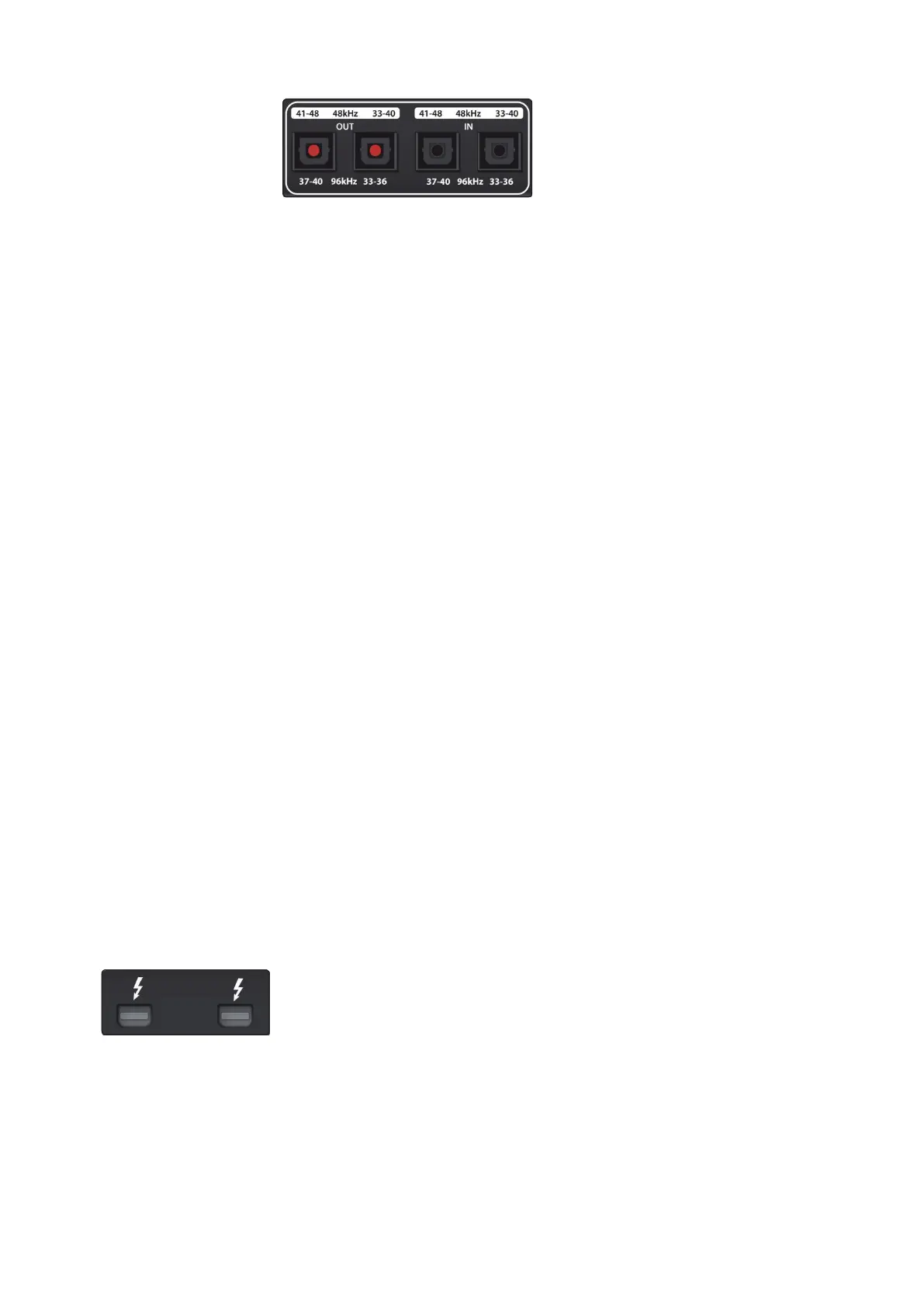
ADAT – S/MUX In and Out. These are the ADAT – Dual S/MUX connections
for your external digital devices. When recording or playing back at 44.1
or 48 kHz, each ADAT I/O will provide 8 of the 16 available channels
consecutively, from left to right. When recording or playing back at 88.2
or 96 kHz, each connection will provide four of the available eight channels.
ADAT – S/MUX In and Out.
这是用于外部数字设备的
ADAT-
双
S/MUX
连接。
当以
44.1
或
48kHz
录音或回放时,每个
ADAT
输入
/
输出将连续提供
16
个可
用通道中的
8
个,从左至右。当以
88.2
或
96kHz
录音或回放时,每个连接
将提供
8
个可用通道中的
4
个。
These inputs and outputs do not function at 176.4 or 192 kHz:
这些输入和输出在
176.4
或
192kHz
时,不发挥作用。
When connecting a PreSonus DigiMax DP88 to your Quantum 4848, the ADAT
connections will also send and receive preamp control information for the
DigiMax DP88, so that it can be controlled directly from UC Surface or Studio
One.
当
PreSonus DigiMax DP88
连接到你的
Quantum 4848
时,
ADAT
连接也将发
送和接收
DigiMax DP88
的前放大器数据,这样就可以直接从
UC Surface
或
Studio One
控制它。
Power User Tip:
You will need to set “ADAT 1” as the Clock Source in Universal
Control as well as to set the sample rate to be the same as the external
clocksource device when clocking external via ADAT. See Section 4.1 for details.
The ADAT 2 input cannot be used to receive word clock.
用户提示:
你需要在
Universal Control
中设置
"ADAT 1 "
作为时钟源,并且
通过
ADAT
为外部时钟源设备提供时钟时,将采样率设置为与外部时钟源
相同。
详情见第
4.1
节。
”
ADAT 2
”
输入不能用于接收字时钟。
Thunderbolt ports. Use these ports to connect your Quantum 4848 to your
computer. The second Thunderbolt port can be used to connect other
Thunderbolt devices to your computer.
Thunderbolt ports.
使用这些端口连接你的
Quantum 4848
到你的计算机
上。第二个
Thunderbolt
端口,可以用来连接其他
Thunderbolt
设备到
你的计算机上。
Power User Tip:
Quantum interfaces support clustering over Thunderbolt. In
addition to allowing you to use your Quantum-series interface as a Thunderbolt
hub, this allows you to chain up to four Quantum interfaces, aggregated over
Thunderbolt, for higher I/O counts.
See Section 5
for more information.



 To Next Page