Studio One Profesional Quick Start
Pipeline XT
Quantum 4848
Owner’sManual
5.
Record Arm your track, making sure to disable input monitoring.
录制 配备你的轨道,确保禁用输入监听。
You’re now ready to punch in.
Simply rewind to the point in
the song at which you’d like to start and click record.
现在可以准备好 punch in。
只需倒退到歌曲中,你想开始的那个点,然后点击录制。
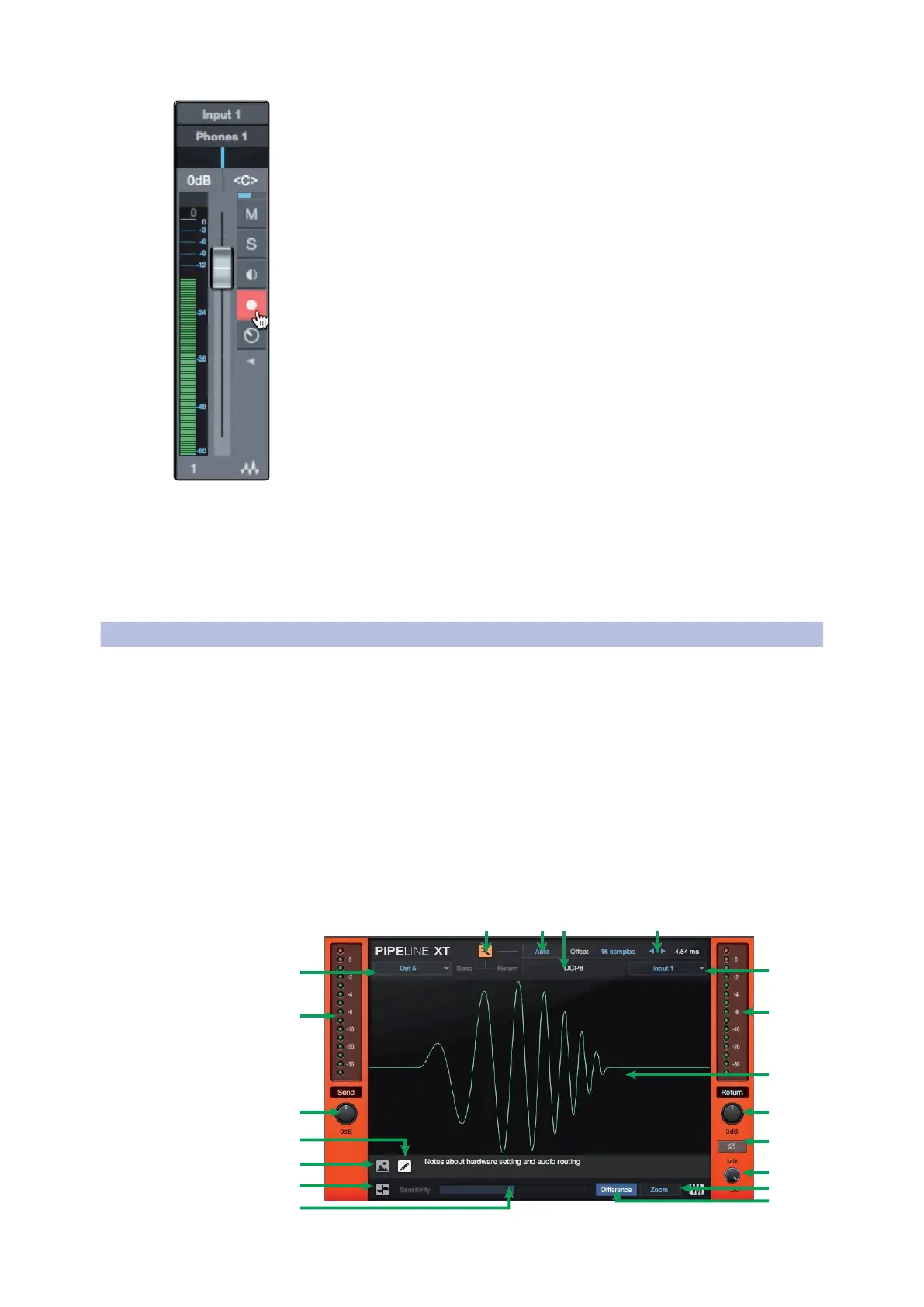
Pipeline XT is a unique plug-in that allows you to insert external hardware
into your session and treat it just like a plug-in. Once inserted, Pipeline XT
can be dragged and dropped in the insert path to change order with other
plug- ins, presets can be stored, and more. With automatic latency
compensation and the Quantum 4848’s low-latency Thunderbolt drivers,
Pipeline XT is the perfect tool to integrate your hardware rack into your
Studio One session.
Pipeline XT
是一个独特的插件,它允许你将外部硬件插入到你的会话中,
并将其视为一个插件。一旦插入,
Pipeline XT
可以在插入路径中拖放,
以改变与其他插件的顺序,可以存储预置,等等。通过自动延迟补偿和
Quantum 4848的低延迟 Thunderbolt 驱动,Pipeline XT是将硬件机架整合
到Studio One会话中的完美工具。
19 18 17 16
1
15
2
14
13
3 12
4
11
5
10
6
9
7
8



 To Next Page