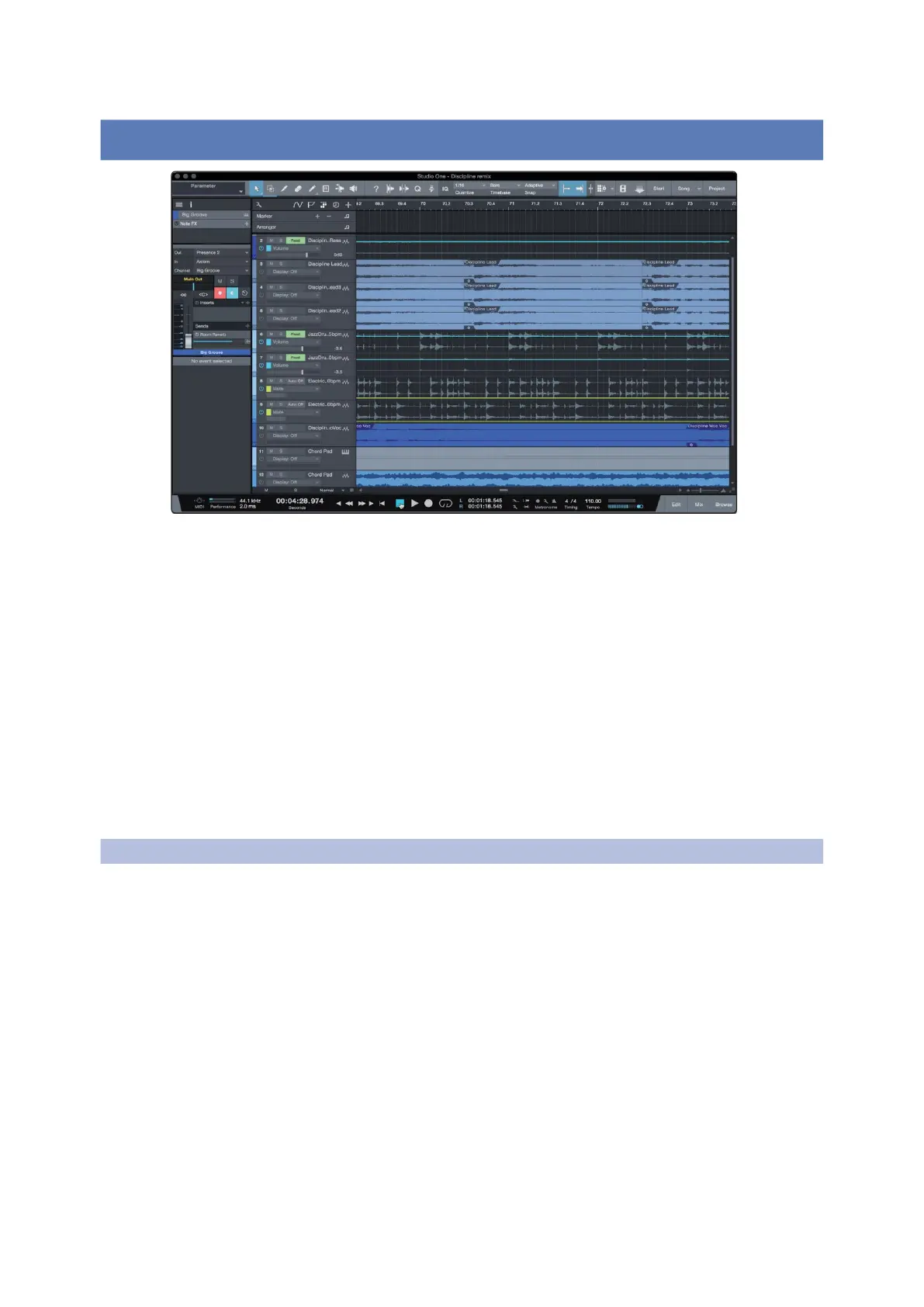
Studio One Profesional Quick Start
Setting Up Studio One
Quantum 4848
Owner’sManual
6 Studio One Professional Quick Start Studio One专业版快速入门
6.1 Installation andAuthorization 安装与授权
6.1
Installationand Authorization
Owner’sManual
Quantum 4848 users will find a license for Studio One Professional
in their My PreSonus user account. As an integrated system, Studio
One Professional allows you to unleash the full potential of their
Quantum 4848.
Quantum 4848用户可以在他们的 My PreSonus 用户账户中找到Studio
One Professional 的授权。作为一个集成系统,Studio One Professional
可以让你释放出 Quantum 4848的全部潜力。
A complete user reference manual is installed with Studio One Professional.
This Quick Start will guide you through set-up and configuration as well as
some specialized functions for Quantum 4848. For all other functions,
please consult the Studio One Reference Manual.
一本完整的用户参考手册已随
Studio One Professional
安装。这个快速入
门将指导你完成设置和配置,以及
Quantum 4848
的一些专业功能。对
于所有其他功能,请参考
Studio One
参考手册。
Once you have installed the drivers for your audio interface and connected
it to your computer, you can use the included PreSonus Studio One music-
production software to begin recording, mixing, producing, and mastering
your music.
一旦你安装了音频接口的驱动程序并将其连接到电脑上,你就可以使
用附带的PreSonus Studio One音乐制作软件来开始录音、混音、制作和
制作你的音乐。
To install Studio One, log into your My PreSonus account and register your
interface. Your product key for Studio One will automatically be registered
to your My PreSonus account with your hardware registration.
要安装 Studio One,请登录你的 My PreSonus 帐户并注册你的接口。你
的
Studio One
的产品密钥将随着你的硬件注册而自动注册到你的
My
PreSonus
帐户。



 To Next Page