Studio One Profesional Quick Start
Setting Up Studio One
Quantum 4848
Owner’sManual
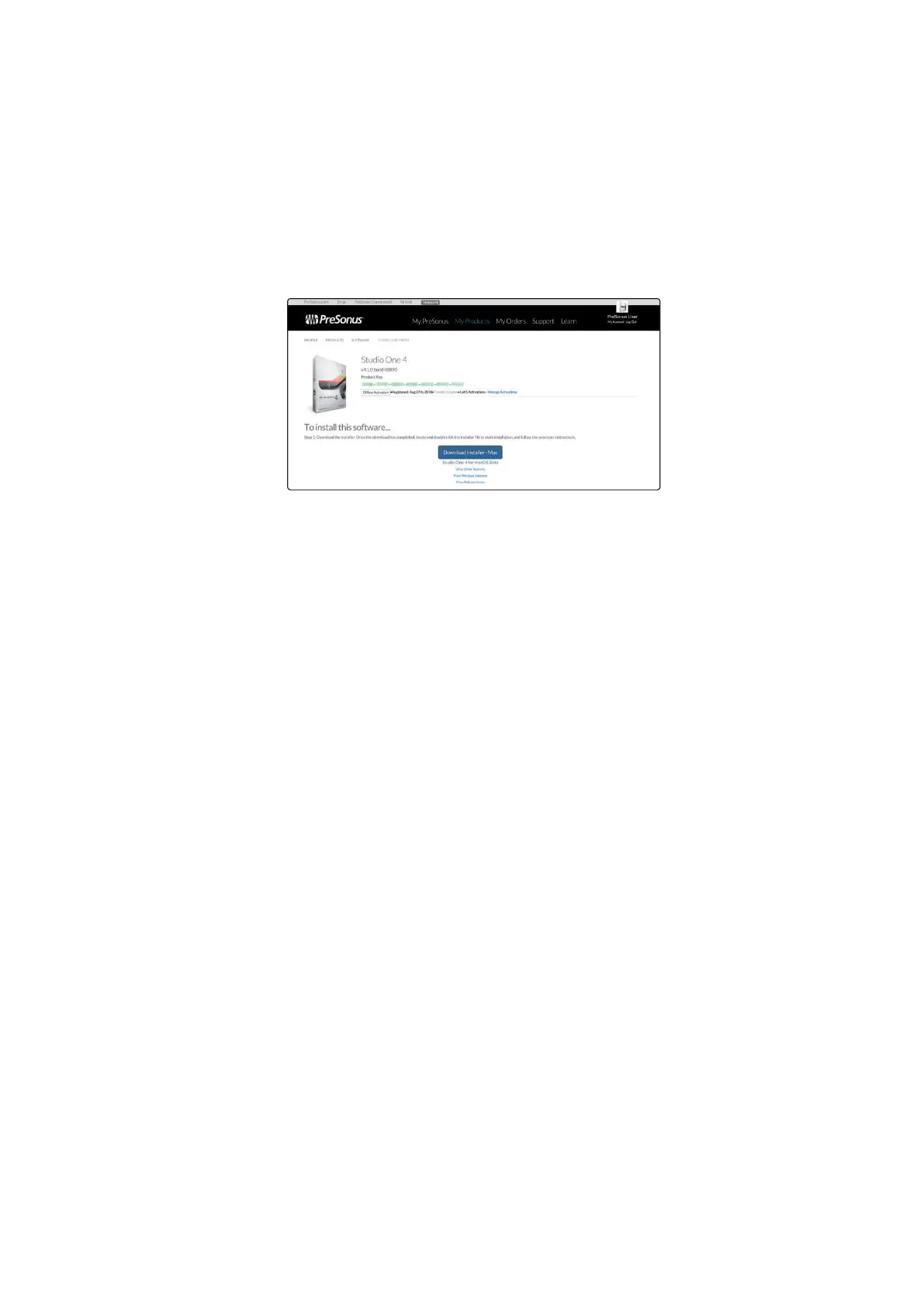
Downloading and running the Studio One installer.
下载并运行
Studio One
安装程序。
To install Studio One, download the Studio One installer from
your My PreSonus account to the computer on which you will
use it.
要安装
Studio One
,请从你的
My PreSonus
帐户下载
Studio One
安装程序到你要使用它的计算机上。
•
Windows users: Launch the Studio One installer
and follow the onscreen instructions.
•
Windows users:
启动
Studio One
安装程序并按
照屏幕上的指示操作。
•
Mac users: Drag the Studio One application into the
Applications folder on your Mac hard drive.
•
Mac users: 将Studio One应用程序,拖入到你Mac
硬盘上的应用程序文件夹。



 To Next Page