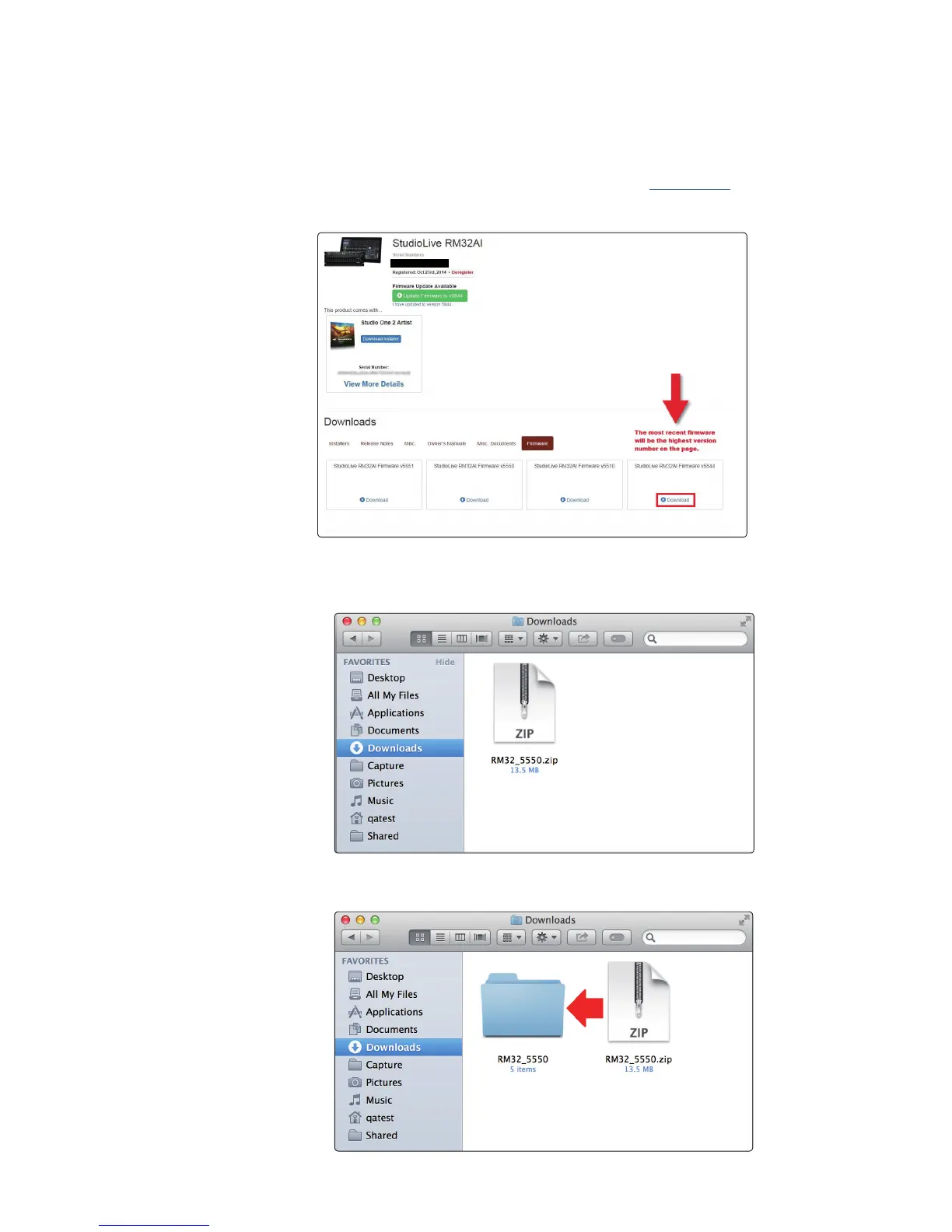
To update your StudioLive RM’s firmware:
1. Make a wired network connection to the RM mixer as described in section 3.3
Wired Ethernet Control Setup of the StudioLive AI RM Series Hardware Manual.
2. Download the firmware files for your mixer from your My PreSonus
account. To find these files, click on the “View More Details” link in your
StudioLive registration and click the “Firmware” tab in the Details area.
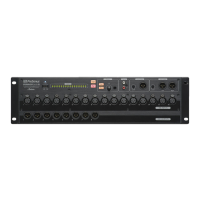
3. Open your “Downloads” folder and locate the downloaded firmware
.zip archive file. The .zip file will be named with your mixer’s model
number and the new firmware version (e.g., RM32AI_v5550).
4. Depending on your system preferences, the firmware folder might not
automatically decompress from the .zip file. To expand, simply double-click it.






 To Next Page