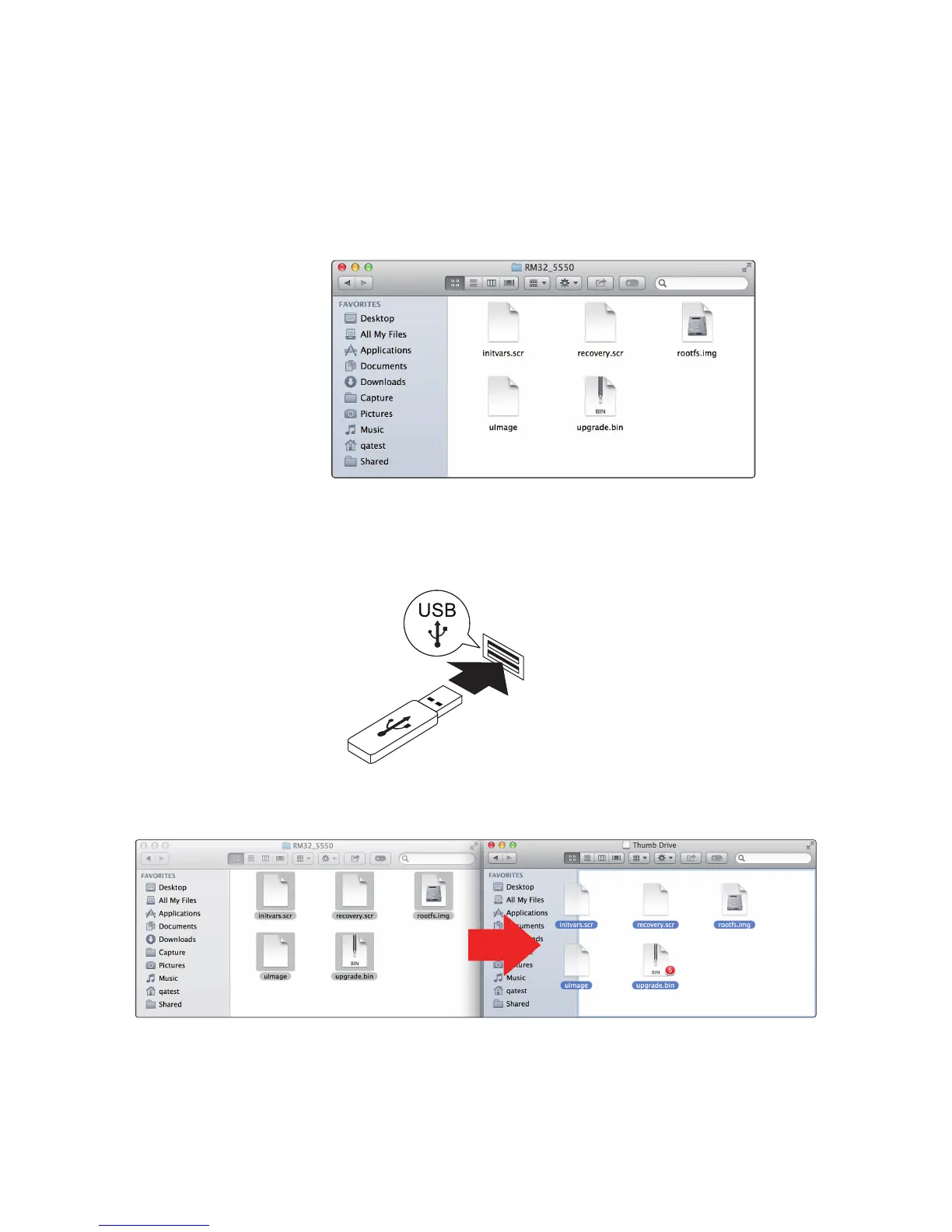
5. Open the firmware folder; you will find five files inside:
• Initvars.scr
• Recovery.scr
• Rootfs.img
• uImage
• Upgrade.bin
You will need all five files to upgrade your mixer.
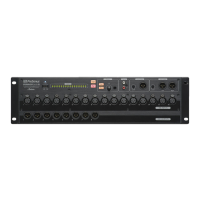
6. Connect a FAT32-formatted USB thumb drive to your computer.
Power User Tip: Most small USB drives (16 GB or less) are already
formatted correctly, so no formatting is required. If your mixer does not
detect your thumb drive, verify that it is formatted correctly.
7. Select all five firmware files and either copy/paste or drag them to the root of
your thumb drive. Eject your drive and disconnect it from your computer.






 To Next Page