24 Printing Using a PC
Section 4: Printing Using a PC
A. USING BARTENDER®
Primera Special Edition BarTender UltraLite is included with the
printer. Other programs can be used to print. If printing from other
programs please follow the guidelines in Section 3D.
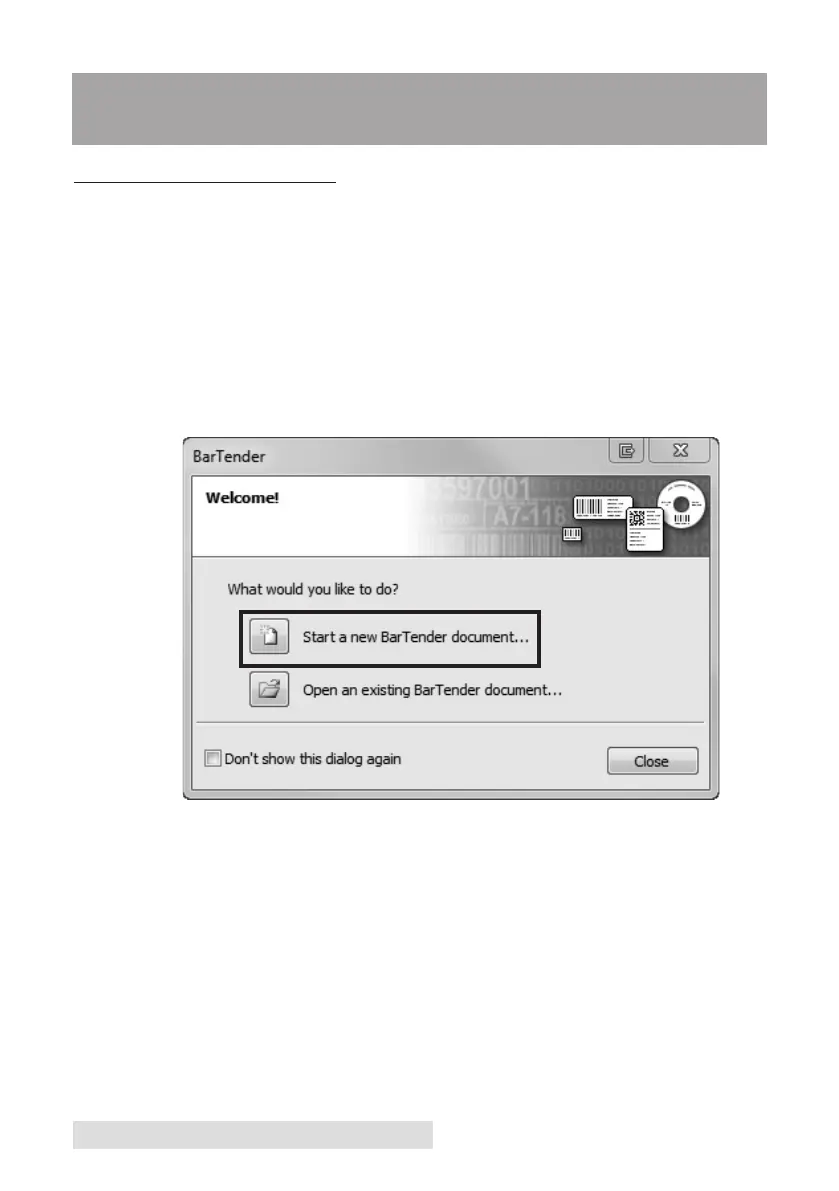
When you open BarTender you will be given the choice to select an
existing label or create a new one using a wizard.
Use the following instructions as a general guide for standard labels.
1. Choose "Start a new BarTender document..."



 To Next Page