40 Troubleshooting
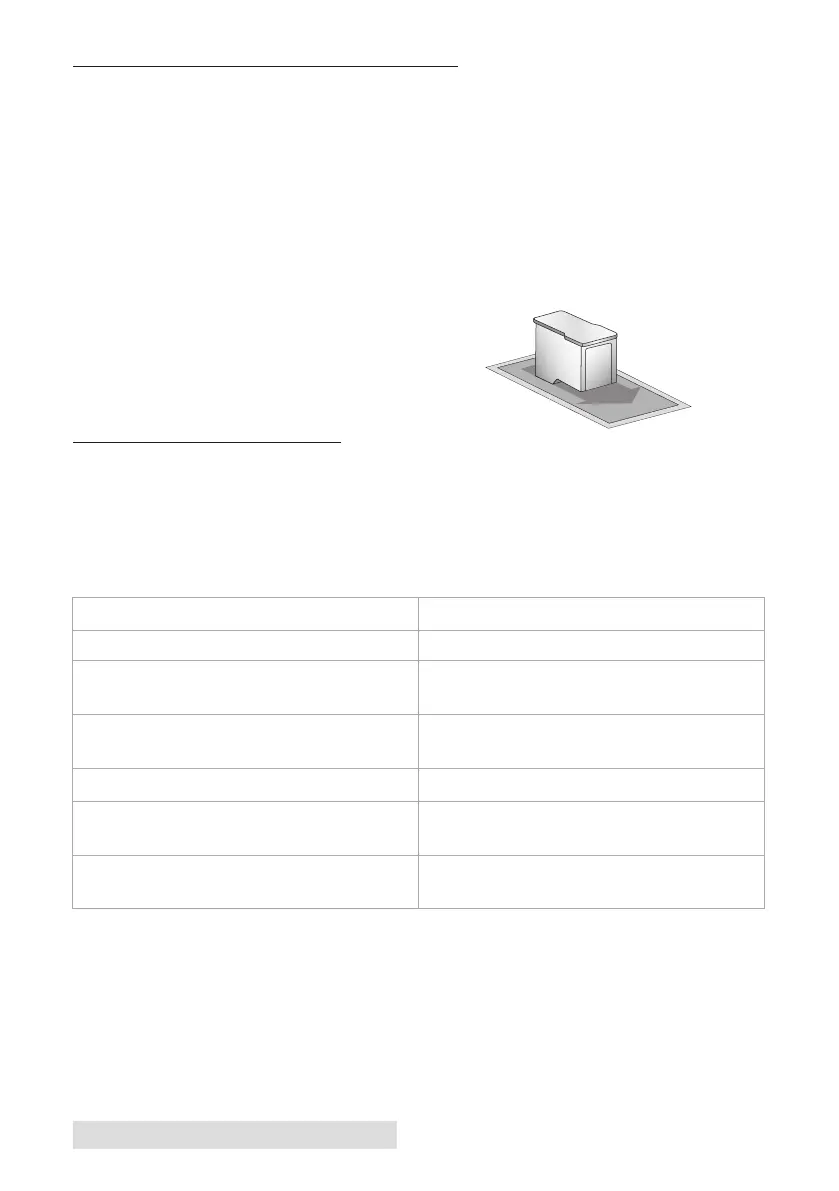
E. CLEANING THE INK CARTRIDGE
It may be necessary to clean the ink cartridge nozzles if you notice
reduced print quality, or if you suspect a cartridge nozzle has
become slightly dried out or clogged. If you are having print quality
problems, follow the steps below:
1. Remove the print cartridge.
2. Moisten a lint-free cloth with water.
3. Hold the cloth against the nozzles for three seconds. This will
“wick” some additional ink
onto the damp cloth.
4. Wipe in one direction only.
5. Repeat the process.
F. TECHNICAL SUPPORT
If you have difficulties operating your Printer, contact technical
support using one of the methods listed below.
Source Location
Primera Knowledge Base www.primera.com/kb
BarTender Software Help files Open the software. Click on the Help
Menu - BarTender Help
NiceLabel Software Help files Open the software. Click on the Help
Menu - NiceLabel Help
Email Support support@primera.eu
Phone Support +49 (0) 611 92 777-0 (Mon - Thu 9 a.m. -
5 p.m., Fri 9 a.m. - 3 p.m. CET)
Live Chat http://primeralabel.eu (Mon - Thu 9 a.m.
- 5 p.m., Fri 9 a.m. - 3 p.m. CET)



 To Next Page