Printing Using a PC 31
NOTE on PC Settings:
Most applications allow you to change these same printer driver options
from their "Print" screens. Some applications such as BarTender save your
settings with the label, others use settings only for the current print job
just sent to the printer.
Paper Size
If you are using BarTender, this setting is adjusted during the label
setup wizard. If you are using a program other than BarTender you
will need to set this to the dimensions of your label. Keep in mind
that the dimensions are always relative to the width and height of
the actual label in the printer. Orientation of an image on the label
should not change this setting. See Section 6 for minimum and
maximum label sizes.
Orientation
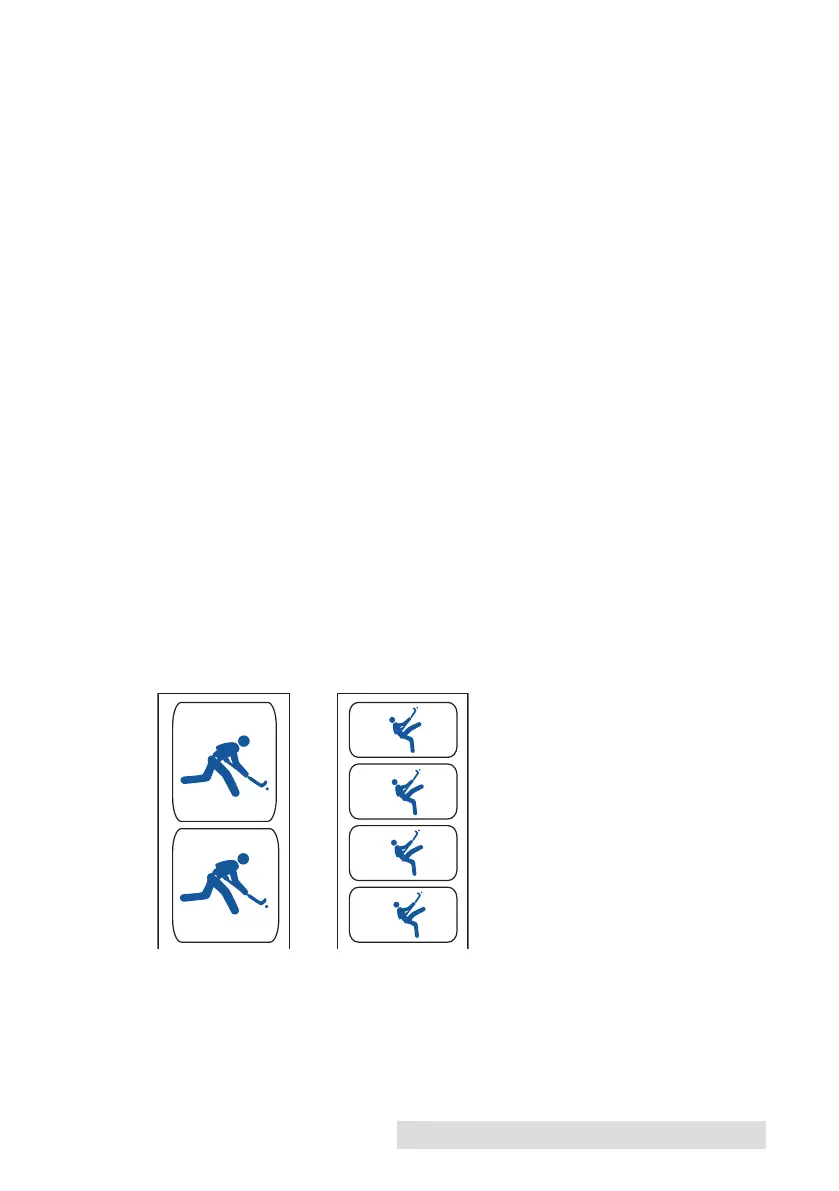
There are two settings for orientation, Portrait and Landscape. If
your text and graphics print left to right or as shown on the screen,
select portrait. If you wish your printing to rotate 90 degrees from
what you see on the screen so it is printing
horizontally, select landscape as your orientation. Remember, this
does not change the width and height in the Paper Size setting. It is
only a tool for viewing a label upright on screen that will be printed
sideways on the printer.
Portrait Landscape



 To Next Page