SURETHING CD LABELER
User’s Guide
23
frame to select it. You can drag the frame
to any location on your label. To change
the size of the frame, click one of the red
squares on the perimeter of the frame and
drag it to the desired size.
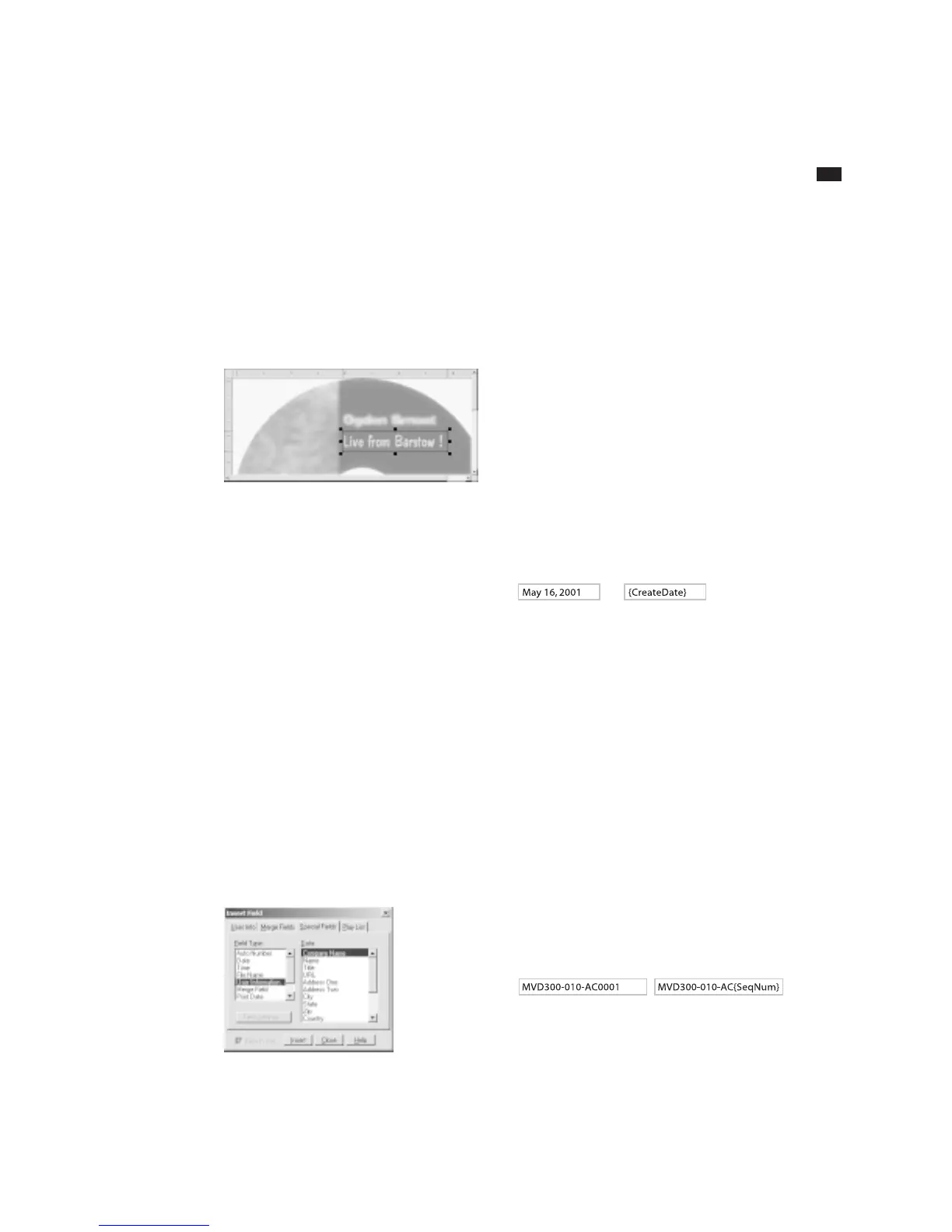
A selected text frame.
Inserting Merge Fields in Text Frames
SureThing lets you insert many different
types of merge fields in text frames.
Examples of merge fields are date and
time, auto-incrementing serial numbers,
your name, company and address from
the User Information tab of the Program
Options dialog box, audio playlist informa-
tion, or even fields from an external
database (dBASE or CSV text file).
To insert a merge field into your design:
1 Place the text cursor in the text frame
where you want the merge field to appear.
2 Choose Insert Field from the Insert
menu. The Insert Field dialog box appears.
3 Select the tab for the type of merge
field, such as Special Fields.
4 Select the type of field you want to
merge from the scroll list on the left, and
any field options from the list on the right.
4 Click OK to insert the field into the
frame.
If the “Show Field Codes” option is on
under the View menu, the field appears as
a code, with the field name enclosed in
brackets. If this option is off, you will see
the actual data (except for fields from an
external database, which will always show
the record you specify using the Set Merge
Record command under View Options)
The same field viewed with Field Codes off (left), and Field Codes on
(right). Field Codes are turned on and off under the View menu.
A popular example of using merge fields is
the Serial Number function. Say for
example you were printing several CD
labels for a software product, and wanted
a unique serial number printed on each
label. A typical serial number might be
something like “MVD300-010-AC0001,”
with only the last four digits incrementing.
You would type the text “MVD300-010-
AC” and insert a Serial Number merge
field immediately after it (choose the Zero
Fill option and set the maximum number
to 1000 to create a four-digit repeating
field beginning with “0001.”
The frame containing the serial number
field might look something like this.
An example of a Serial Number field viewed with Field Codes off (left),
and Field Codes on (right).



 To Next Page