38 CHAPTER 3
Working with the Software
Deleting Templates
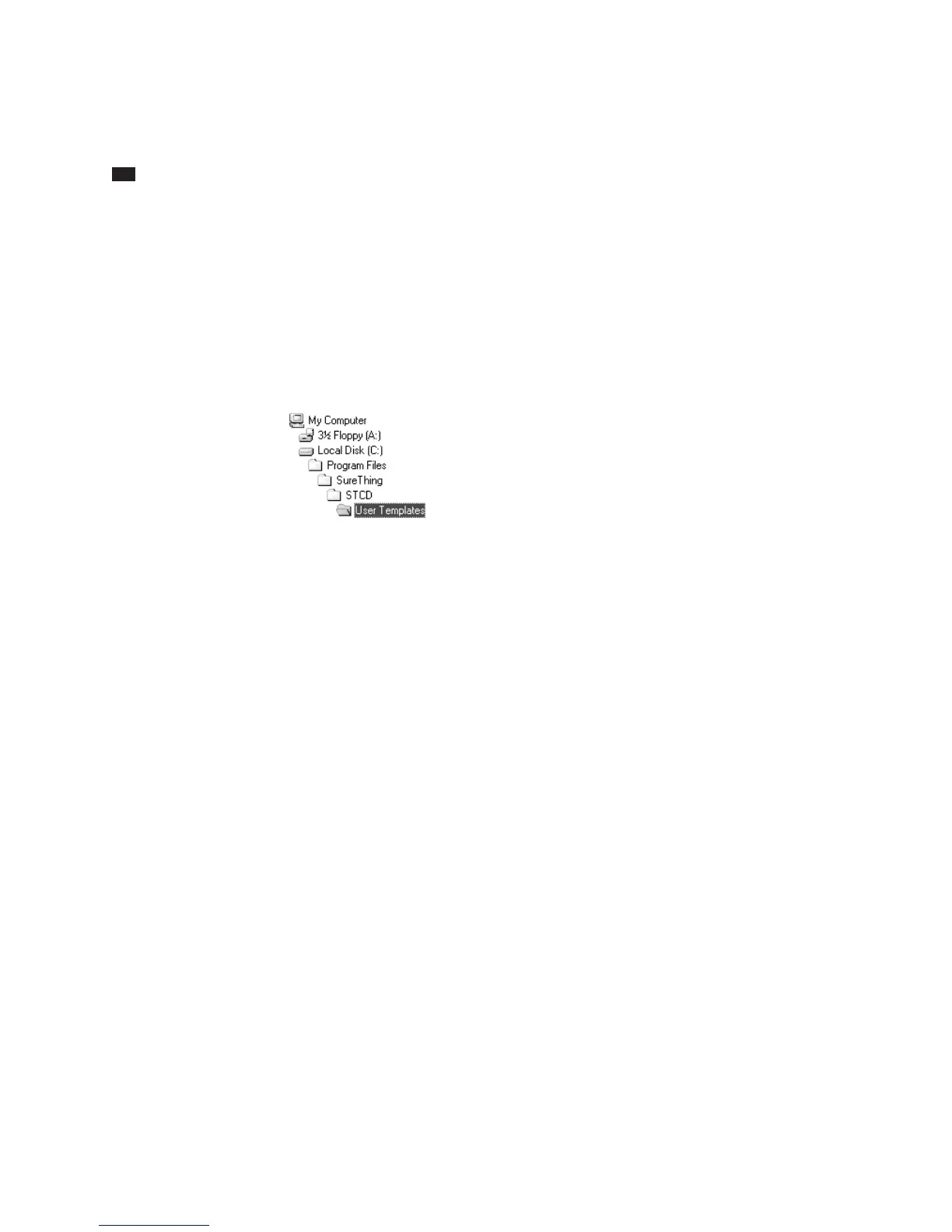
Templates you create are stored in a folder
named “User Templates” located within the
folder where SureThing is installed. If you
accepted the default settings when you
installed SureThing, you would open the
following folders to locate the templates:
To delete a template, open the User
Templates folder, select the file you want to
remove and delete it (or move it out of the
User Templates folder).
SureThing templates have the extension
STT.



 To Next Page