9
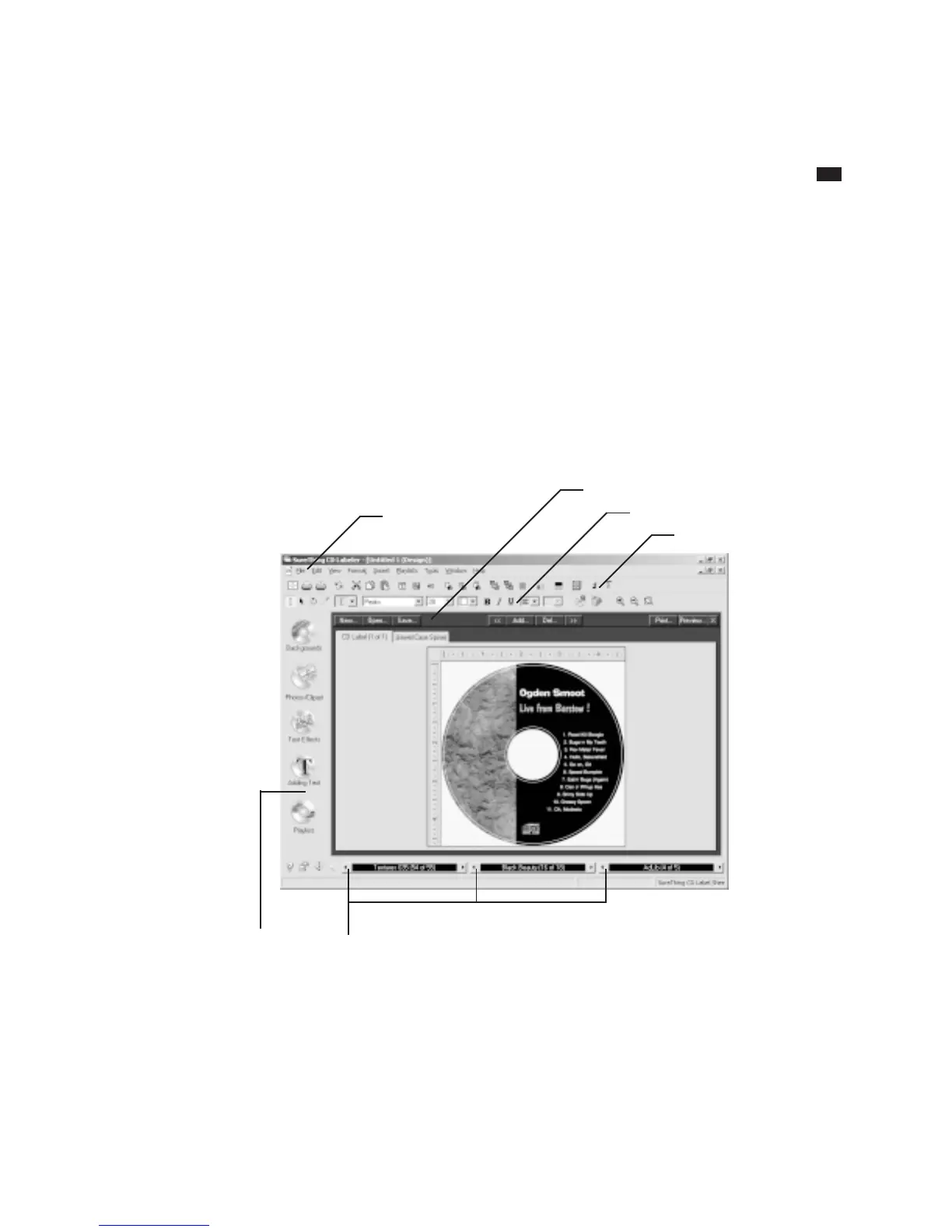
The SureThing Environment
T
he SureThing environment is not
too different from what you’re
already familiar with in other
Windows applications. It includes a menu
bar at the top of the screen, the tabbed
label window (the number of tabs depends
on the brand of label you are using), and
a collection of tools for creating and
editing elements such as label text, text
effects, backgrounds, images, borders, etc.
At the bottom of the screen are buttons
you click to cycle through the various
SmartDesigns.
Speed Tools*
Control Strip
Design bar
Variation bar
Menu bar
Command bar
* Speed Tools are turned off by default, but you can turn them on by choosing View Options from the View menu.



 To Next Page