20 PROGRAMOVACÍ MANUÁL 540876_A_PUB_DATE_1_FEB_2012.DOC
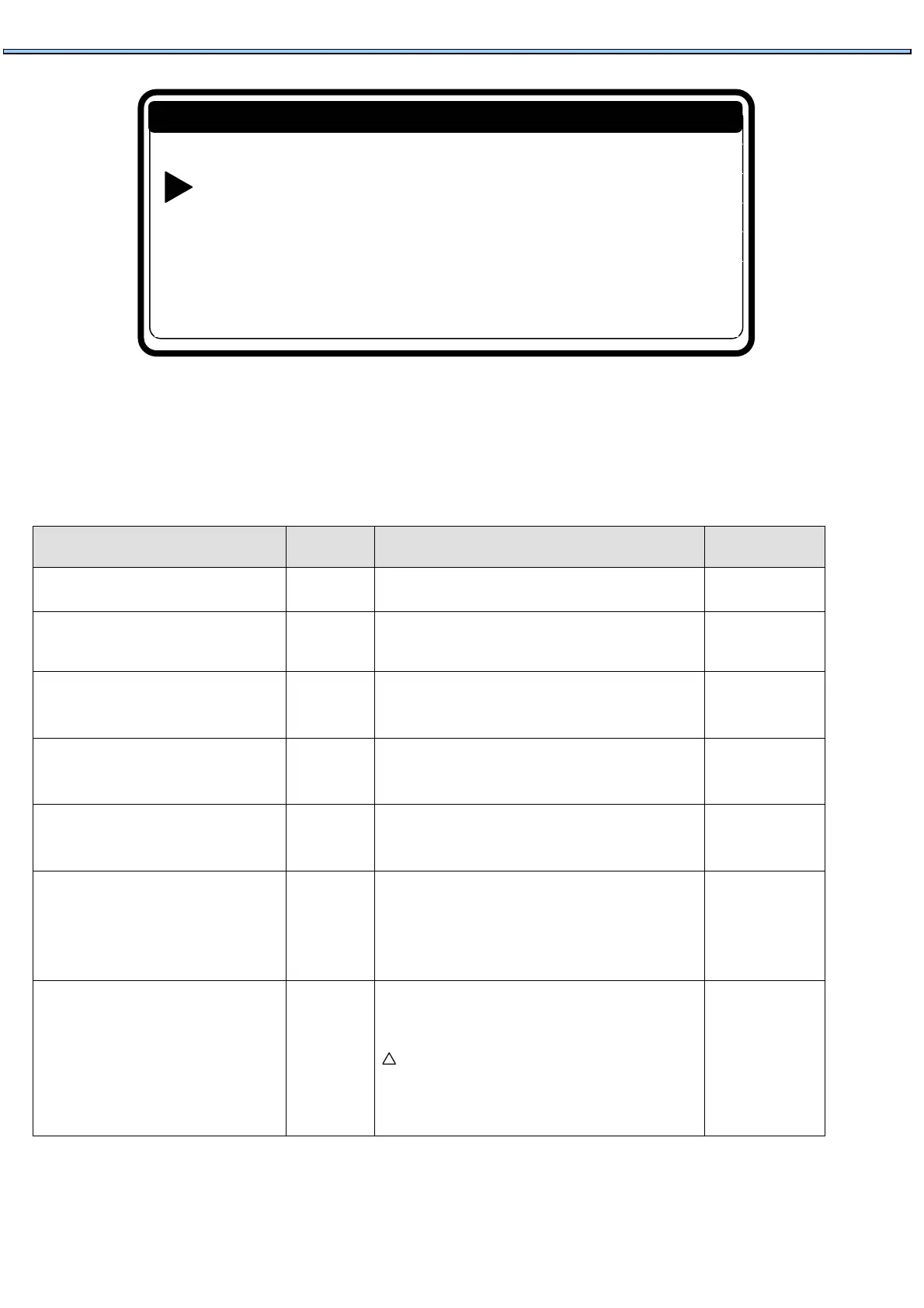
Press the ENTER button to make your selection.
Now you will see the first menu item.
By pressing the ARROW DOWN or UP button you can select the menu items one by one.
Menu Item Default Info Limits
Language English Language selection: English, Spanish, French,… List
Service Interval 3000 Number of cycles at which maintenance is required.
9999: the servicing interval is ignored
1 - 9999
Buzzer Time 5 Sec The time the Buzzer is beeping at end of wash cycle
while „Unload“ is displayed.
0 - 99
Allow Advance Yes The Advance function allows to Skip a Sequence or
to extend & decrease the time of a sequence.
No / Yes
Automatic Cooldown Yes Automatic Cooldown selection.
(see info (*)).
No / Yes
Wait for Temp Yes Wash Process time is put on Hold as long as the
programmed temperature hasn't been reached. Once
the temperature has been reached, the wash cycle
time will decrease.
No / Yes
Manual Override Yes
Activates special functions in the Servis Info menu.
The operator can directly operate the water
inlet, drain, heating and spin speed functions.
Attention!
The particular functions can only be used if the safety
conditions are fulfilled. For example: if there is no water in
the drum, the heating function cannot be activated.
No / Yes
!
Initialization …
Program …
Servis …
Configuration …
Advanced …
Main Menu


 To Next Page