540876_A_PUB_DATE_1_FEB_2012.DOC PROGRAMOVACÍ MANUÁL 39
PROGRAMMING
Prewash
Wash
Cooldown
Rinse
Final Rinse
Soak
Flush
S
ra
No wash
Prewash
Wash
Cooldown
Rinse
Final Rinse
Soak
S
ra
No wash
SELECTING THE WASH PART
If you have selected Add Step, Edit Step or Insert Step, you
have to select the wash sequence now.
Depending on the machine type, with top or front soap
dispenser, you have more or less sequences available.
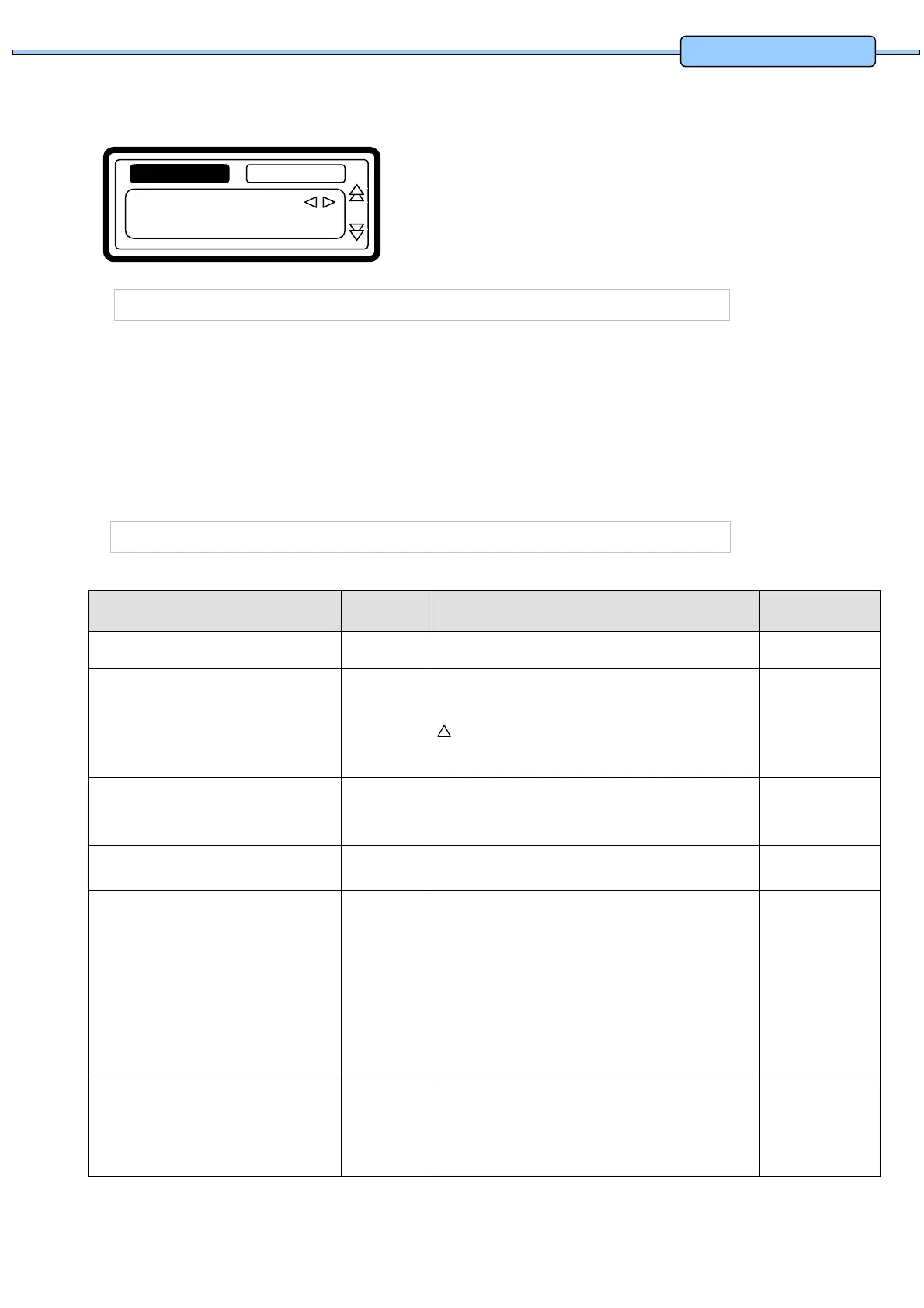
For a new step, as a default, the first displayed function is the Wash sequence.
Now by pressing the ARROW LEFT or RIGHT button, you can select the desired sequence.
Press the ENTER button to confirm.
You can also use the ARROW DOWN button if you accept the pre-programmed default value.
THE PREWASH SEQUENCE
Menu Item Default Info Limits
Temperature 40 °C The water temperature.
1 - 45 °C
Inlet I1 - I5
(40°C)
The suggested inlet valves are related to the
temperature and the soap box to be used.
Attention!
If you insert other inlet valves than the suggested ones,
problems can occur at the water fill process.
I1...I8
Level Normal
Low
The suggested water level depends on the machine
Type.
See table 3.5.A
RPM - The suggested RPM depends on the machineType. See table 3.5.B
Detergents Menu…
Supply 1, …, 8
0 sec
Time selection for external liquid soap supplies.
You can program up to 4 supplies at the same time.
If you have programmed more then 4 supplies an error
message will be generated. Put the time of the
supplies back to zero until not more than 4 non-zero
time values are remaining.
(Liquid soap supplies must be switched on at the configuration
Menu)
0 - 99 sec
On Time 12 sec The wash action, motor On Time.
Gentle wash action : 3 sec.
(The suggested default values can be adjusted at the Initialization
menu)
1 - 99 sec
!
z
Type: Prewash
Prewash
S
in


 To Next Page