PS5000 Series (Slim Panel Type Atom Model) User Manual
35
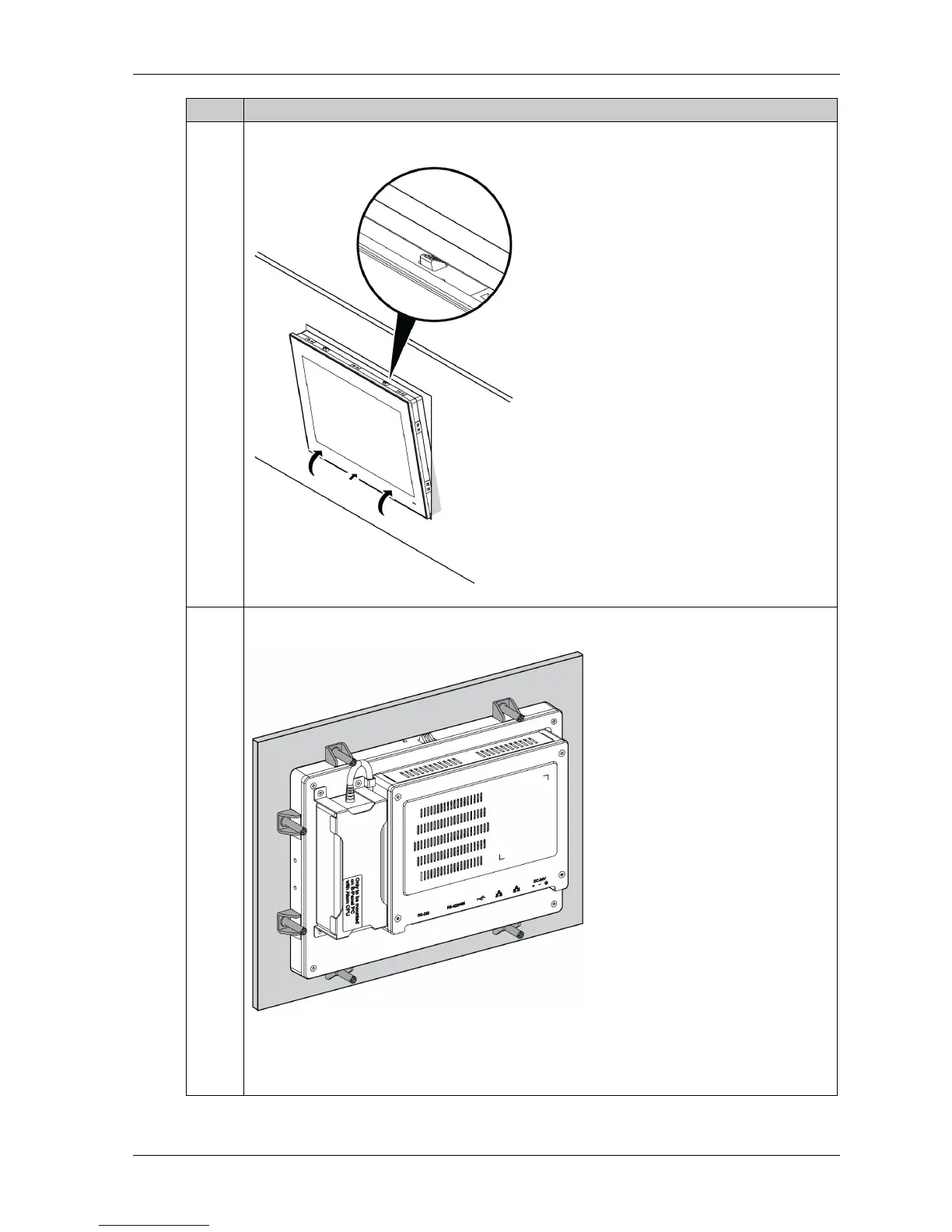
4 Install the Slim Panel in the panel opening and push it into the wall. The snap hook holds the Slim
Panel to the wall:
5 Insert the installation fasteners securely into the slots at the top, bottom, left, and right side of the
Slim Panel:
Note:
8 installation fasteners for the W10” Multi-touch
10 installation fasteners for the W15” Multi-touch
Step Action



 To Next Page