R1 R2 R3 K1 K2 K3 Iout1 Iout2 Iout3 Iout4
Pump connectors
K1: Liquid level
Time: 30 s
K2
NC
K3 Type
Type:
NC
R2:
free
K1 Type:NC
R1: free
R3:
free
recorder
Iout1: pH value
Iout3 :
Chlorine value
Iout2 : ControlCirculation 1
Iout4 :
DXMaA
System 1
SAVEDEFAULT
Water_flow_1
A1130
SERVICE
CONFIG
Circ. 1
Circ. 2
CONFIG
ControlCirculation 2
K3
Water_flow_2
K2
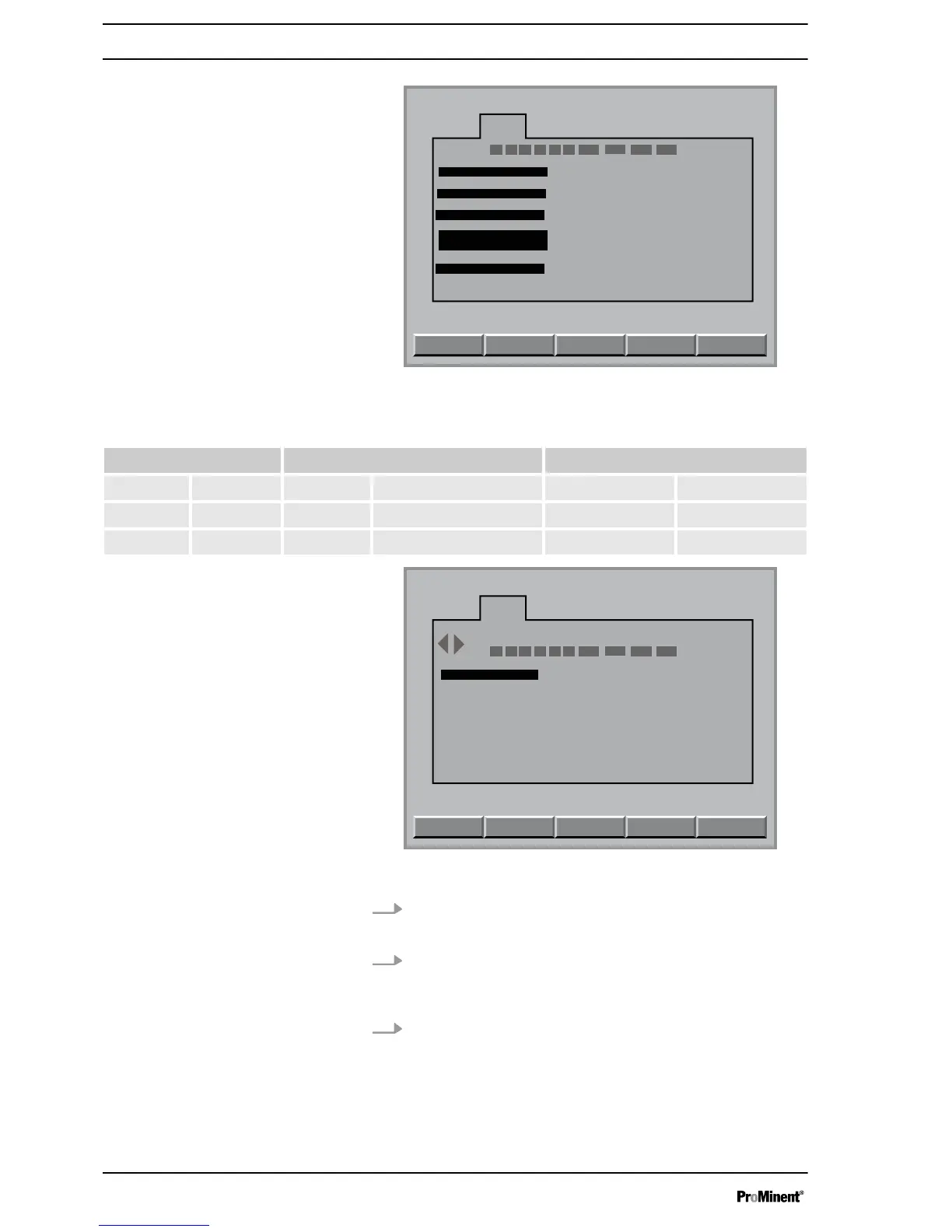
Fig. 4: R1, R2 and R3 to [free] and K1 type, K2 type and K3 type to
[NC]
Necessary parameters of the terminals and relays
Relay Terminal Terminal type
R1 free K1 K1 type NC
R2 free K2 Water_flow_1 K2 type NC
R3 free K3 K3 type NC
R1 R2 R3 K1 K2 K3 Iout1 Iout2 Iout3 Iout4
Pump terminals
R1: Acid pump
Max . freq.
= 180 Str/min
K1 type NO
R2: ORP pump
= 180 Str/min
K2 type NO
R3: Flocculant pump
= 180 Str/min
Capacity= 1,40 l/h
K3 type NO
Recorder
Iout1: pH Value
Iout2 :ORP value
Iout3 :
free chlorine
Iout4 :ph lower dosing
DXMaA
System 1
SAVEDEFAULT
Max . freq.
Max . freq.
A0192
SERVICE
CONFIG
Circulation
A
Fig. 5: Configuring module DXMaA
1. In the
[continuous display]
press the
[ENTER]
key
ð
You can now see the
[Central menu item]
.
2. In the
[Central menu item]
display press the
[F4]
[CONFIG]
key
ð
The configuration menu is now displayed.
3. Using the horizontal arrow keys, select the
[A]
tab and then
press the
[ENTER]
key
ð
You must now enter your password.
Flow control [water flow]
10















 To Next Page