STEP 3: UPS OUTPUT CONNECTION
For socket-type outputs, simply connect devices to the outlets.
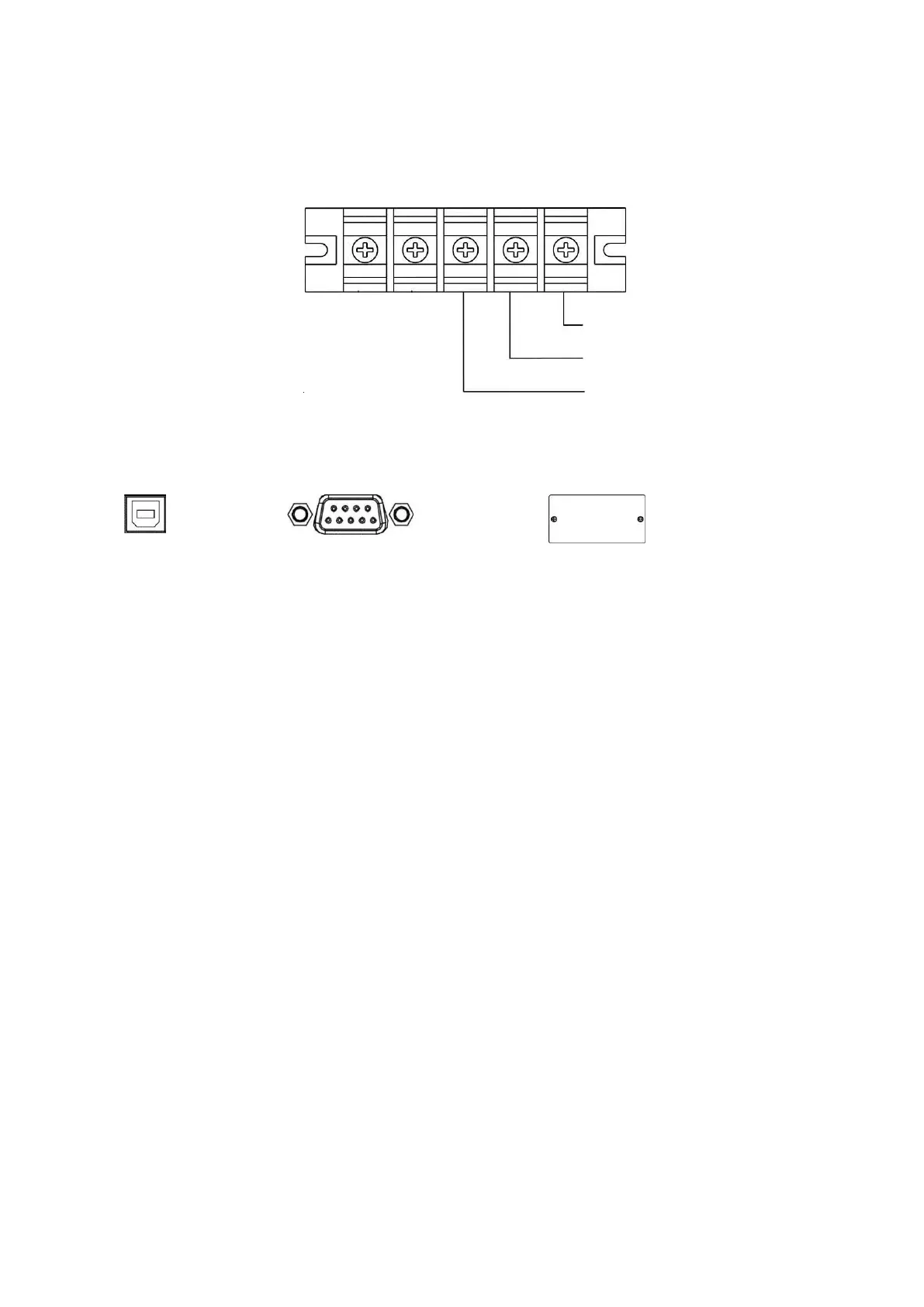
For terminal-type input or outputs, connection as below:
STEP 4: COMMUNICATION CONNECTION
Communication port:
USB Port
After connect UPS and computer by USB cable,you can use computer monitor UPS status by remote
control.
RS-232 Port
RS-232 interface is for the monitoring software and firmware update. UPS connect to monitor device
with RS-232 cable.
One end of RS-232 cable connects to computer RS-232 port.
One end of RS-232 cable connects to UPS RS-232 port.
Intelligent Slot
The UPS is equipped with intelligent slot perfect for either SNMP or AS400 card. It allows the UPS
communicate in a variety networking environment and with different types of devices. Before
installation, UPS must be turned off.
EPO (Emergency Power OFF)
It is option for 1KVA/2KVA/3KVA, and standard for 6KVA/10KVA. It is a green connector lays on the
UPS rear panel, we can shutdown UPS via remove EPO connector in the event of emergency. The EPO
wire connect diagram see below.



 To Next Page