93-346-80 Issue 4 © Copyright Protec Fire Detection PLC 2011
2.3 Log Control Loop
Advanced menu option 3 - Log Panels - LCD will display '@' for the panel you are using and then
L3 / R3 for panels logged on the network. Press enter to save.
This is only available at the MCU, elsewhere option 3 shows ‘OPTION NOT PERMITTED’
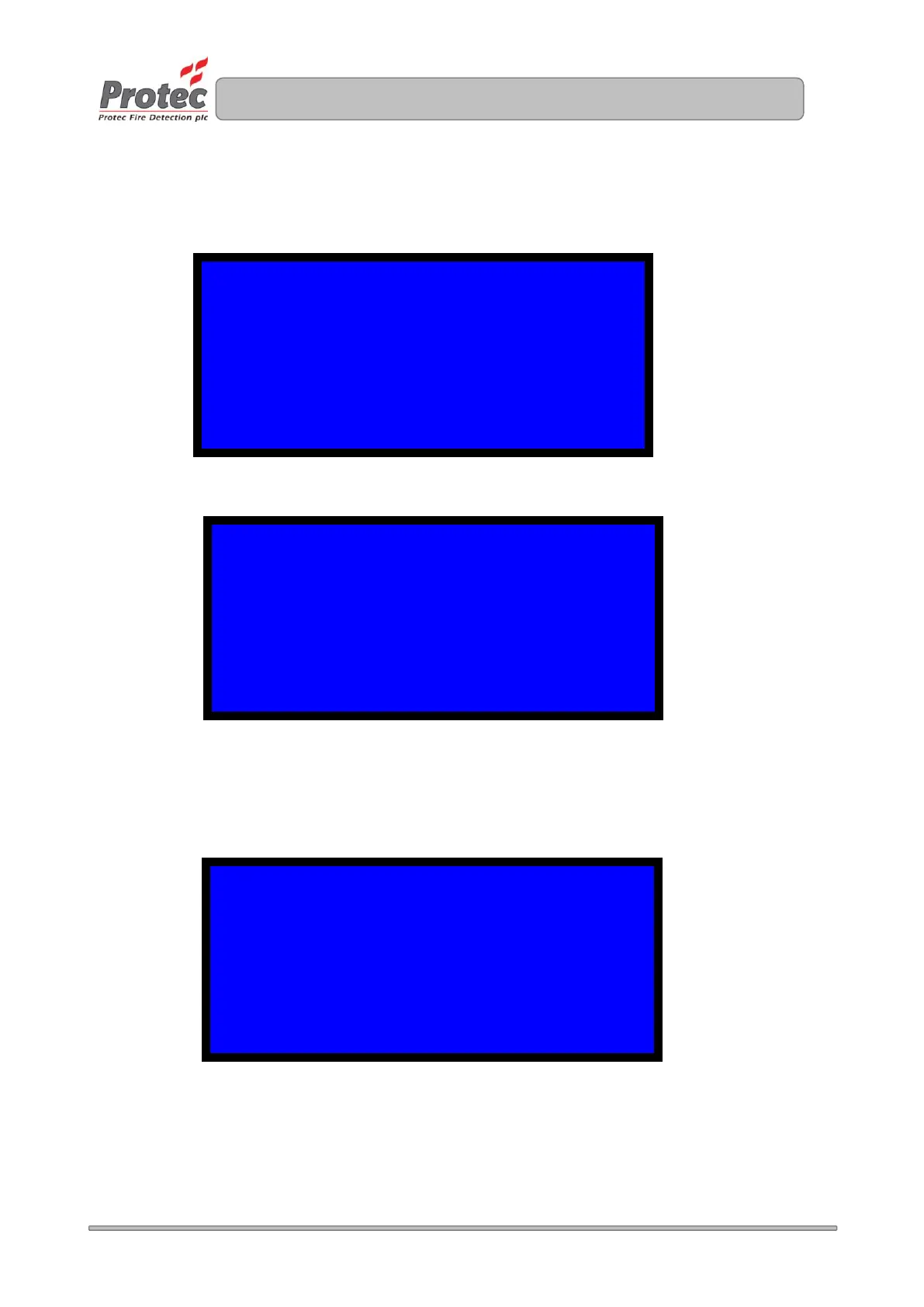
This example shows the state of a control loop when one panel has been removed since the loop was
last logged, it also shows that the loop is intact since the remaining panels are connected and visible
from both sides.
After a re-log the display will become:
2 PANELS FOUND, 1 REMOVED
1 2 3 4 5 6 7 8 9 10
(01-10) @ R3 X - - - - -
PRESS ENTER: SAVE, 1: RE-LOG AND 0: EXIT
2 PANELS FOUND, NO CHANGE
1 2 3 4 5 6 7 8 9 10
(01-10) @ R3 - - - - - -
PRESS ENTER: SAVE, 1: RE-LOG AND 0: EXIT
2 PANELS FOUND, 1 REMOVED
1 2 3 4 5 6 7 8 9 10
(01-10) @ R3 - - - - - -
PRESS ENTER: SAVE, 1: RE-LOG AND 0: EXIT


 To Next Page